Categories / Productivity
Productivity
A curated collection of the best task managers, calendars, note apps, and time trackers that individuals and teams use to organize work and stay on schedule — 233 tools on Founderkit.
233 tools

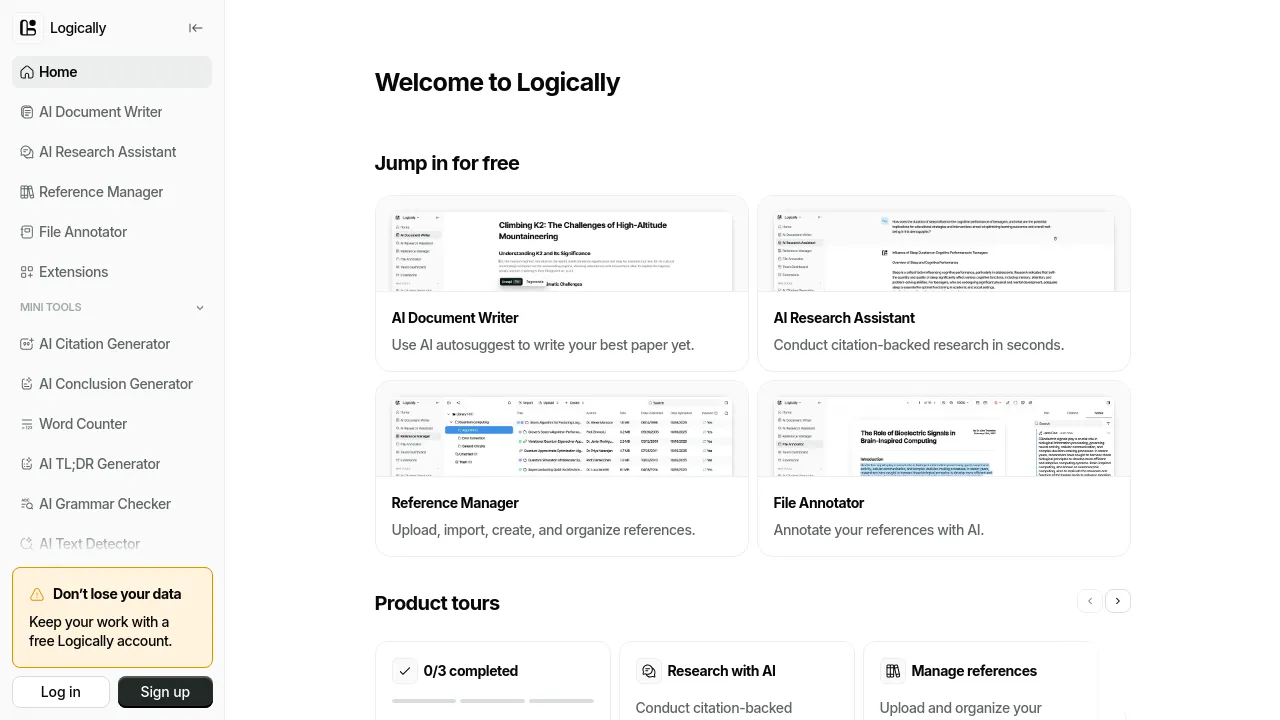
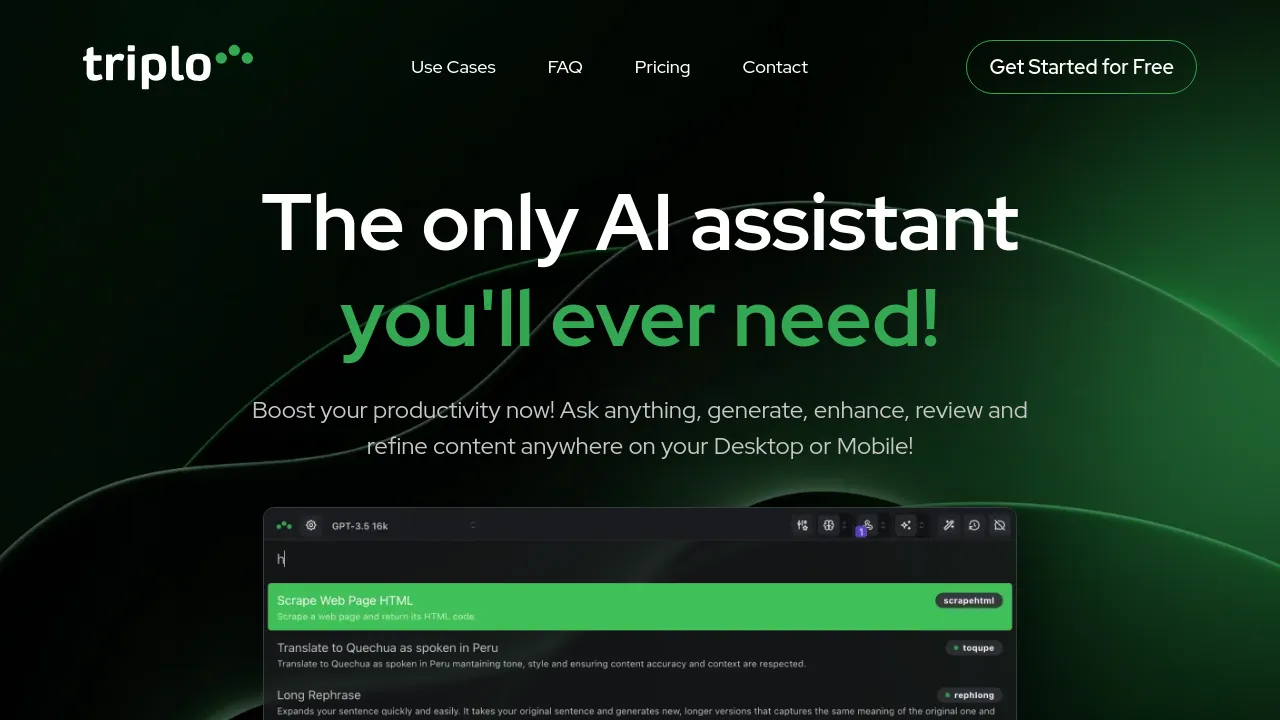

Productivity tools cover the apps people use to organize their own work and their team's: task managers, calendars, note apps, time trackers, and focus tools. The category is broad because "productive" means different things depending on whether you're managing a personal to-do list, a team's sprint, or your own attention.
For individuals, the core decision is usually between a dedicated task manager and an all-in-one workspace. For teams, it's about how much structure you want — shared boards and timelines, or loose docs and chat. Most of the tools here have a free tier that's fine for personal use; paid plans mostly buy collaboration features, integrations, and automation.
When choosing, look at the capture flow first (how fast you can add a task or note), the sync quality across your devices, and whether the tool pushes you toward a method you actually follow. The best productivity tool is the one you still open in six months.
Frequently asked questions
- What's the difference between a task manager and a project management tool?
- Task managers are built for personal to-do lists — capture, organize, check off. Project management tools add shared boards, timelines, and assignments for teams. If you're mostly managing your own work, start with a task manager.
- Are free productivity tools good enough?
- For most individuals, yes. Free tiers usually cover tasks, notes, and basic calendar features. Paid plans mostly add collaboration, integrations, and automation — worth it once you're coordinating with others.
- Should I use one app for everything or separate tools?
- All-in-one apps reduce switching but usually do each thing a little worse. Most people end up with a dedicated tool for the one or two things they do most (tasks, notes) and lighter usage elsewhere.
- How do I pick a productivity tool I'll actually stick with?
- Pick the one whose capture flow is fastest for you — if adding a task or note takes more than a few seconds, you'll stop using it. Try the free tier for a week of real work before paying for anything.
New tools, once a week.
One weekly email with curated tools and founder insights. Unsubscribe anytime. Check our privacy policy.
