Tools / Fantastical
About Fantastical
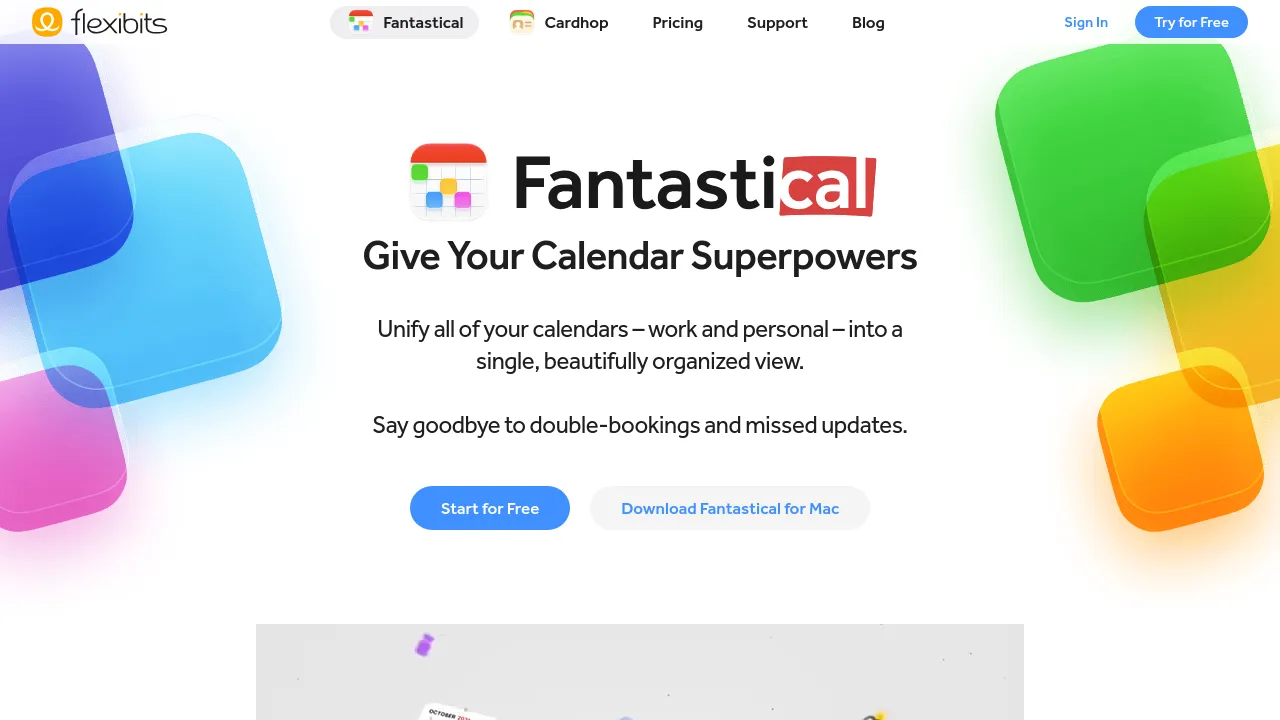
Calendar and tasks app that unifies work and personal schedules, creates events from natural language or forwarded email, and syncs across devices.
Fantastical is a calendar and tasks app from Flexibits that runs across Apple devices and Windows. The desktop versions cover Mac, Windows, and Googlebook; mobile covers iPhone and iPad; and there are apps for Apple Watch and Apple Vision Pro. Everything syncs through a Flexibits Account, so an event added on one device shows up on the rest.
The core pitch is unifying work and personal calendars into a single view, with the stated goal of avoiding double-bookings and missed updates. Event creation is built around natural language: you type something like "Lunch with Sarah at 1pm tomorrow" and the app parses it into an event. You can also forward an event-related email to Fantastical, and its built-in AI extracts the details and creates the event for you. Files and photos can be attached directly to iCloud, Google, or Exchange events and opened from any synced device.
Beyond events, Fantastical handles tasks. Tasks sit alongside calendar events, notify you when they're due, and overdue items carry over to future dates; it also works with Todoist. Views range from the compact DayTicker to full-screen day, week, month, quarter, and year layouts, with light and dark themes. Templates let you duplicate frequently used events and tasks with their details intact. Flexibits also offers Fantastical Scheduling for organizing calls and meetings, and a Premium tier that adds more features — the page doesn't list pricing. Android support for phones, tablets, and foldables is announced for 2027.
Best for
- Apple-centric users who want the same calendar on Mac, iPhone, iPad, Apple Watch, and Vision Pro
- People juggling multiple accounts across iCloud, Google, and Exchange
- Anyone who schedules from email and wants forwarded messages turned into events automatically
- Users who want tasks and events in one app, including Todoist users
- People who repeat similar meetings and can reuse event templates
Frequently asked questions
Which platforms does Fantastical support?
Mac, Windows, and Googlebook on desktop; iPhone and iPad on mobile; plus Apple Watch and Apple Vision Pro. Android phones, tablets, and foldables are listed as coming in 2027.
How much does Fantastical cost?
The page mentions a Fantastical Premium tier that adds more features and supports development, but it doesn't publish prices. Check Flexibits' site for current plans.
How does event creation work?
Type in natural language — "Lunch with Sarah at 1pm tomorrow" — or forward an event-related email, and the built-in AI extracts the details into a new event.
Which calendar services does it work with?
The site references iCloud, Google, and Exchange events, including attachments on those events. Sync across devices runs through a Flexibits Account.
Does Fantastical include task management?
Yes. Tasks appear alongside events, send due-date notifications, and overdue tasks carry over to future dates. It also integrates with Todoist.
What is Fantastical Scheduling?
A companion feature for organizing calls and meetings. The page shows it alongside conference call and team graphics but doesn't explain the mechanics in detail.
Alternatives
- Calendly — pick it if you mainly need a standalone booking page that lets others schedule time with you.
- Sunsama — pick it if you want a guided daily planning workflow that pairs tasks with your calendar.
- TidyCal — pick it if you want a simple booking tool without adopting a full calendar app.
- Setmore — pick it if you run a business that needs appointment management with staff and services.
- Picktime — pick it if you need to schedule classes, rooms, and equipment, not just meetings.

Similar to Fantastical
New tools, once a week.
One weekly email with curated tools and founder insights. Unsubscribe anytime. Check our privacy policy.