Categories / Video Editing
Video editing
A curated collection of the best timeline editors, subtitle tools, screen recorders, and audio mixers that video creators use to cut, caption, and publish footage — 75 tools on Founderkit.
75 tools
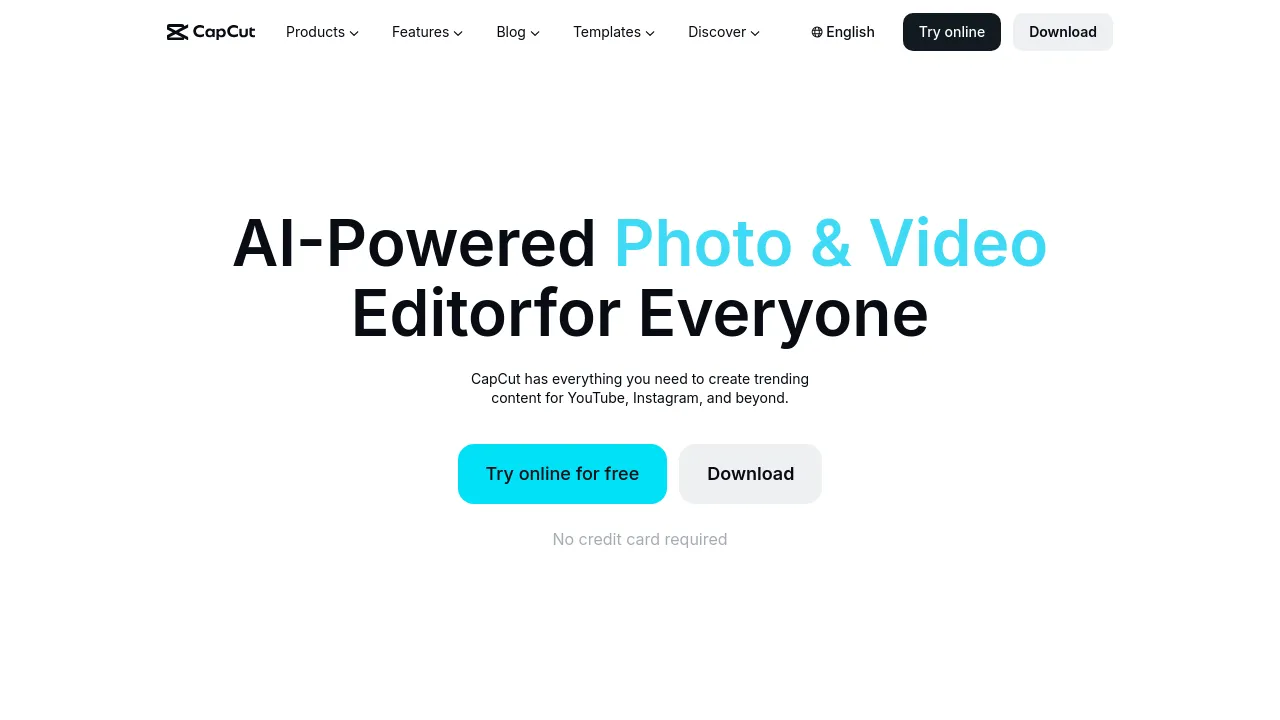
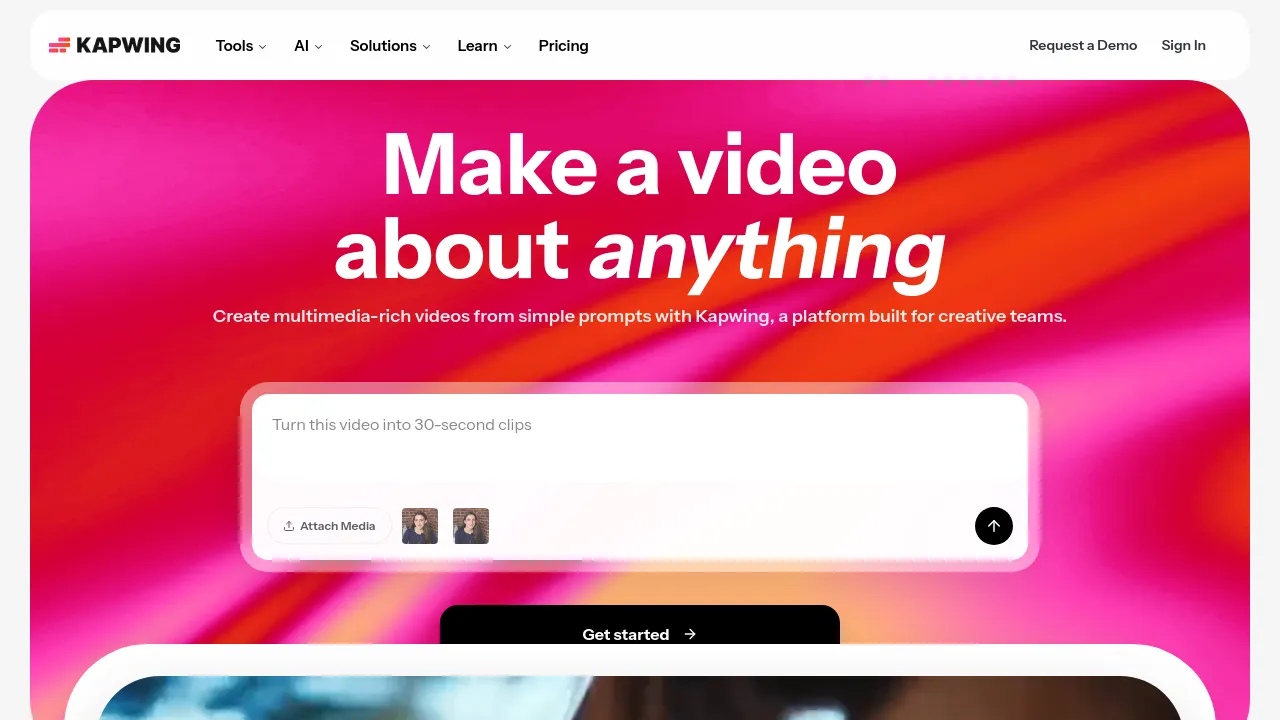
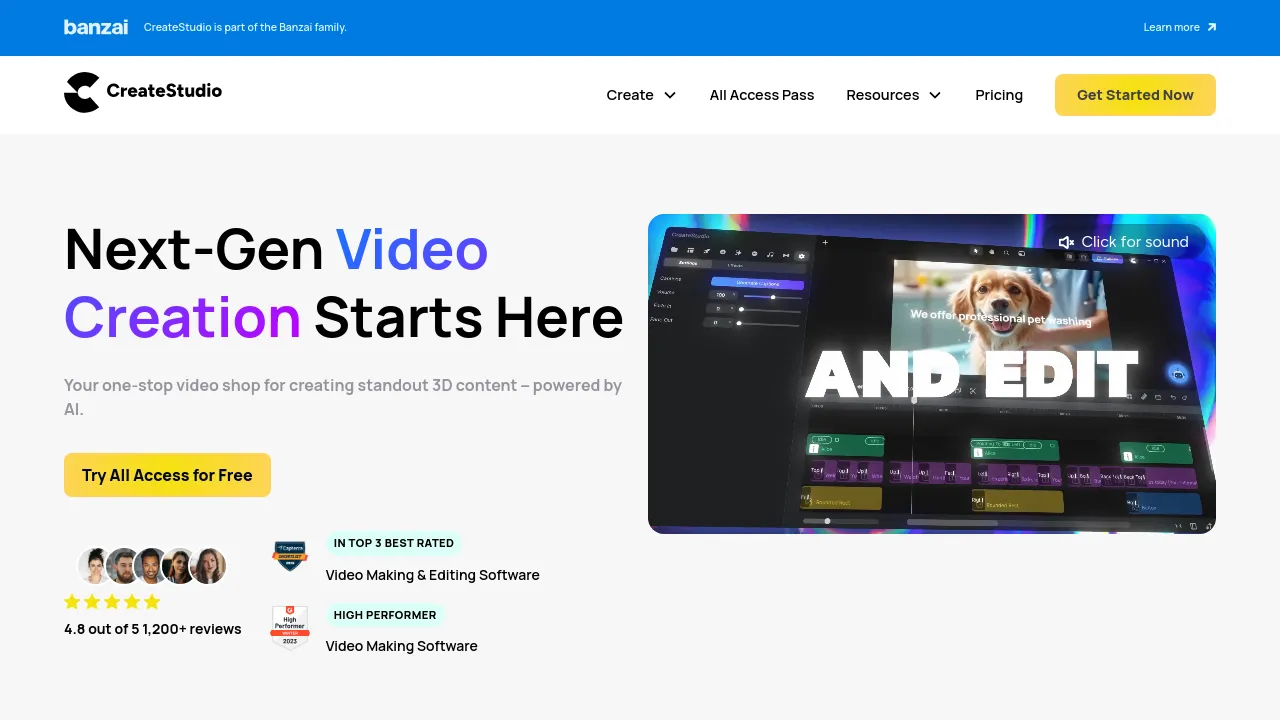
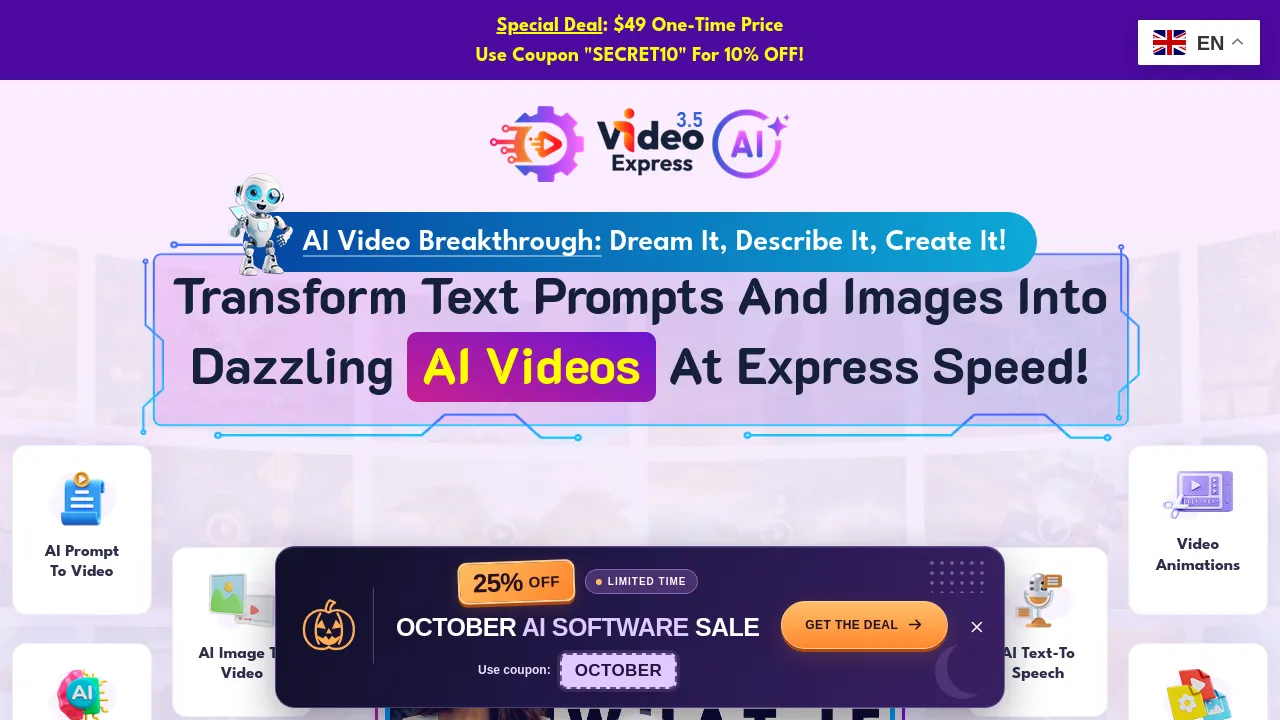

Video editing tools range from one-click trimmers to full timeline editors: cutting and arranging clips, subtitles and captions, screen recording, audio cleanup, and export for wherever the video is going.
The right choice depends almost entirely on what you're making. Product demos and screen recordings need a recorder with light editing; social clips need fast captions and resizing; longer YouTube content needs a real timeline. Editing by transcript — deleting text to cut the video — is the fastest path for talking-head material and worth looking for specifically.
Practical things to check before committing: export limits on free tiers (watermarks and resolution caps are common), whether it runs in the browser or needs a download, and how it handles your footage's resolution and frame rate. Performance on your actual machine matters more than feature lists.
Frequently asked questions
- What video editor should a beginner use?
- Start with something simple — a tool that trims, cuts, and adds captions without a timeline full of tracks. Move to a full editor only when you need multi-track audio, color grading, or effects the simple one can't do.
- Do I need a powerful computer for video editing?
- For 1080p cuts and captions, no — most modern laptops handle it fine, and browser-based editors offload the work entirely. 4K footage, effects, and long timelines are where hardware starts to matter.
- What's the fastest way to make product demo videos?
- A screen recorder with basic editing built in is usually faster than recording in one tool and editing in another. For talking-head content, tools that edit by deleting transcript text are the quickest option.
- Are free video editors good enough for YouTube?
- Several genuinely are — capable free editors exist for both simple cuts and full timelines. The main catches to check: watermarks on export, resolution caps, and whether key features sit behind a paid tier.
New tools, once a week.
One weekly email with curated tools and founder insights. Unsubscribe anytime. Check our privacy policy.