Tools / Tango
About Tango
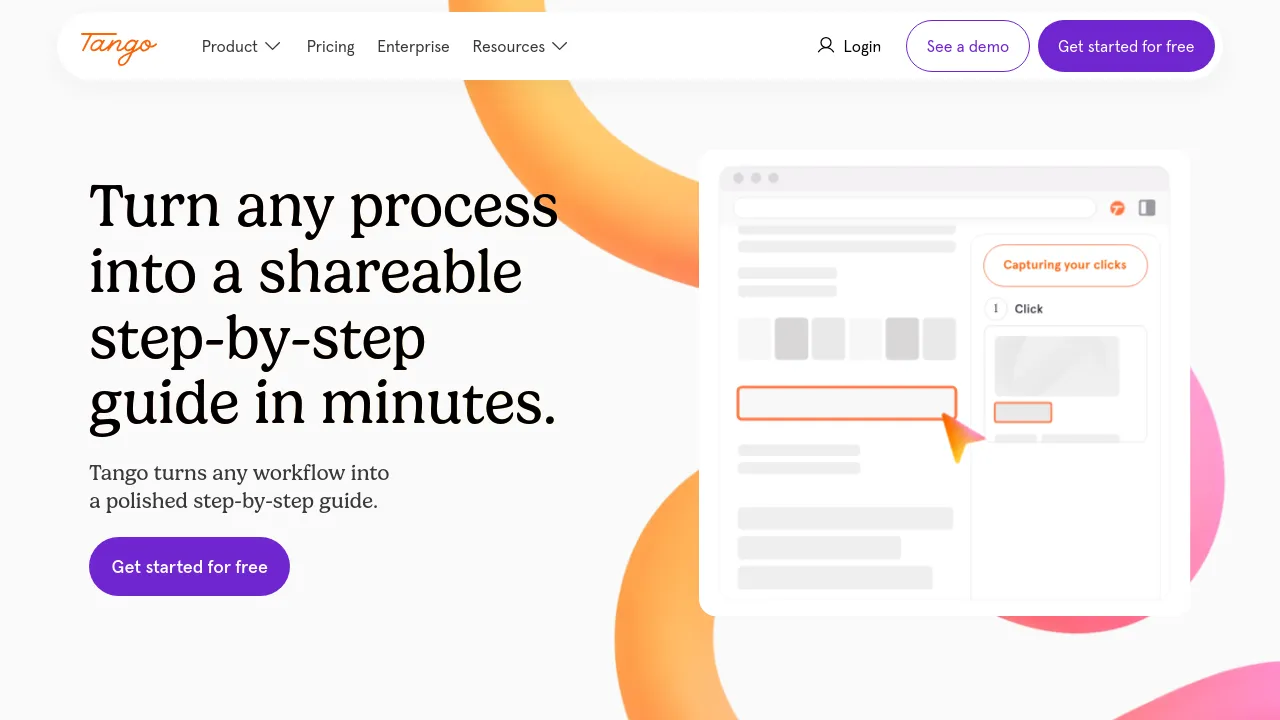
Record your workflow once and get a step-by-step guide with screenshots, highlights, and written steps you can share as a link, PDF, or embed.
Tango is a tool that turns live work into written documentation. You start a recording, complete the task as you normally would — in Salesforce, Workday, Epic, or any other web tool — and Tango converts the session into a step-by-step guide with screenshots, highlights, and descriptions. The homepage pitches it at the person on every team who keeps getting asked the same questions.
Beyond capture, the product covers distribution and follow-up. Guides can be shared as a link, exported to PDF, or embedded on a page. Guide Me walks a reader through each click, Pins answer questions in the moment, and voice transcription turns spoken narration into written steps. Data extraction finds and fills in information, Rules catch mistakes before they're saved, and guides can be turned into automations that handle repetitive steps while a person stays in control of the decisions.
The site claims more than 1 million users and displays customer logos including Klaviyo, Salesforce, Gusto, Cox, and Lockheed Martin. One case study features SEARHC, which says it replaced a 60-slide training deck with a Tango guide while onboarding 1,400 employees. Getting started is free according to the site's calls to action; the homepage doesn't list pricing tiers.
Best for
- Teams that keep answering the same how-to questions in chat, tickets, or DMs
- Onboarding new hires without a live walkthrough in the room
- IT and support teams documenting procedures like MFA resets
- Replacing slide-deck training material with clickable guides
- Anyone documenting processes in web apps such as Salesforce or Workday
- Teams that want in-app guidance through Guide Me and Pins
Frequently asked questions
How does Tango create a guide?
You start recording, then do the task as usual. Tango captures each click and turns it into a step with a screenshot, highlight, and description.
Does Tango work outside the browser?
The homepage says it works in Salesforce, Workday, Epic, and "every other web tool in between." It doesn't mention desktop application support on the page reviewed.
How do you share a finished guide?
Guides can be shared as a link, exported to PDF, or embedded on another page.
What do Guide Me and Pins do?
Guide Me walks a reader through every click of a process, while Pins answer questions in the moment where the work happens.
Is there a free version?
The site's calls to action say "Get started for free," so there is a free way to start. The homepage doesn't list pricing tiers or plan limits.
Who uses Tango?
The site claims more than 1 million users and shows logos including Klaviyo, Salesforce, Gusto, and Lockheed Martin. A SEARHC case study describes onboarding 1,400 employees with it.
Alternatives
- CleanShot X for Mac — pick it if you mainly need screenshots and screen recordings on a Mac rather than auto-generated step-by-step guides.
- Notion — pick it if you want a broader wiki and docs workspace to host your knowledge base rather than a capture tool.
- Jot — pick it if you'd rather combine docs, spreadsheets, and chat in one workspace than record workflows as guides.

Similar to Tango
New tools, once a week.
One weekly email with curated tools and founder insights. Unsubscribe anytime. Check our privacy policy.