Tools / Any.do
About Any.do
Manage personal tasks, family projects, and team boards with to-do lists, a calendar, reminders, kanban views, and 6,000+ integrations. Free plan available.
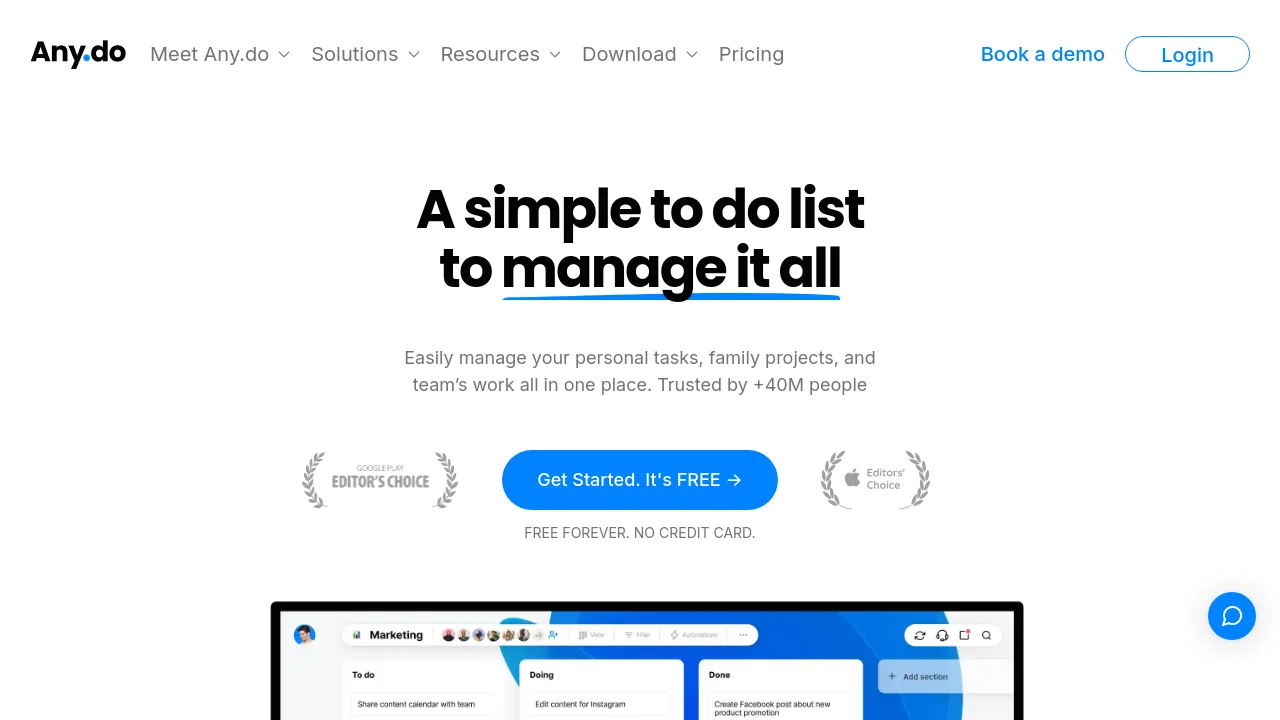
Any.do is a to-do list and task management app that covers three settings from one account: personal tasks, family coordination, and team projects. The homepage splits the product into "For You," "For Families," and "For Teams" modes and claims more than 40 million users. A free plan is advertised with no credit card required, though paid-tier pricing isn't shown on the page reviewed here.
At the personal level, Any.do combines tasks and lists with a calendar, a daily planner, home-screen widgets, and reminders that can be time-based, location-based, or recurring. You can add tasks by voice or natural language input, break them into subtasks, and sort them with color tags. There's also an AI assistant and a WhatsApp integration for creating tasks and receiving reminders inside chat.
For families, the app offers a shared family board, a grocery list that automatically groups items by aisle, project boards for things like vacations or renovations, and task assignment with deadlines. For teams, it moves into lightweight project management: unlimited boards with kanban, calendar, table, and Gantt views, task assignment, in-context chat, custom fields, automations, private boards, time tracking, and completed-task reports. Any.do advertises integrations with over 6,000 apps — testimonials on the site mention Slack, Zapier, and Gmail — plus more than 100 templates and instant import from other tools.
Best for
- Individuals who want a to-do list, calendar, and daily planner in one app
- Families coordinating chores, grocery runs, and household projects on a shared board
- Small teams that need kanban, table, and Gantt views without a heavier project management suite
- People who capture tasks by voice, natural language, or WhatsApp
- Users who depend on location-based or recurring reminders
Frequently asked questions
Is Any.do free?
The homepage advertises a free plan ("Free Forever. No credit card."). Paid tiers exist, but their pricing isn't listed on the page reviewed here.
Does Any.do integrate with other apps?
Yes. The site says Any.do works with over 6,000 apps, and customer testimonials mention Slack, Zapier, and Gmail. A WhatsApp integration lets you create tasks and get reminders in chat.
Can families share lists?
Yes. Family features include a shared family board, a grocery list that auto-groups items by aisle, project boards for household plans, and task assignment with deadlines.
Does Any.do handle team project management?
It includes team features such as unlimited boards, kanban, calendar, table, and Gantt views, task assignment, in-context chat, custom fields, automations, time tracking, and private boards.
Can I import my data from another to-do app?
The site advertises instant import of your work from other tools, but it doesn't name which services are supported on the homepage.
What kinds of reminders does Any.do support?
Time-based, location-based, and recurring reminders, plus widgets that show upcoming events, tasks, and calls at a glance.
Alternatives
- TickTick — a close comparable if you want a task app centered on personal productivity with reminders and collaboration.
- Remember The Milk — for a simpler to-do list that syncs across devices, without the team boards.
- OmniFocus — for a personal capture-and-prioritize task system built around the "second brain" approach.
- Notion — if you'd rather have docs, wikis, and projects in one connected workspace than a dedicated to-do app.
- Tweek Calendar — for a calendar-first planner shared with family or a team.

Similar to Any.do
New tools, once a week.
One weekly email with curated tools and founder insights. Unsubscribe anytime. Check our privacy policy.