Tools / Notion Calendar
About Notion Calendar
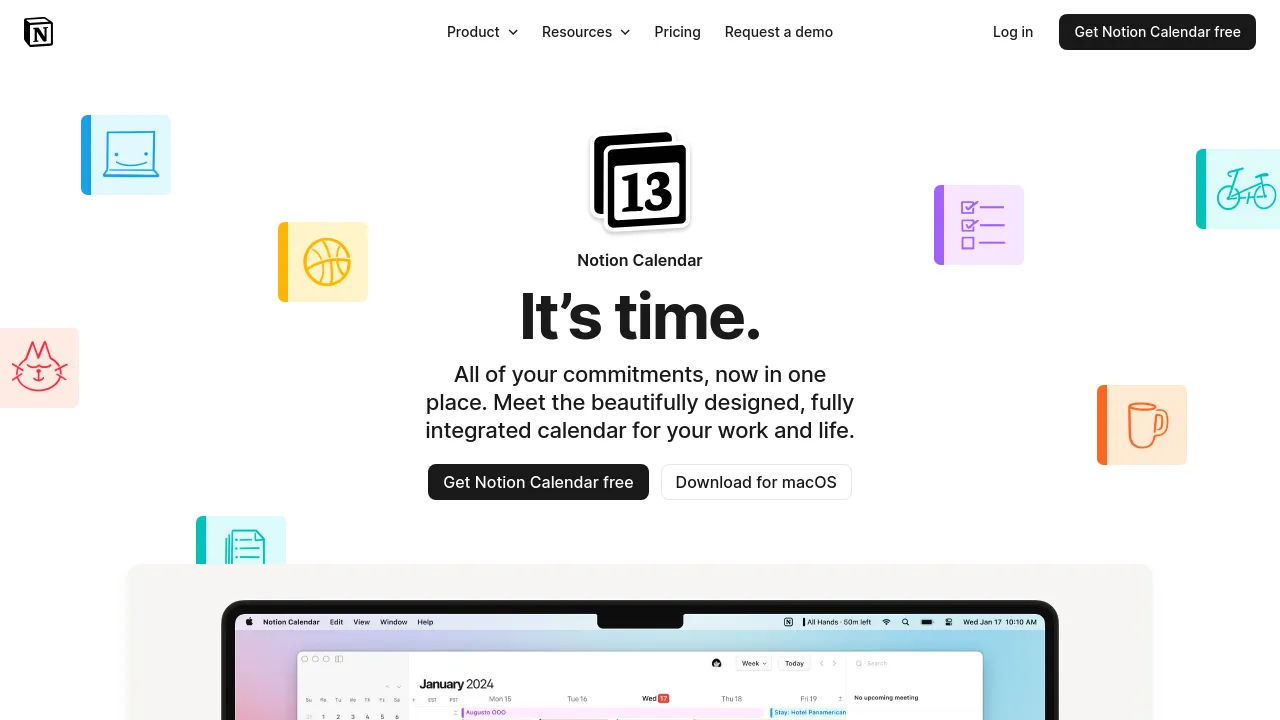
Free calendar app for desktop and mobile that syncs Google, Outlook, and iCloud calendars and shows Notion docs and databases next to your events.
Notion Calendar is a free calendar app from Notion, the company behind the Notion workspace. It runs as a desktop app and on iPhone and Android, and it syncs with Google Calendar accounts, Outlook calendars, and Apple iCloud-synced calendars. The product page sums up the goal as "time management, simplified": one place to see work meetings, personal events, and your Notion content together.
The main differentiator is the Notion integration. You can view Notion database items — project timelines and task due dates — alongside your calendar events, connect Notion docs to meetings, and drag to adjust times. Screenshots on the page also show a menu bar app, a scheduling view, timezone handling, a command bar, and support for multiple languages.
Work and life get separate treatment too: the page highlights keeping personal events blocked off so they don't mix with work scheduling. One limitation worth knowing up front — you can see Notion database items next to Google Calendar events, but importing Google Calendar events into a Notion database isn't possible yet.
Best for
- People who already work in Notion and want docs and databases visible next to their schedule
- Anyone juggling Google, Outlook, and iCloud calendars in a single app
- Remote workers who regularly deal with multiple timezones
- Users who want a free calendar with both desktop and mobile apps
- Teams that attach meeting notes in Notion docs to their events
Frequently asked questions
Which calendar providers does Notion Calendar support?
It integrates and syncs with Google Calendar accounts, Outlook calendars, and Apple iCloud-synced calendars.
Is there a mobile app?
Yes, Notion Calendar is available for iPhone and Android. The team says an optimized tablet experience, such as for iPad, is still in the works.
Does it sync Google Calendar events into Notion databases?
Not yet. You can view Notion database items alongside Google Calendar events, but importing events directly into a Notion database isn't currently possible.
How much does Notion Calendar cost?
The page offers it as a free download and doesn't mention any paid plans or pricing tiers.
Do I need a Notion account to use it?
The page doesn't say. It emphasizes deep integration with Notion workspaces, but calendar syncing itself works with Google, Outlook, and iCloud accounts.
What platforms does it run on?
Desktop and mobile apps are available for download. The page doesn't mention a web version.
Alternatives
- Notion — when you want the full connected workspace with docs, wikis, and projects, not just a calendar.
- Sunsama — for daily planning that pairs your task list with your schedule.
- Calendly — when other people need to book time with you through a shareable link.
- TidyCal — for a straightforward appointment booking setup.

Similar to Notion Calendar
New tools, once a week.
One weekly email with curated tools and founder insights. Unsubscribe anytime. Check our privacy policy.