Tools / Wispr Flow
About Wispr Flow
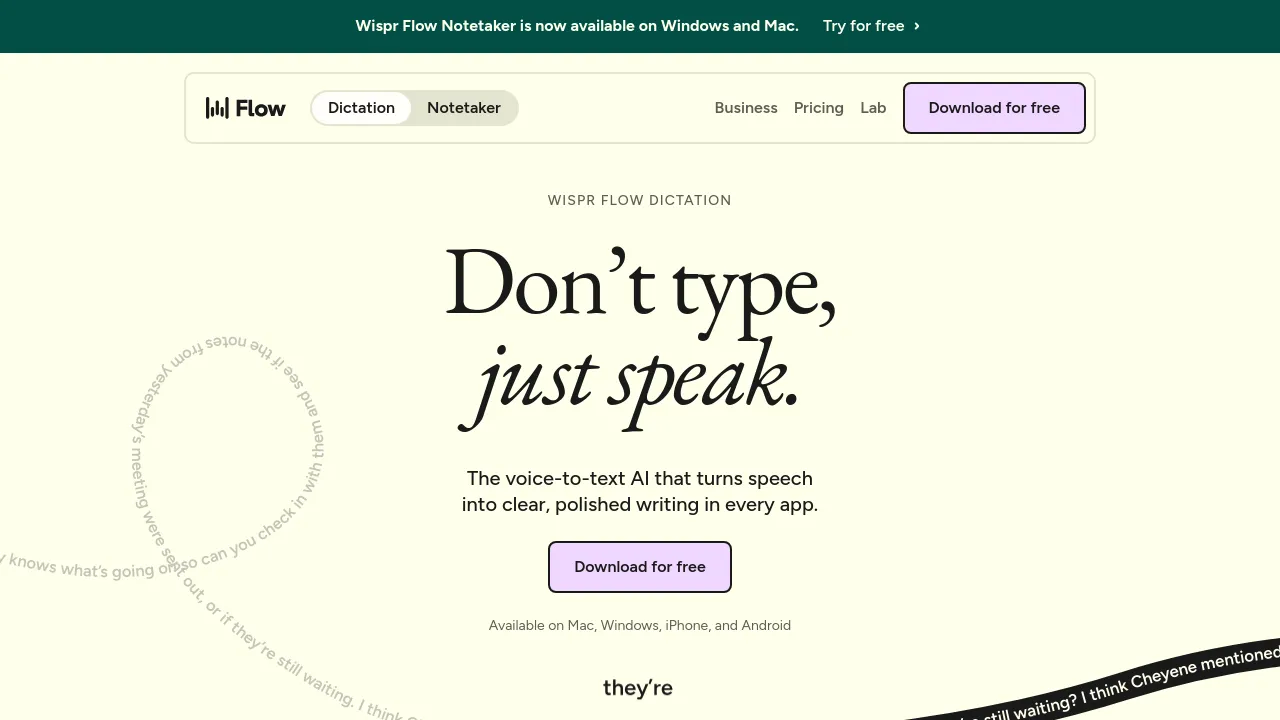
Speak naturally and get clean, punctuated text in any app. Auto filler removal, 100+ languages, snippets, and per-app tone on Mac, Windows, iOS, and Android.
Wispr Flow is a voice-to-text dictation tool that turns spoken rambling into clean, formatted writing. You hold a shortcut, speak however you like — filler words, false starts, mid-sentence changes — and Flow transcribes the result as if you had typed it: punctuation added, repetitions removed, filler stripped out. The company claims it captures speech at around 220 words per minute versus a 45 wpm typing speed, which is the basis for its "4x faster than typing" pitch.
Flow works wherever your cursor is, with no plugins or integrations to set up. The homepage specifically calls out Gmail, Slack, iMessage, Notion, terminals, code editors, and AI chat tools. It runs on Mac, Windows, iPhone, and Android, and syncs across those devices.
Beyond raw transcription, Flow adapts to how you write. It can match a different tone per app — formal for email, casual for chat — learns names and jargon automatically or from a manual vocabulary list, and supports snippets so a spoken shortcut expands into text you use often, like an email signature or address. It auto-detects among 100+ languages, so you can switch languages mid-conversation without changing settings.
On privacy, the site states that your data is never sold and that you choose whether your data is used to improve the product. Wispr Flow is SOC 2 Type II, HIPAA, and ISO 27001 certified.
Best for
- People who write a lot of email and chat messages and type slower than they think
- Developers dictating into terminals, code editors, and AI prompt boxes
- Multilingual users who switch between languages while writing
- Anyone who wants meeting notes or messages drafted hands-free on phone or desktop
- Teams that need dictation with compliance requirements (HIPAA, SOC 2)
- Users with accents or fast, quiet, or noisy speech — the FAQ addresses these cases directly
Frequently asked questions
Does Flow work in any app?
Yes, according to the site. Flow types wherever your cursor is, so it works in every app on your computer with no setup or integrations — including email, messaging, notes, terminals, and AI tools.
How is it different from Siri or Google voice typing?
The site positions Flow as an editing layer on top of transcription: it removes filler words, fixes repetitions, adds punctuation, and formats output, rather than transcribing verbatim. It also learns your vocabulary and adapts tone per app.
Does it work with accents or in noisy environments?
The homepage FAQ lists questions about accents, fast speech, quiet speech, and noisy environments, but the scraped page doesn't include the full answers. The site also says no special microphone or extra hardware is needed.
Is Wispr Flow free?
The site includes "Is Flow free?" in its FAQ, but the answer isn't shown in the available content. Check the pricing page on wispr.ai for current plan details.
Does it have an AI Notetaker?
Yes. The site title mentions an AI Notetaker alongside dictation, and the FAQ asks whether Dictation and Notetaker are included in the same plan — though the answer text isn't visible in the scraped content.
Is my voice data private?
The site says your data is never sold and that you control whether it's used to improve Flow. Wispr Flow holds SOC 2 Type II, HIPAA, and ISO 27001 certifications.
Alternatives
- Scratchpad — pick it if your bottleneck is updating Salesforce records rather than general writing.
- Vimcal — pick it if you want to speed up scheduling and calendar work instead of dictation.

Similar to Wispr Flow
New tools, once a week.
One weekly email with curated tools and founder insights. Unsubscribe anytime. Check our privacy policy.