Tools / Akiflow
About Akiflow
Plan your day with time blocking, a universal inbox, and an AI assistant that schedules tasks, syncs calendars, and captures to-dos from anywhere.
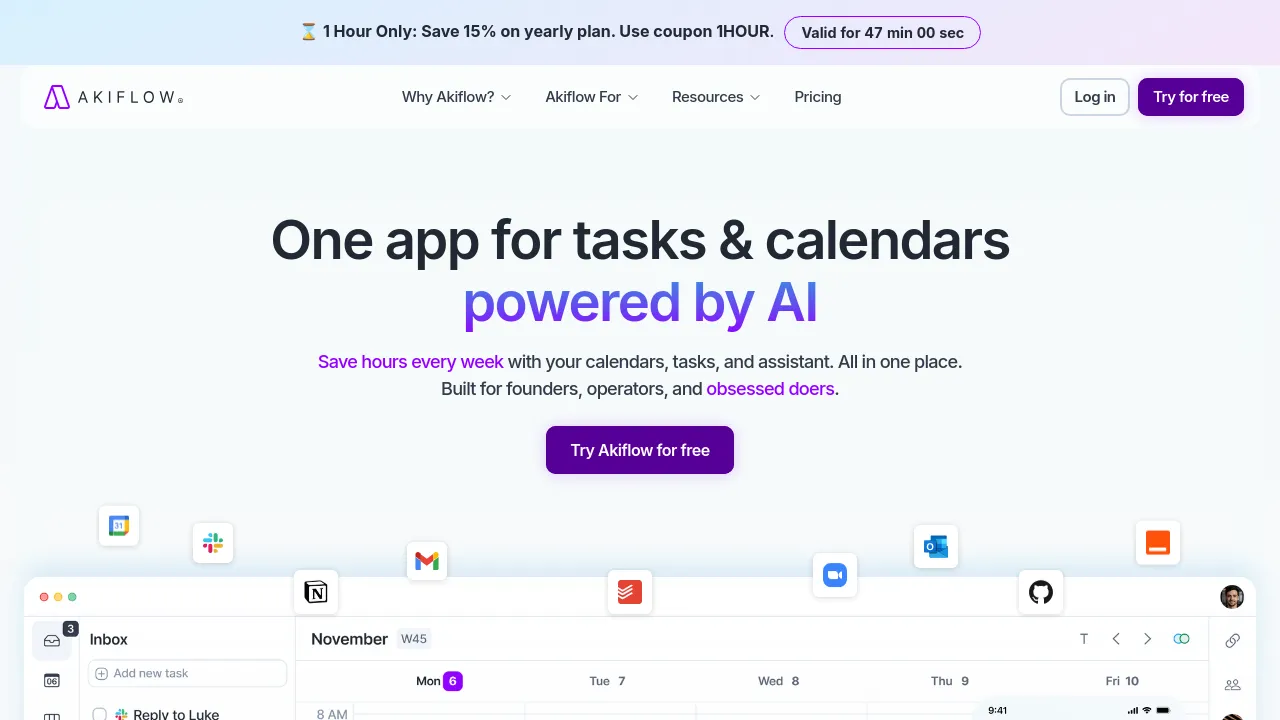
Akiflow is a digital planner that puts your calendar, task list, inbox, and an AI assistant in a single app. The company describes it as a time-blocking tool built for founders, operators, and heavy task-jugglers, and it was designed in Italy and backed by Y Combinator. The core idea is that to-dos and meetings live together, so every task can be scheduled into an actual calendar slot instead of sitting in a separate list.
The app syncs work and personal calendars side by side and connects to other tools with two-way sync. Emails can be turned into tasks in one click, Slack messages can be saved for later replies, and Akiflow lists more than ten native integrations plus thousands more through Zapier and IFTTT. Tasks can be captured from anywhere in natural language — through mobile shortcuts, home screen widgets, voice mode, or a Cmd+K command bar — and the AI can assign projects automatically, handle recurring tasks, and auto-schedule your day or week around existing commitments.
The built-in assistant, Aki, works as an on-demand planner. You can chat with it to create events, ask for daily briefings and reminders, or give voice commands to rearrange your schedule. A phone-call feature is listed as coming soon. Beyond scheduling, Akiflow ships a set of supporting features including focus time, goals, daily rituals, offline mode, dark mode, and privacy controls.
Best for:
- Founders and operators who live in their calendar and need tasks scheduled around meetings
- People who practice time blocking and want it done automatically
- Anyone who wants emails and Slack messages converted into actionable tasks
- Users juggling separate work and personal calendars in one view
- Teams that need scheduling handled without back-and-forth messages
Frequently asked questions
What is Akiflow?
It's a time-blocking planner that combines a calendar, task manager, universal inbox, and an AI assistant called Aki in one application.
Does Akiflow integrate with other tools?
Yes. The site lists 10+ native integrations and thousands more via Zapier and IFTTT, with two-way calendar sync, email-to-task conversion, and Slack message capture.
How much does Akiflow cost?
The homepage doesn't list pricing. It advertises a 7-day free trial that you can cancel anytime, so check the site for current plans.
What platforms does Akiflow run on?
There are iOS and Android apps with widgets and voice capture, plus a desktop experience with keyboard shortcuts (Cmd+K), offline mode, and dark mode. The site doesn't specify which desktop platforms are supported.
Who is Aki?
Aki is Akiflow's built-in AI assistant. It can create events from chat messages, deliver daily briefings and reminders, and take voice commands; a phone-calling feature is marked as coming soon.
Can Akiflow schedule tasks automatically?
Yes. The app offers automatic time blocking, smart time slots that work around your existing events, auto-scheduling for your day or week, and AI nudges to keep you aligned with your goals.
Alternatives
- Notion — better if you want docs, wikis, and databases alongside your tasks rather than a calendar-first planner.
- Calendly — better if your main need is letting other people book time on your calendar, not managing your own to-dos.
- OmniFocus — better if you want a dedicated, deep task manager without the calendar and scheduling layer.
- Setmore — better for businesses that need client-facing appointment booking with staff and service management.

Similar to Akiflow
New tools, once a week.
One weekly email with curated tools and founder insights. Unsubscribe anytime. Check our privacy policy.