Tools / Motion
About Motion
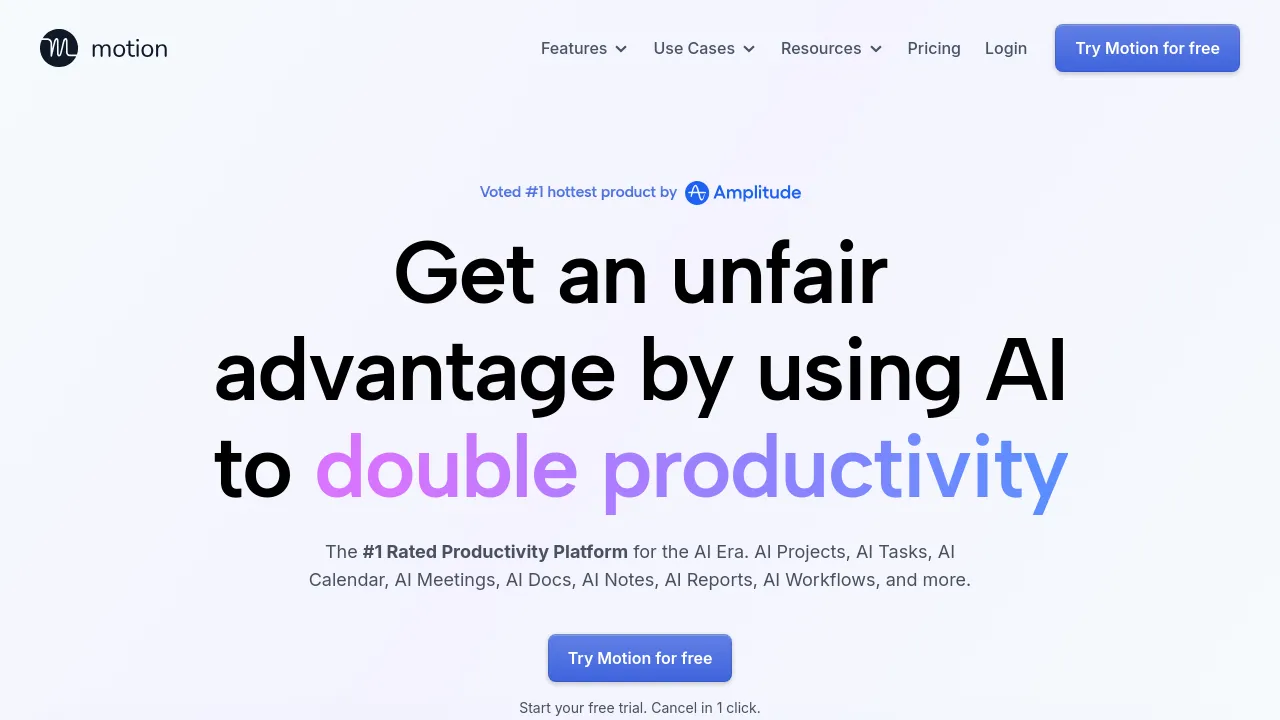
AI-powered planner that auto-schedules tasks, builds projects, takes meeting notes, and manages your calendar across individuals and teams.
Motion is an AI productivity platform that combines a calendar, task manager, project manager, meeting notetaker, and docs tool in one app. Its core pitch is automation: instead of maintaining a static to-do list, you hand Motion your tasks, deadlines, priorities, and dependencies, and its AI builds a daily plan that it claims to re-optimize hundreds of times a day. When a task looks at risk of missing its deadline, the app warns you in advance rather than letting the due date slip by.
The product covers several distinct modules. The AI Task Planner pulls tasks in from other sources — you can forward emails from Gmail, Outlook, or iCloud, convert Zoom, Meet, or Teams meetings and Slack messages into tasks, or add tasks by voice through Siri. The AI Project Manager generates full project plans from a description and attached docs, with tasks, deadlines, assignees, and stages, which the company says is over 90% accurate out of the box and saves roughly four hours per project. It also updates project statuses automatically and flags delays, aiming to cut the check-in meetings and status-chasing that come with traditional project tools.
The AI Meeting Notetaker records meetings, produces summaries, transcripts, and action items, and can send follow-up emails to attendees afterward. Action items become assigned tasks in Motion, and notes are linked to the relevant calendar entries. If you take your own notes during a meeting, Motion merges them with its AI notes. The Docs Assistant rounds out the suite: it turns notes and brainstorms into tasks and projects, surfaces tasks buried in old notes, and lets you publish docs as shareable links or live websites.
Motion is marketed to both individuals and teams — the site cites use cases from solo users to 20-person teams up to 1,000-person businesses. A free trial is available, and the site states you can cancel in one click. Specific pricing tiers aren't listed on the homepage.
Best for
- Individuals whose task lists and calendars live in separate apps and want them merged into one auto-planned schedule
- Teams that spend too much time on status meetings, check-ins, and manual project updates
- People with heavy meeting loads who want automatic notes, summaries, and follow-up emails
- Managers who want AI-generated project plans with deadlines and assignees instead of building task lists by hand
- Anyone who loses track of tasks buried in emails, Slack messages, or old notes
Frequently asked questions
What does Motion actually do?
It's an all-in-one productivity app: an AI calendar that schedules your tasks into your day, a task and project manager that auto-prioritizes and updates statuses, a meeting notetaker, and a docs tool. The AI rebuilds your plan as deadlines, priorities, and workloads change.
Does Motion work with my email and meeting apps?
According to the site, you can forward emails from Gmail, Outlook, and iCloud into tasks, convert Zoom, Google Meet, and Teams meetings into tasks, and pull in Slack or Teams messages. Siri voice commands are also supported for adding tasks.
How much does Motion cost?
The homepage doesn't list pricing. It offers a free trial and says you can cancel in one click, so you'd need to check the site or start a trial to see current plans.
Is Motion for individuals or teams?
Both. The site positions it for individuals, small teams, and businesses up to 1,000 people, with features like shared projects, in-app comments, and team-wide planning.
Can Motion take meeting notes for me?
Yes. The AI Meeting Notetaker records meetings, generates summaries and transcripts, assigns action items as tasks, and can draft follow-up emails. You can also combine your own notes with the AI's notes if you prefer to take some yourself.
How accurate is the AI project generation?
The company claims over 90% accuracy out of the box, with a quick human review and polish recommended after the AI builds a project.
Alternatives
- Vimcal — a faster option if you mainly need a sharp calendar for scheduling, not a full task and project system.
- zcal — a free scheduling platform if you just need to arrange meetings without the AI planning layer.
- CalDroid — an AI-powered calendar focused on appointments and reminders rather than full project management.
- Leadmonk — better if your priority is converting leads into qualified, routed meetings from web forms and campaigns.
- Visibook — a simpler choice for booking client appointments and sending reminders.

Similar to Motion
New tools, once a week.
One weekly email with curated tools and founder insights. Unsubscribe anytime. Check our privacy policy.