Tools / Obsidian
About Obsidian
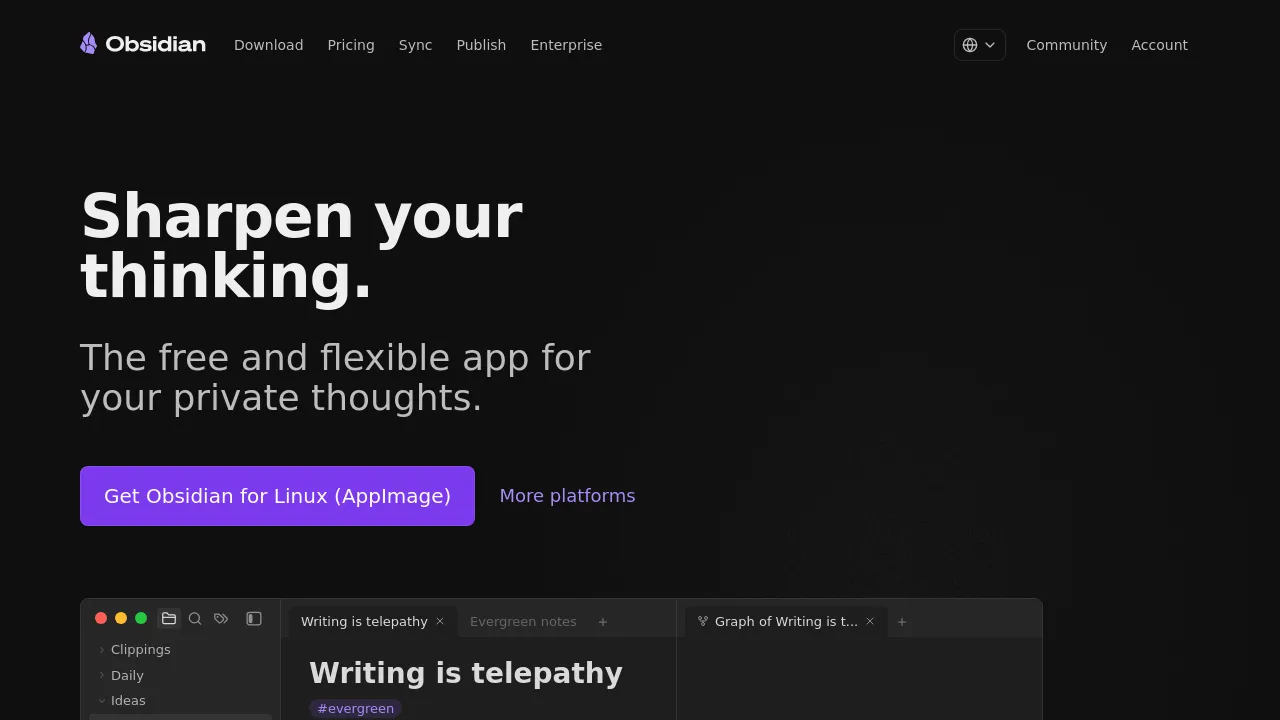
Take notes in Markdown files stored on your own device, link ideas together, visualize them in a graph, and extend the app with community plugins.
Obsidian is a free note-taking app that stores your notes as plain Markdown files on your own device. Privacy is the headline claim: notes live locally, load quickly, work offline, and the company states plainly that no one else, not even Obsidian, can read them. Because the files use an open format, you are never locked in — you can open your notes in other editors or move the whole collection elsewhere at any time.
The app is built around connected thinking. Wiki-style links tie any note to any other — ideas, people, books, places — and an interactive graph view visualizes those relationships so you can spot patterns in how you think. Canvas adds an infinite whiteboard for research, brainstorming, and diagramming, where text, images, and embedded notes sit side by side on one surface.
Obsidian is also extensible. Thousands of community plugins and themes are available, along with an open API for building your own; the homepage highlights Calendar, Kanban, Dataview, Outliner, and Tasks as examples. Beyond the free app, the company offers Sync, an end-to-end encrypted service for accessing notes across devices that includes one year of version history per note, collaboration on shared files, and fine-grained control over which files sync to which devices. There is also a Publish service, an Enterprise offering, and a Web Clipper for saving web pages into your notes. Downloads are listed for Windows and other platforms, and the site is translated into more than a dozen languages.
Best for
- Building a personal knowledge base of linked, searchable notes
- Journaling and daily notes
- Research and writing projects that connect many sources
- Project and task tracking with kanban and task plugins
- Anyone who wants notes in plain Markdown files they fully control
Frequently asked questions
Is Obsidian free to use?
Yes. The homepage advertises the core app as free without limits. Sync and Publish are separate services with their own pricing, detailed on the site's pricing page.
Where do my notes actually live?
On your device. Obsidian keeps notes as Markdown files in a local vault, so they work offline and stay readable even if you stop using the app.
Which platforms does Obsidian run on?
The site offers a download for Windows plus a link to more platforms. The scraped homepage does not enumerate them, so check the download page for the current list.
How does Obsidian Sync work?
Sync is a separate, end-to-end encrypted service for accessing notes across devices. It includes one year of version history per note, collaboration on shared files, and selective control over what syncs where.
Can I extend Obsidian with plugins?
Yes. There are thousands of community plugins and themes, plus an open API for writing your own. Homepage examples include Calendar, Kanban, Dataview, Outliner, and Tasks.
Does Obsidian include AI features?
The homepage does not mention any AI features. Its stated focus is local Markdown notes, linking, graph view, Canvas, and plugins.
Alternatives

Similar to Obsidian
New tools, once a week.
One weekly email with curated tools and founder insights. Unsubscribe anytime. Check our privacy policy.