Tools / Otter
About Otter
Transcribes meetings in real time, delivers pre-call briefs, coaches live, and sends automatic follow-ups. Works on desktop, mobile, and browser.
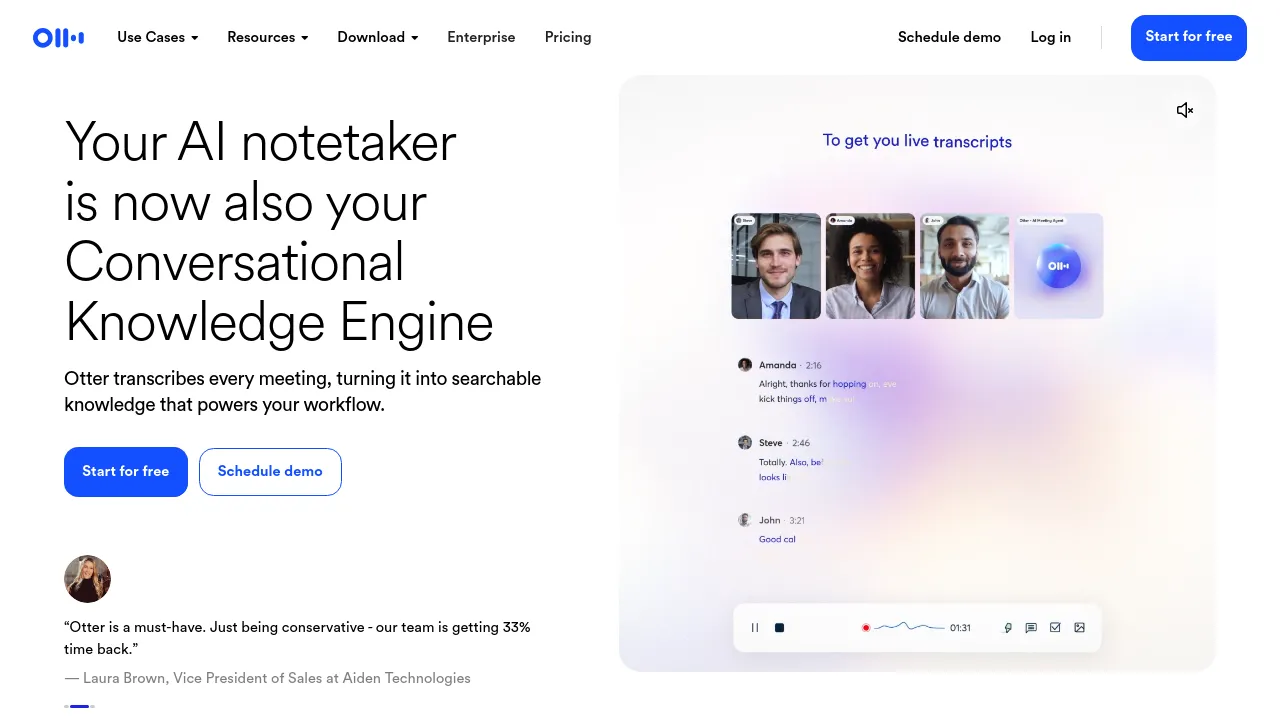
Otter is an AI meeting agent from Otter.ai that transcribes conversations and turns them into searchable knowledge. The product positions itself as more than a notetaker: it briefs you before a call, coaches you live based on what has been said, and sends automatic follow-ups through the tools you already use. The company describes the result as a "Conversational Knowledge Engine" built on transcripts of every meeting.
Capture works from several places. You can record directly from a Mac or Windows desktop app, an iOS or Android mobile app, a browser, or a Chrome extension. Before a meeting, Otter delivers a briefing document containing prior discussions, action items, and updates. During the call it transcribes in real time and offers live coaching, and afterward it handles follow-ups automatically — for sales teams that includes notes capture and CRM sync, and for recruiting it syncs candidate notes with Greenhouse.
Otter also ships role-specific agents beyond the core notetaker. The Sales agent covers automatic follow-ups, notes capture, and CRM sync. The SDR agent handles lead qualification, personalized live demos, and automatically booked meetings. The Recruiting agent extracts candidate insights and syncs with Greenhouse. Education and Media use cases focus on lecture and interview transcription, note organization, insight extraction, summaries, and content creation.
You can start for free, and the site also links to a pricing page, an enterprise offering, and a demo scheduling option.
Best for
- Sales teams that want meeting notes captured and synced to their CRM with automatic follow-ups
- Recruiters who need candidate insights and notes synced with Greenhouse
- SDR teams looking for lead qualification, personalized demos, and automatically booked meetings
- Students and educators who want lecture transcripts, organized notes, and summaries
- Journalists and media professionals transcribing interviews and organizing content
- Anyone who wants searchable meeting transcripts across desktop, mobile, and browser
Frequently asked questions
Is Otter free to use?
The homepage offers a "Start for free" signup, so a free tier exists. Paid plans are listed on Otter's pricing page, which the homepage does not detail.
What platforms does Otter run on?
Otter offers desktop apps for Mac and Windows, mobile apps for iOS and Android, a Chrome extension, and browser-based recording.
Does Otter integrate with other tools?
Yes. The site has a dedicated integrations page, and it specifically mentions CRM sync for sales and notes sync with Greenhouse for recruiting. The full integration list is on that page.
Does it do more than transcription?
Yes. Otter delivers pre-call briefings, live coaching during calls, and automatic follow-ups afterward, in addition to transcribing and summarizing meetings.
What are Otter's specialized agents?
The site lists agents for sales, education, media, SDR work, and recruiting, each with tailored features such as CRM sync, lecture summaries, or booked meetings.
Can I see a demo before signing up?
Yes. Otter offers both a scheduled demo and a live demo of its AI agent on its website.
Alternatives
- Notion — pick it if you want meeting notes to live inside a broader docs, wiki, and project workspace.
- Sessions — pick it if you need to host virtual meetings and events rather than just transcribe them.
- Triplo AI — pick it for a general AI assistant across applications instead of meeting-specific capture.
- Afforai — pick it for searching and summarizing documents rather than transcribing conversations.
- Jot — pick it if you want a combined docs, spreadsheets, and chat workspace instead of a meeting notetaker.

Similar to Otter
New tools, once a week.
One weekly email with curated tools and founder insights. Unsubscribe anytime. Check our privacy policy.