Tools / HeyGen
About HeyGen
Generate videos with lifelike AI avatars from text, images, audio, or slides. Includes translation into 175+ languages and a text-based editor.
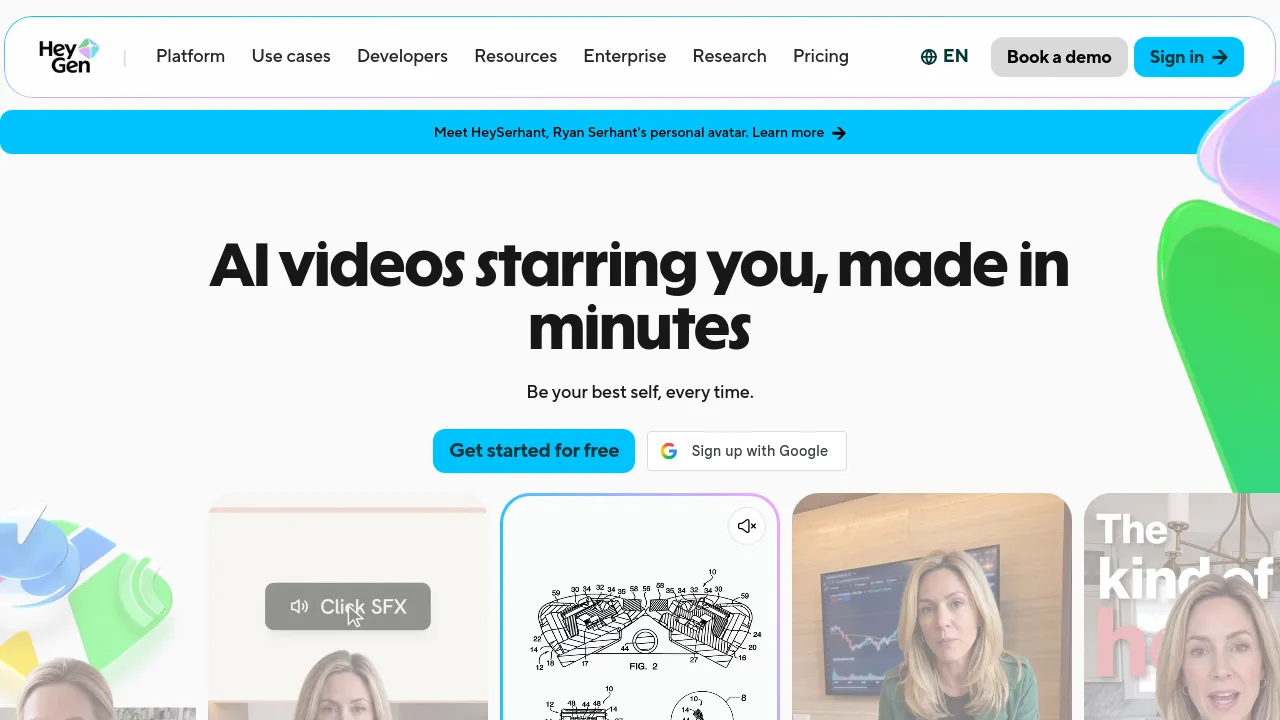
HeyGen is an AI video generation platform that creates videos starring realistic digital avatars. You can type a script or a one-line idea, upload an image or audio file, or import a PowerPoint or PDF, and the platform produces a finished video with voiceovers, visuals, and a presenter — no camera or editing software required.
The company positions its Avatar V model as its core differentiator, describing a five-stage training pipeline that captures how a person looks, moves, gestures, and expresses themselves. According to HeyGen's published research report, the goal is character consistency across angles, expressions, and videos. The homepage also cites a 4.8/5 rating from 1,000+ G2 reviews and names HeyGen a Forbes AI 50 company, with a claimed user base of over 1,000,000 developers and companies.
Work happens in AI Studio, a text-based editor where you control tone, delivery, gestures, and emotion by writing rather than dragging clips around a timeline. A separate Video Agent mode takes a prompt and generates a share-ready video end to end. Standalone tools cover text-to-video, image-to-video with lip-sync, audio-to-video conversion for podcasts and voiceovers, and slide-to-video conversion that turns each PPT or PDF page into a scene with an avatar and voiceover. Video translation supports 175+ languages and dialects with lip-sync and tone preservation.
HeyGen puts visible emphasis on identity and safety. Every custom avatar requires on-camera identity verification from the person depicted, and removal requests are honored. Generated content passes through ML scanning plus human review for edge cases, with stated bans on violence, political campaigning, and content harmful to minors. The site lists GDPR, SOC 2 Type II, CCPA, EU AI Act, and Data Privacy Framework compliance, along with annual penetration testing and continuous vulnerability management.
Best for
- Teams producing training, compliance, or onboarding videos without a film crew
- Marketers localizing one video into many languages with lip-synced translation
- Creators who want to turn a podcast, voiceover, or audio file into video content
- Anyone converting static slide decks into narrated presenter videos
- Developers and companies building avatar video generation into their own products
- People who want a personal avatar that looks and moves like them on camera
Frequently asked questions
Is HeyGen free to use?
The homepage advertises "Get started for free," so there is a free way to try the product. Specific plan tiers, limits, and paid pricing are not listed on the scraped page.
How realistic are the avatars?
HeyGen's Avatar V model is built to keep a character consistent across angles, expressions, and videos, and the site claims G2 ranks it #1 for most realistic avatars. How well it matches your expectations is best judged by trying the free tier yourself.
Can I create an avatar of myself?
Yes. Custom avatars require on-camera identity verification from the person depicted — HeyGen states that without verification, no avatar is created, and removal requests are always honored.
How many languages does video translation support?
The site states support for 175+ languages and dialects, with lip-sync and tone preservation during translation.
What can I feed in to make a video?
You can start from a text script or prompt, an image, an audio file such as a podcast or voiceover, or a PowerPoint/PDF deck. Each input type has a dedicated tool that converts it into a finished video.
Is my content moderated?
Yes. ML scanning flags violations at generation time and trained human reviewers handle edge cases. HeyGen says it enforces bans on violence, political campaigning, and harm to minors.
Alternatives
- ElevenLabs — pick it if you only need AI voice generation and text-to-speech rather than full avatar videos.
- Canva — pick it for broader graphic and print design beyond video.
- Jitter — pick it for animated content and interface motion design instead of talking-head videos.
- Artistly — pick it for brand and social media visual content that doesn't require avatars.

Similar to HeyGen
New tools, once a week.
One weekly email with curated tools and founder insights. Unsubscribe anytime. Check our privacy policy.