Tools / Videomagic
About Videomagic
Generate short-form videos from documents, web pages, and AI outputs. Ask questions about your source material and receive answers grounded in the original
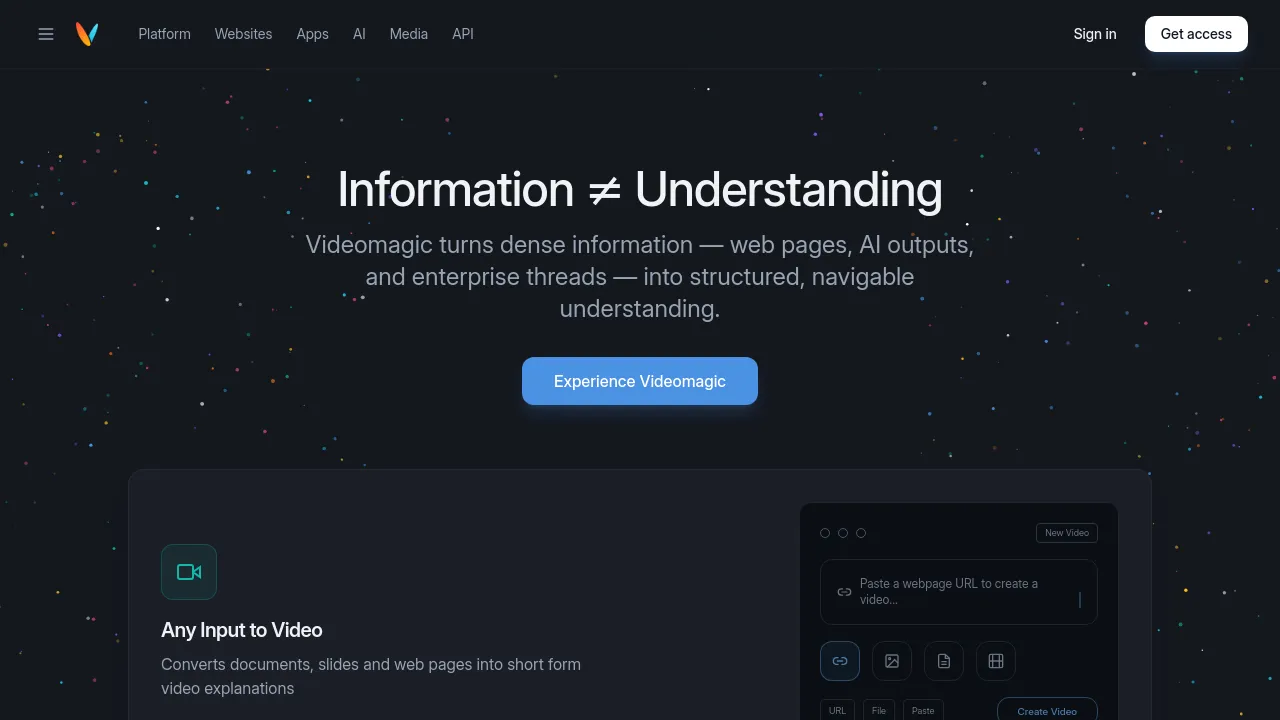
Videomagic is an AI platform designed to convert complex, dense information—such as web pages, documents, and enterprise threads—into structured, navigable video explanations. Instead of simply reading through lengthy reports or data dumps, the tool transforms this material into visual, narrated content, making understanding immediate and accessible.
Users can input various types of content, including pasting a webpage URL or uploading files, to initiate video creation. The platform structures the output into segments like Key Points, Deep Dive, and Summary, providing a clear narrative flow. A unique feature is the ability to ask questions about the source material; the AI provides answers that are explicitly grounded in the original content, citing the specific page or section for full transparency.
This approach moves beyond simple content summarization. It allows users to interact with their data, asking 'why' about trends or figures, and receiving answers that are directly traceable back to the source document. This ensures that the generated video content is not just visually engaging, but factually accurate and verifiable.
Best for
- Content creators needing to explain complex topics quickly.
- Businesses turning internal reports (like Q4 financial documents) into digestible videos.
- Educators creating video summaries from academic papers or web resources.
- Anyone needing to convert long articles or slides into short-form video explanations.
- Teams requiring verifiable sources for all generated video claims.
Frequently asked questions
What types of content can I turn into a video?
Videomagic can convert documents, slides, and web pages into short-form video explanations. You can input content by pasting a webpage URL or uploading a file.
How does the tool ensure the video content is accurate?
Every explanation generated by the AI is grounded in the original source material. The tool provides transparency by linking the source material and citing specific pages for answers.
Can I ask questions about the content after it is uploaded?
Yes, the platform allows users to ask questions about their source material, and the AI provides answers based on the original content.
What is the structure of the generated video?
The videos are structured into segments, including an Intro, Key Points, Deep Dive, and Summary.
Alternatives
- CapCut: Choose this if you need a platform with flexible editing options and a vast library of stock assets.
- Kapwing: Choose this if your primary need is a modern platform for teams to produce high-quality content quickly.
- CreateStudio: Choose this if you need a tool specifically for building and animating 3D Pixar-like characters.
- VideoExpress.ai: Choose this if you want a platform that allows you to turn ideas into videos simply by describing them.
- invideo-ai: Choose this if you need a tool that generates scripts, creates scenes, and adds voiceovers based on a chosen topic.
- BIGVU: Choose this if you need a powerful teleprompter and captioning tool to create videos in under four minutes.
- Clipfly: Choose this if you need a video creation tool that requires no skills to use and generates videos at scale.
- illusto: Choose this if you are looking for a platform with premium features designed to enhance video creation and editing.

Similar to Videomagic
New tools, once a week.
One weekly email with curated tools and founder insights. Unsubscribe anytime. Check our privacy policy.