Tools / OBS
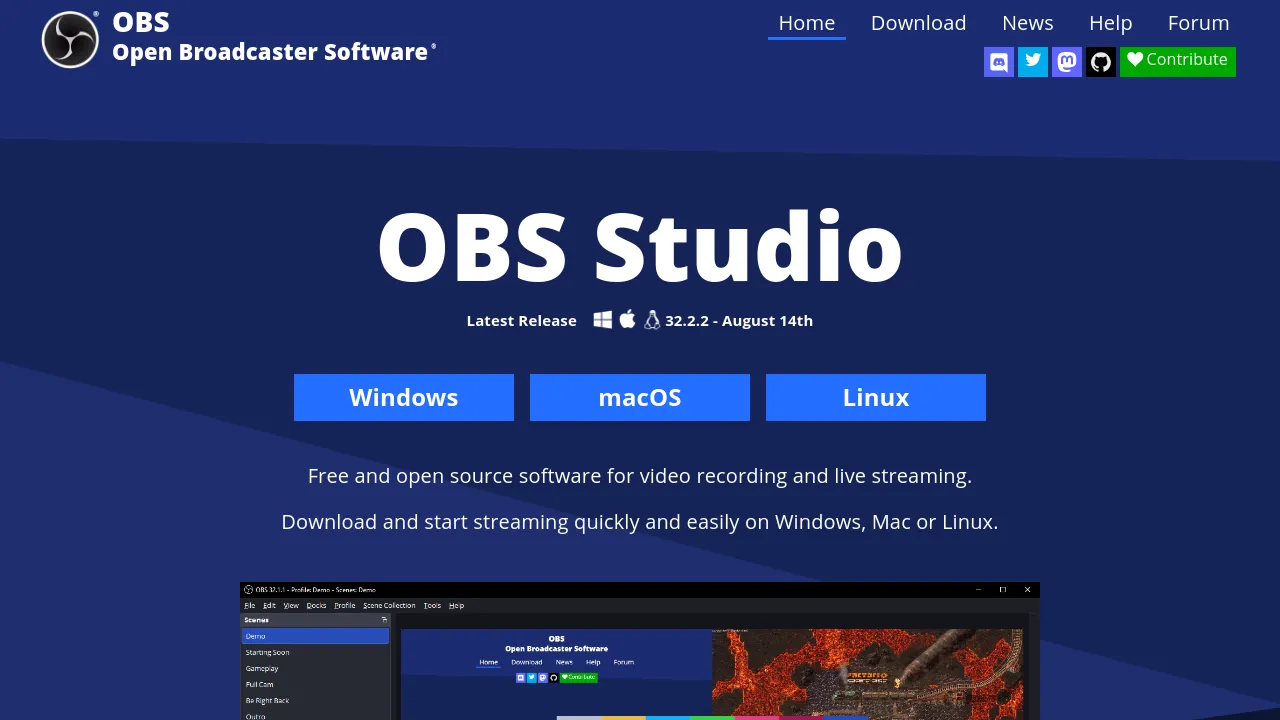
About OBS
Capture and mix high-performance video and audio in real time. Build complex scenes from webcams, windows, and capture cards, and broadcast to multiple.
OBS is free and open-source software designed for video recording and live streaming across Windows, Mac, and Linux. It functions as a comprehensive production environment for content creators and broadcasters. The application is built around the concept of 'scenes,' which allows users to aggregate various sources—such as window captures, webcams, images, text overlays, browser windows, and capture cards—into a single, cohesive visual output.
Users can configure an unlimited number of scenes and switch between them using custom transitions. The interface is highly modular, allowing users to rearrange the layout using the 'Dock' UI to fit their specific workflow. For audio production, the intuitive mixer provides detailed control over every source. Users can apply per-source filters, including noise gate and noise suppression, and manage gain levels precisely. Furthermore, the mixer supports VST plugins, giving advanced users the ability to implement sophisticated sound design techniques.
Before going live, the application includes Studio Mode. This feature lets users preview their entire production setup—including all sources, transitions, and audio levels—in a private environment, ensuring that the final broadcast is exactly as intended before the audience sees it. This level of pre-production control is crucial for professional broadcasts.
Beyond basic capture and mixing, OBS offers deep customization capabilities. Users can assign hotkeys to nearly every action, from scene switching to muting individual audio tracks, allowing for rapid, professional operation during a live event. The tool also features a powerful API, which enables developers to create custom plugins and scripts using Lua or Python. This extensibility allows the software to support a wide array of streaming platforms and production requirements, catering to niche professional needs.
When considering how to produce content, OBS serves as the core capture and mixing engine. For those who require advanced post-production editing, OBS integrates well with tools like /capcut or /kapwing. If the goal is to generate video content from text prompts, platforms such as /invideo-ai or /videoexpressai offer specialized AI solutions. For graphic design and visual asset creation, resources like /illusto or /createstudio provide the necessary components. If the focus is on creating quick, scalable videos without needing deep editing skills, /clipfly is a viable option. For specialized visual effects or complex design work, /bigvu may be useful. OBS provides the robust foundation, while other tools handle specific stages of the content lifecycle.
This focus on open-source contribution and technical depth makes OBS a preferred choice for professionals who require granular control over their broadcast environment. Whether you are recording high-quality tutorials, running live events, or producing complex visual narratives, OBS provides the necessary tools to manage the entire production pipeline from source capture to final stream.

Similar to OBS
New tools, once a week.
One weekly email with curated tools and founder insights. Unsubscribe anytime. Check our privacy policy.