Tools / Clipchamp
About Clipchamp
Edit videos in your browser or desktop app, record your screen and camera, and export watermark-free up to 1080p on the free plan.
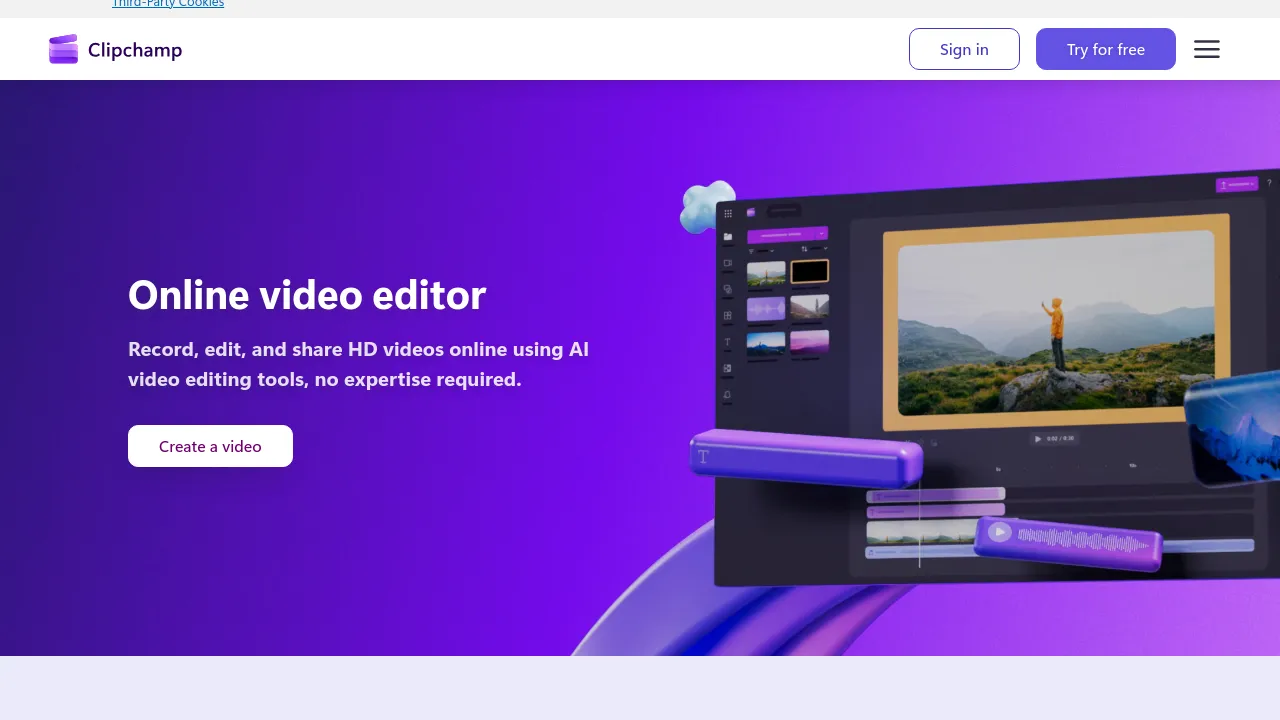
Clipchamp is an online video editor made by Microsoft. Editing runs in the browser, so there is nothing to install, and a desktop app is available if you prefer a native program. The editor covers standard timeline work — trimming and arranging clips, layering audio, adding animated text and titles, and applying filters and effects — alongside a built-in library of stock media.
Recording is built in next to the editor. You can capture your screen, camera, and voice, which suits tutorials, presentations, and walkthroughs: record the take, then cut it together in the same place. The site also lists AI editing tools and AI audio editing tools, and projects can be backed up to OneDrive.
Pricing splits into a free tier and premium features bundled with Microsoft 365. The free plan allows unlimited watermark-free exports up to 1080p HD. Premium access, included with Microsoft 365 Personal and Family subscriptions, raises exports to 4K UHD and adds premium stock assets, premium filters and effects, and a brand kit for keeping logos and colors consistent. A Microsoft page also lists an Editor Standard plan at $3.00 per user per month billed yearly, though Clipchamp's own pricing page centers premium access on Microsoft 365 subscriptions.
Best for
- Beginners who want a straightforward timeline editor without buying professional software
- Microsoft 365 Personal or Family subscribers, who already have the premium features in their plan
- Anyone recording tutorials, demos, or presentations with screen, camera, and voice capture
- Creators who need watermark-free exports on a budget, since the free plan covers up to 1080p
- Users who want projects backed up automatically through OneDrive
Frequently asked questions
Is Clipchamp free?
Yes. The free plan includes unlimited watermark-free exports up to 1080p HD. Premium features come with Microsoft 365 Personal and Family subscriptions, and Microsoft also lists an Editor Standard plan at $3.00 per user per month billed yearly.
Does the free plan add watermarks?
No. Exports are watermark-free on both plans; the free plan's limit is resolution, capped at 1080p HD instead of 4K UHD.
Do I need to install anything?
No. Editing runs in the browser, though a desktop app is available if you prefer a native application.
What does a Microsoft 365 subscription improve?
4K UHD exports, premium stock assets, premium filters and effects, and the brand kit tool.
Is there a mobile app?
The site lists web and desktop app availability; no iOS or Android apps appear in its listings.
Does Clipchamp include AI tools?
Yes. The site lists AI editing tools and AI audio editing tools among its features.
Alternatives
- Vrew — if you would rather edit video by changing the transcript text
- VideoFast — for online video creation outside the Microsoft ecosystem
- Vizard — if your main task is cutting long-form videos into short clips for TikTok, Instagram, or YouTube Shorts
- Flowjin — for automatically turning long videos and audio into social-ready shorts
- Content Studio — for quickly generating social media and marketing videos

Similar to Clipchamp
New tools, once a week.
One weekly email with curated tools and founder insights. Unsubscribe anytime. Check our privacy policy.