Categories / Appointment Scheduling
Appointment scheduling
A curated collection of the best booking tools that let clients pick a time slot, used by consultants and other service providers to fill their calendars — 34 tools on Founderkit.
34 tools
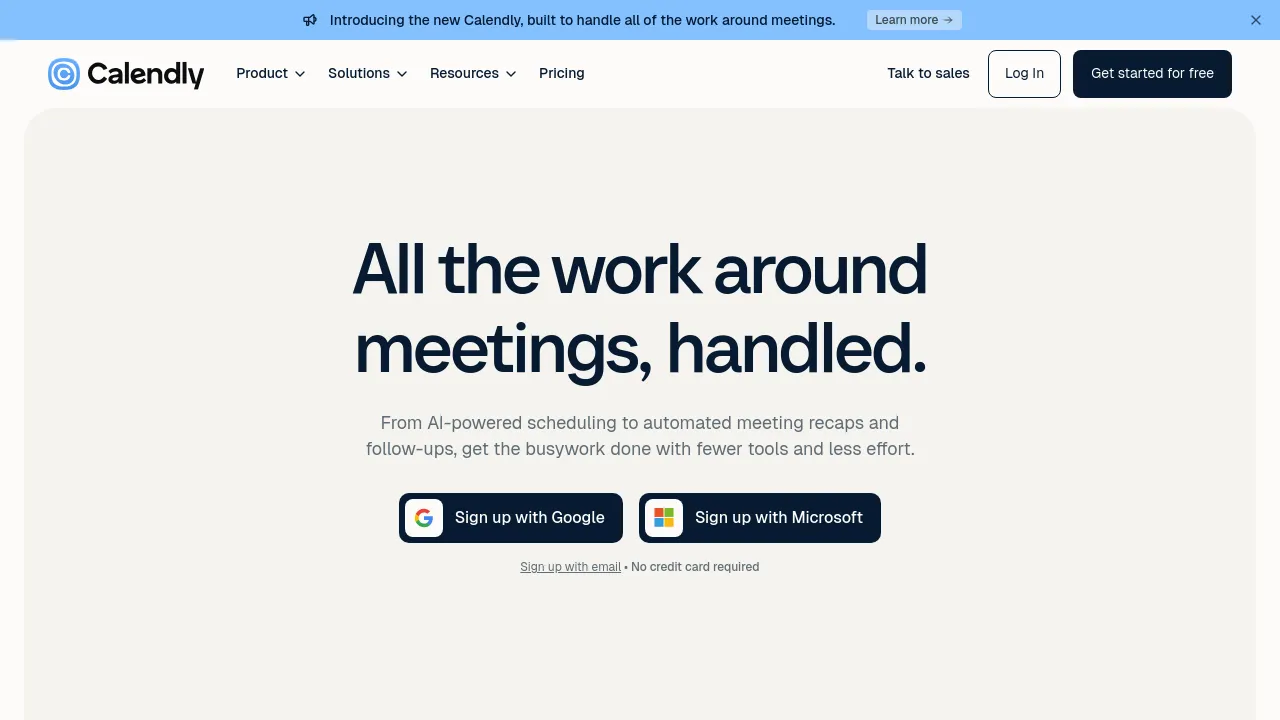
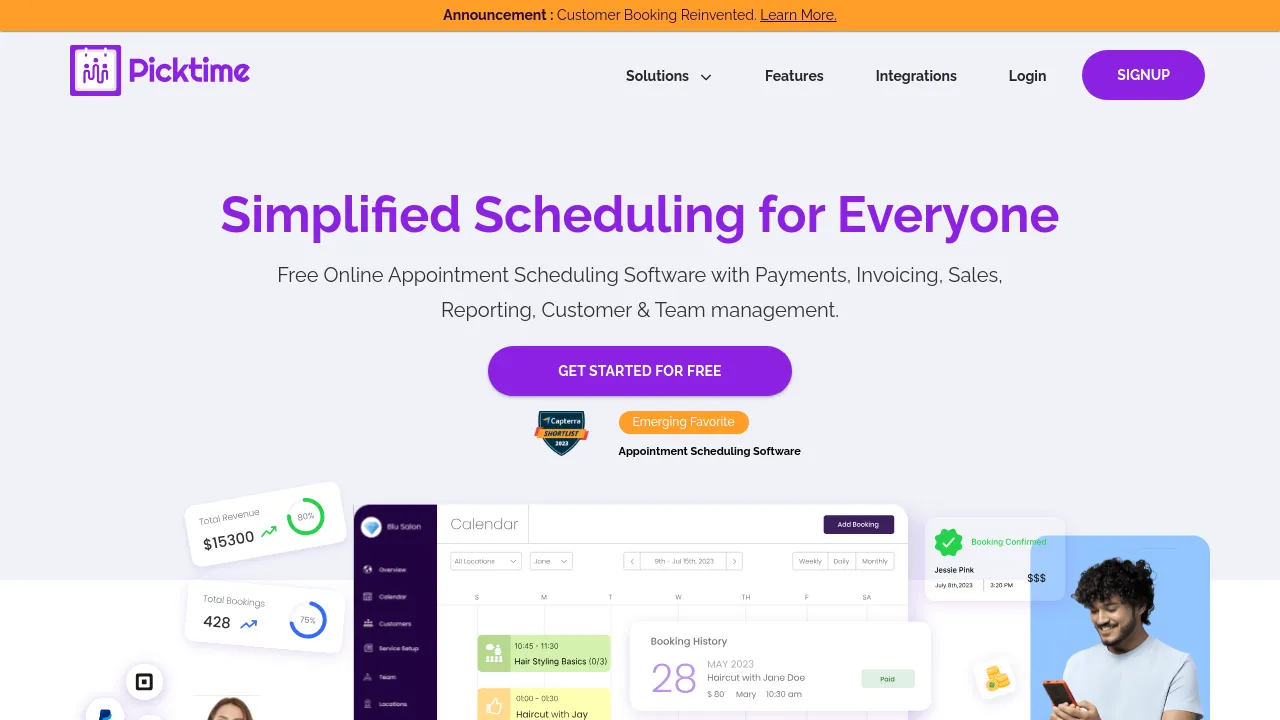
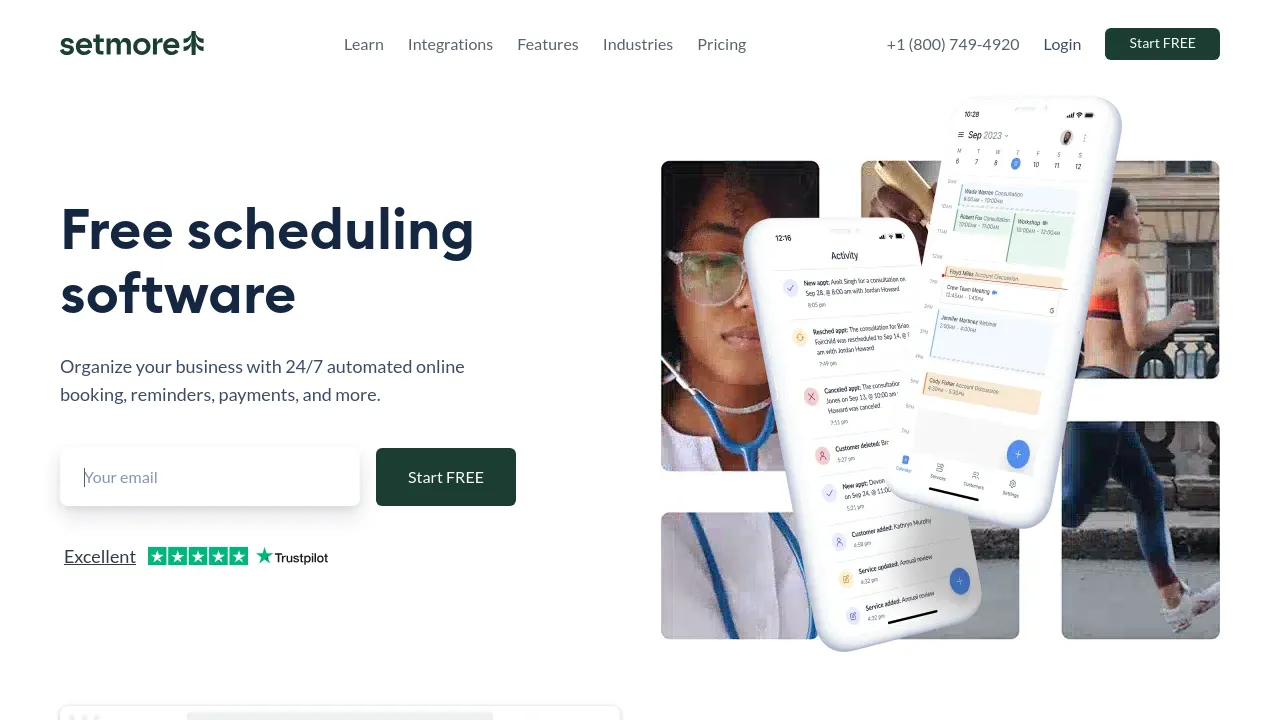
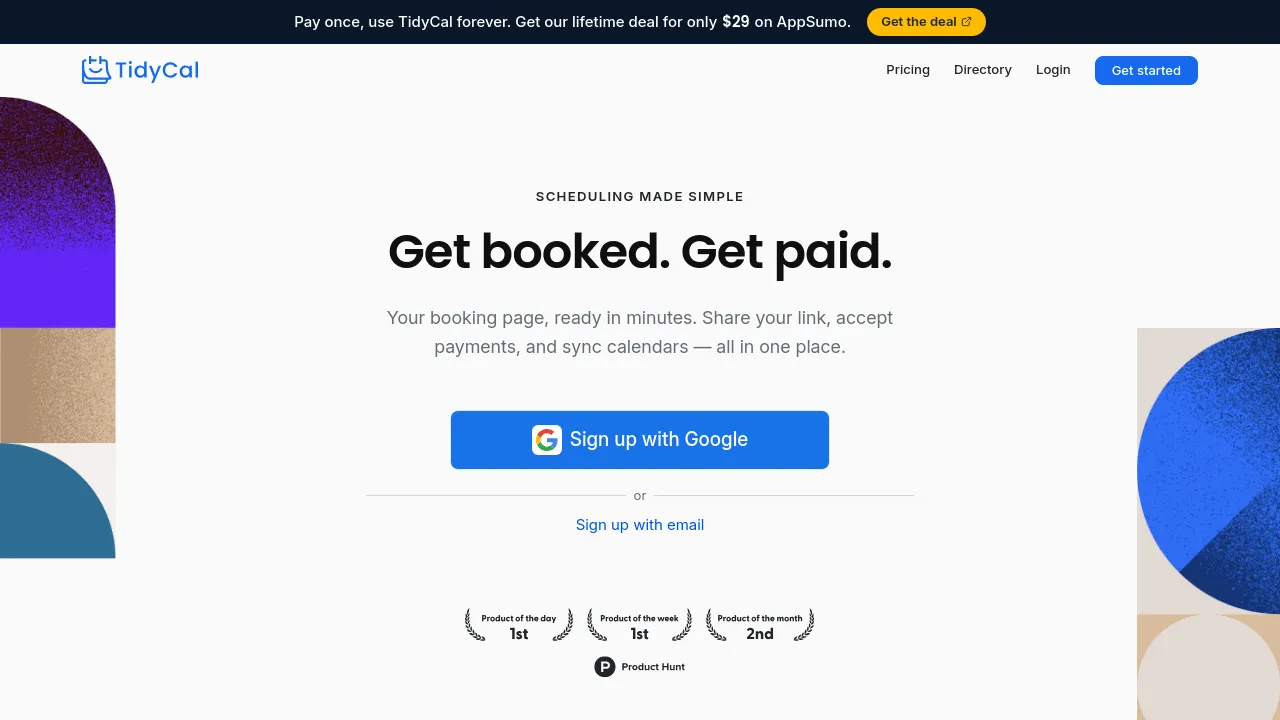
Appointment scheduling tools replace the back-and-forth of finding a time: a booking page that reads your real availability, calendar sync, automatic meeting links, reminders that cut no-shows, and round-robin routing for teams.
They split between simple personal booking links and fuller systems for businesses that sell time — multiple meeting types, payments at booking, intake forms, staff scheduling. Most people need the first; consultants, sales teams, and service businesses need the second.
When choosing, check calendar coverage (every calendar you keep, not just the main one), timezone handling, and reminder quality — no-shows drop when the tool follows up for you. For paid bookings, verify the payment flow and what fees stack on top of the subscription.
Frequently asked questions
- Is a scheduling tool worth it for just a few meetings a week?
- Yes — the value isn't volume, it's eliminating the three-email 'what time works' exchange. Even a handful of meetings a week justifies a booking link, and free tiers cover solo use comfortably.
- What should a scheduling tool integrate with?
- Your calendar first — double bookings happen when it only reads some of your calendars. Then video calls (auto-creating the meeting link) and, for paid bookings, payments. CRM or email integrations matter once bookings feed a pipeline.
- How do I stop people booking back-to-back meetings all day?
- Every serious tool handles this: buffer times before and after meetings, daily caps, minimum notice periods, and fixed availability windows. Set them on day one — the defaults assume you're infinitely available.
- What do paid scheduling tiers actually add?
- Multiple meeting types, team and round-robin scheduling, payment collection, reminders and no-show reduction, and branding removal. Solo users needing one link can stay free; teams and anyone selling time need paid.
New tools, once a week.
One weekly email with curated tools and founder insights. Unsubscribe anytime. Check our privacy policy.