Categories / Screen Recording
Screen recording
A curated collection of the best tools that capture video of your screen or webcam, used by developers and support teams to make product demos and bug reports — 17 tools on Founderkit.
17 tools
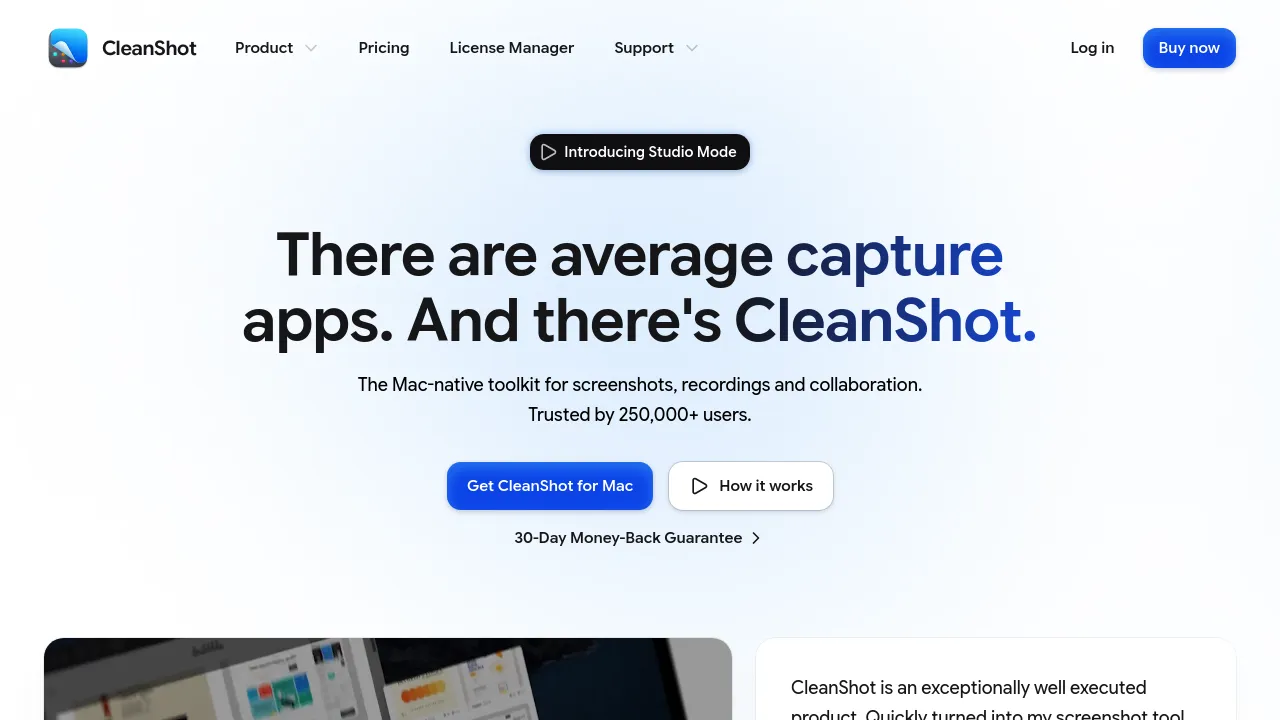
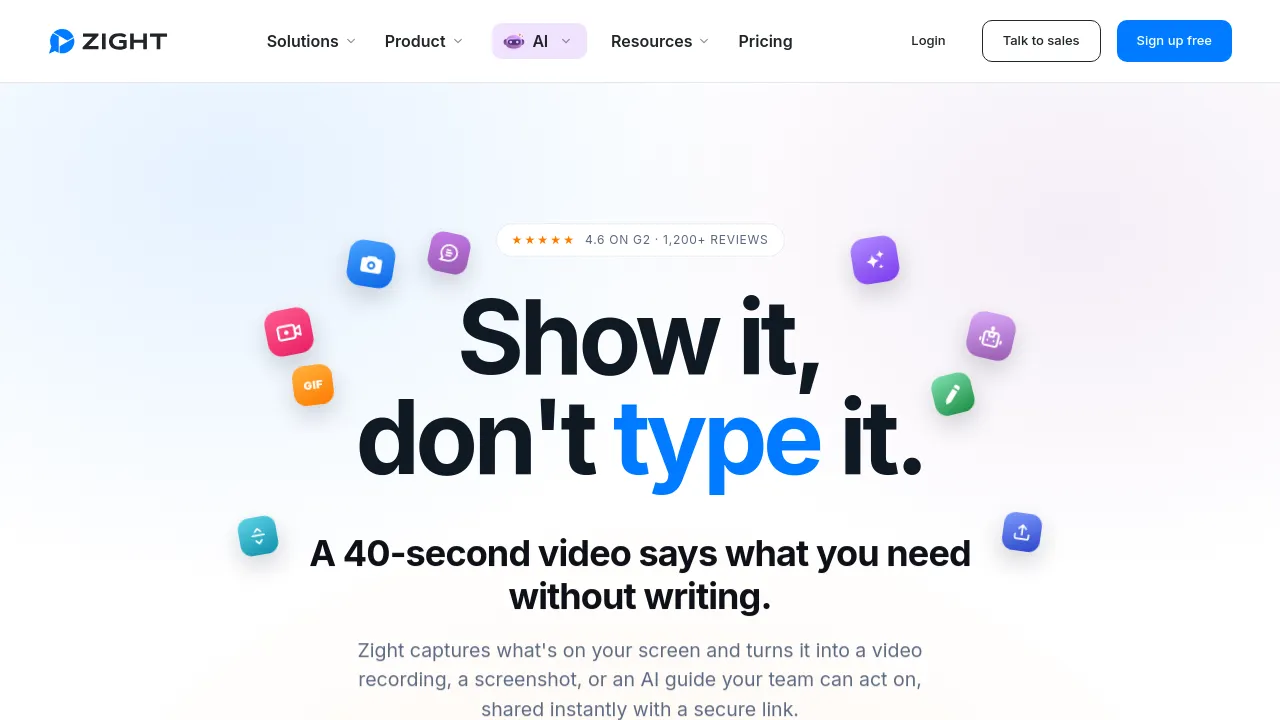
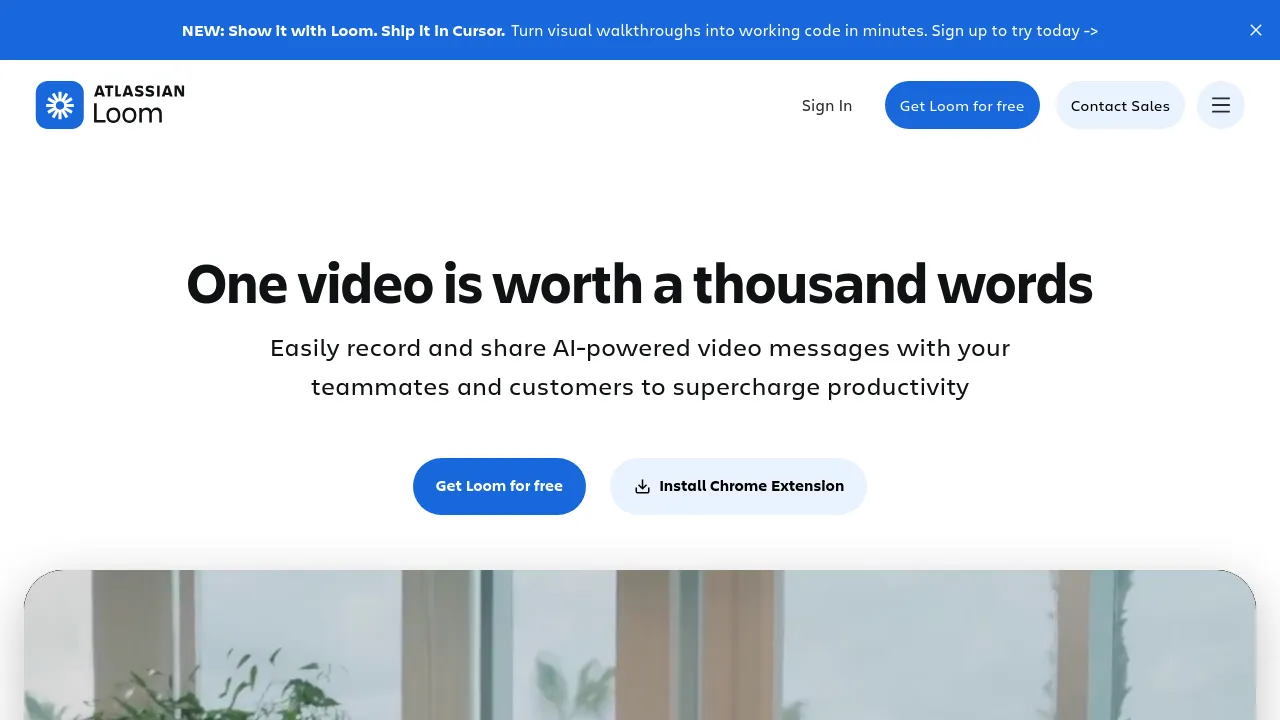
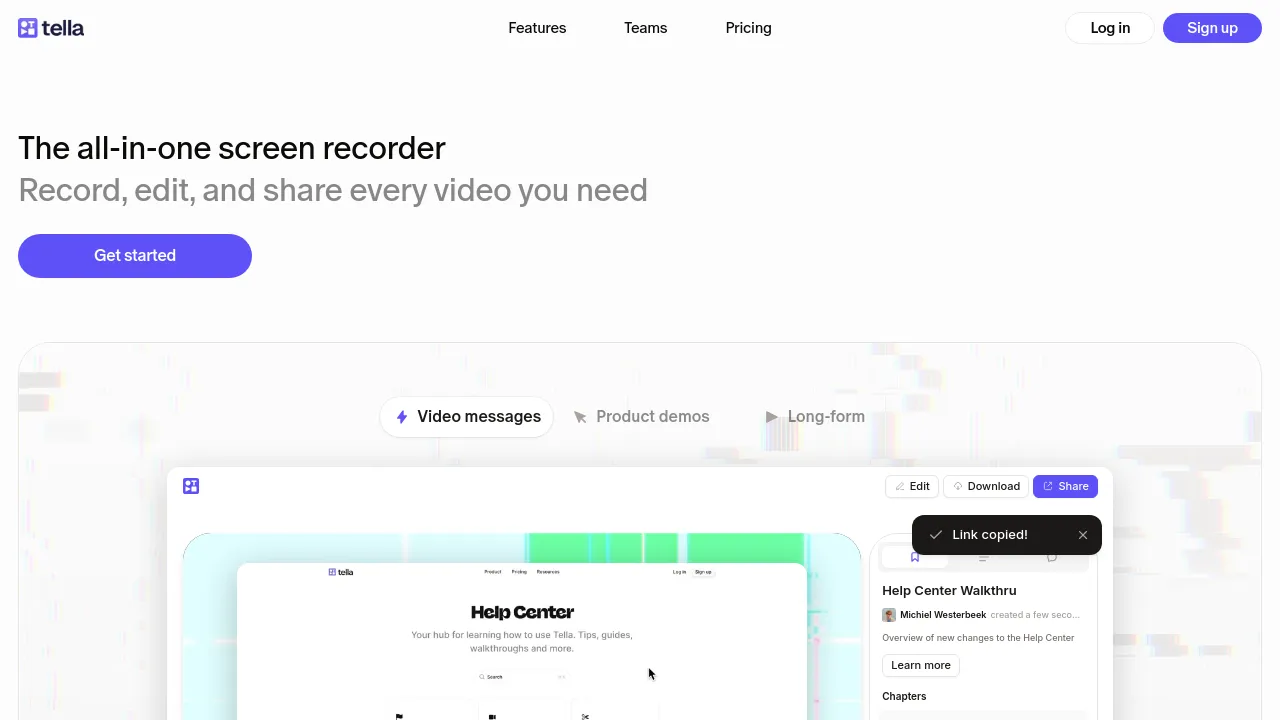

Screen recording tools capture your screen, webcam, and microphone — for demos, bug reports, tutorials, walkthroughs, and the async video messages that have quietly replaced a lot of meetings. Some are simple capture utilities; others bundle editing, hosting, and instant shareable links.
The category split is between capture-first tools (record it, get a file) and workflow-first tools (record it, get a hosted link in your clipboard within seconds). The second kind powers the 'send a video instead of a meeting' pattern — the recording is only half the product; instant sharing and view analytics are the other half.
When choosing, think about where the videos end up. Quick internal shares want instant links; polished external content wants editing features and export quality. Check capture quality on high-resolution displays, whether recording system audio works, and — for hosted tools — the privacy controls before you screen-share anything sensitive.
Frequently asked questions
- What's the difference between a screen recorder and a video editor?
- Screen recorders capture your screen, webcam, and voice — the job is getting the footage. Video editors cut and polish footage from anywhere. Many recorders include trimming and simple edits; for anything beyond that you export to a real editor.
- Async video messages or a meeting — when does recording actually replace the meeting?
- When the content is a presentation or a walkthrough, not a discussion. A recorded demo, bug report, or status update that people watch at 1.5x beats thirty minutes on a calendar. Interactive stuff — decisions, brainstorming, disagreements — still wants a live room.
- Do I need fancy production quality for internal videos?
- No — clear audio and a steady cursor matter more than transitions and title cards. Auto-zoom, cursor highlighting, and background cleanup features are nice, but the internal audience cares about information density, not polish. Record, trim the ends, ship it.
- Where do the recordings live after I make them?
- Depends on the tool — some are local files you share yourself, others host the video and give you a link instantly. The hosted-link workflow is the reason these tools spread inside companies; check storage limits, privacy controls, and whether links work for people outside your org.
New tools, once a week.
One weekly email with curated tools and founder insights. Unsubscribe anytime. Check our privacy policy.