Tools / Docusaurus
About Docusaurus
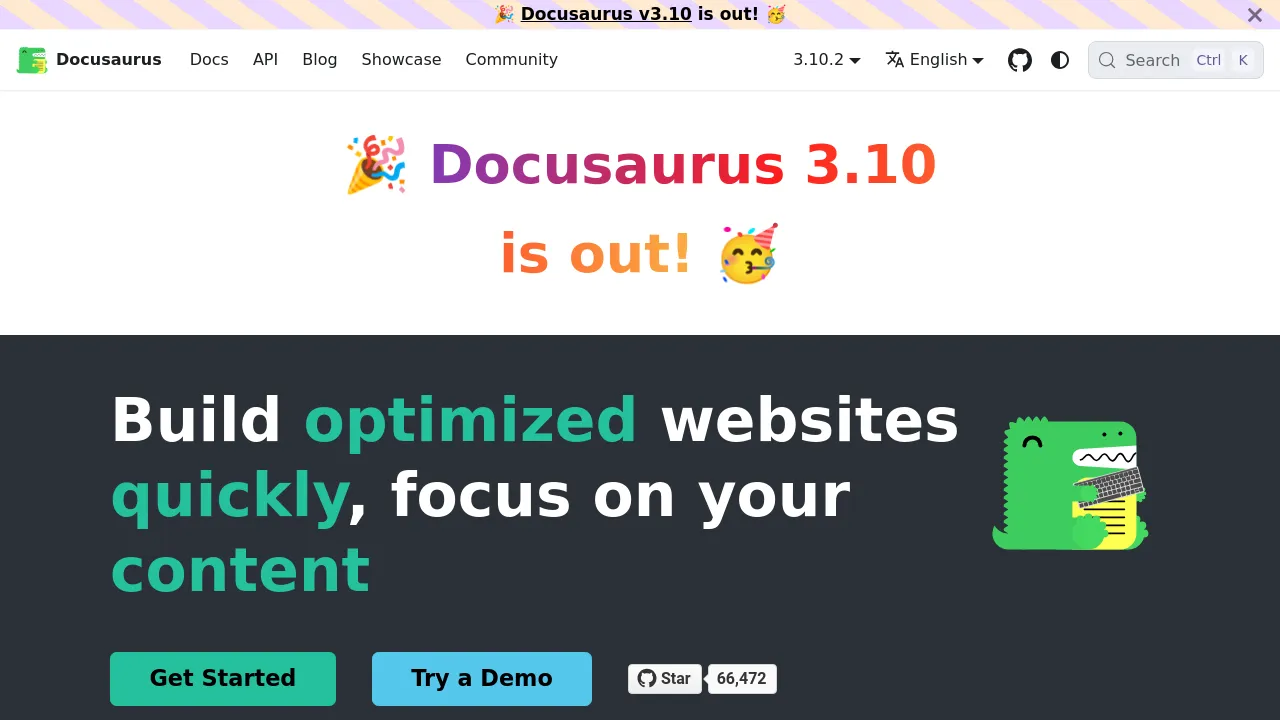
Open-source static site generator from Meta for building documentation sites with MDX, React theming, versioning, translations, and Algolia search.
Docusaurus is an open-source static site generator created by Meta specifically for building technical documentation and blogs. It operates by allowing developers to write content using MDX, which is an extension of Markdown that supports React components. This architecture means that complex, interactive elements—such as custom charts, code snippets, or dynamic widgets—can be embedded directly into the documentation without leaving the Markdown workflow. The resulting output is a collection of static HTML files, making the documentation highly performant and easy to deploy on any static hosting service.
The foundation of Docusaurus is React, which provides a robust framework for customizing the entire user interface. Users can modify the site's appearance by writing custom components and plugins that interact with the existing data pipeline. This level of control is crucial for organizations that require their documentation to match a specific brand identity or integrate deeply with their existing codebase. Key features that define its utility include robust document versioning, built-in localization support, and integrated search functionality.
This tool is widely adopted by major open-source projects, including Redux, React Native, and Prettier. Its open-source nature ensures that the community can contribute to its development and maintenance. Because it generates static files, deployment is straightforward, typically handled through platforms like GitHub Pages or Vercel. It provides a powerful, flexible, and free solution for managing technical knowledge bases.
Best for
- Open-Source Projects: It is the standard choice for many large open-source communities needing reliable, maintainable documentation.
- Technical Documentation: It excels at presenting complex technical information, code examples, and API references.
- Multi-Language Support: The built-in translation features allow for easy localization across different global user bases.
- Custom Design: Developers who need granular control over the look and feel of their documentation benefit from its React foundation.
- Version Control: Document versioning ensures that users accessing older releases of software can still find accurate, relevant documentation.
Frequently asked questions
How does Docusaurus handle different versions of documentation?
Document versioning allows you to maintain separate documentation sets for different releases of your software. Users can select a specific version from a dropdown menu, ensuring they view the correct information for the version they are using.
Is Docusaurus suitable for non-technical users?
While the tool is built for developers, the content creation process uses Markdown, which is relatively simple. However, customizing the appearance or integrating complex features requires knowledge of React and JavaScript.
Can I host my Docusaurus site for free?
Yes, since it generates static HTML files, you can host the resulting site for free on various platforms, including GitHub Pages, Netlify, or Vercel.
How does the built-in search function work?
It supports Algolia DocSearch out of the box. This provides a fast, indexed search experience that allows readers to quickly locate specific topics within the documentation.
Alternatives
- Mintlify
- KnowledgeOwl
- Helpjuice
- Notion

Similar to Docusaurus
New tools, once a week.
One weekly email with curated tools and founder insights. Unsubscribe anytime. Check our privacy policy.