Categories / Knowledge Base
Knowledge base
A curated collection of the best tools for building help centers and internal wikis, used by support teams to document answers for customers and employees — 19 tools on Founderkit.
19 tools

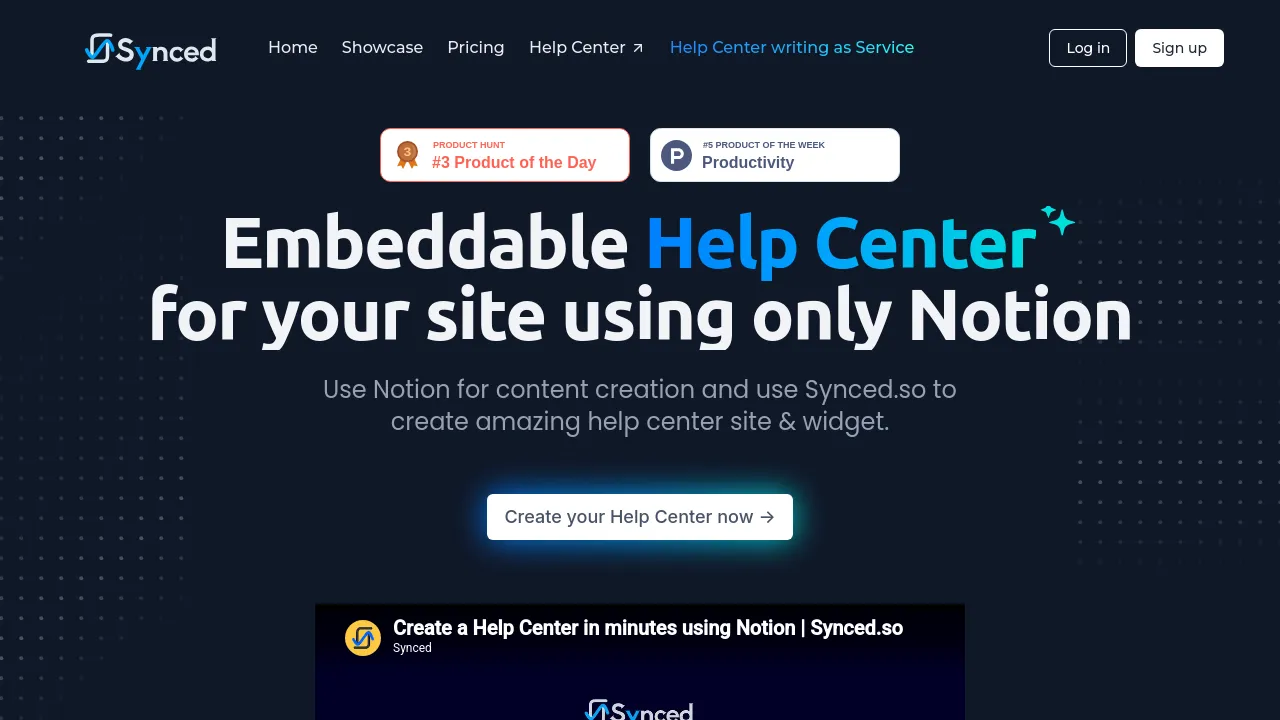
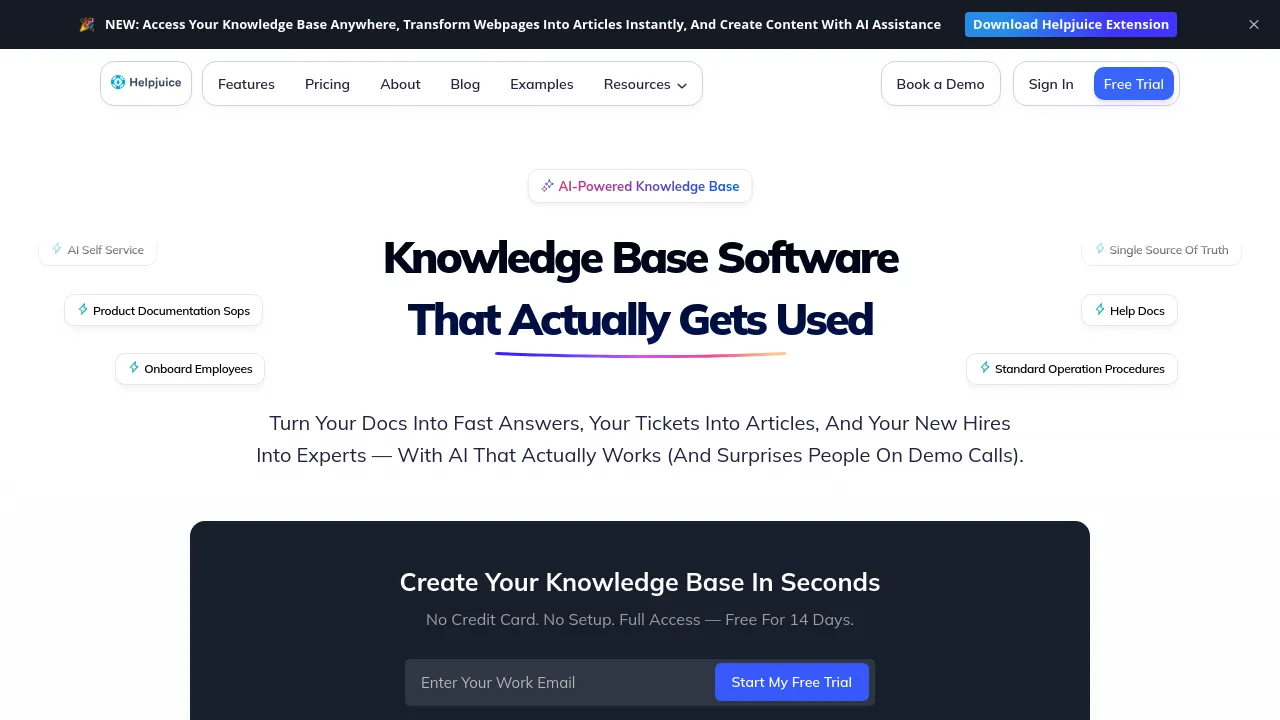

Knowledge base tools let you write, organize, and publish documentation — help centers for customers, internal wikis for teams, or both. The good ones combine a decent editor with structure (collections, categories), search that finds things, and analytics showing which articles people actually use.
The category has drifted toward AI. Modern tools index your docs and answer questions conversationally, deflecting support tickets before they're written. That raises the bar on content quality — the AI can only be as good as the articles behind it — and on keeping those articles current as the product changes.
When choosing, decide first whether it's customer-facing, internal, or both — tools that try to do everything often do the public-facing side poorly. Then check search quality on your real terminology, whether versioning or review workflows exist, and how the hosted help center looks on your domain. Migration tooling matters if you already have docs somewhere else.
Frequently asked questions
- What's the difference between a knowledge base and a help desk?
- A knowledge base is self-serve documentation — articles customers read instead of emailing you. A help desk handles the conversations that still come in. They pair naturally: good docs deflect tickets, and ticket patterns tell you which articles to write. Many tools bundle both.
- Internal wiki vs. customer-facing knowledge base — same tool?
- Sometimes — several tools do both, with public and private spaces. But the writing style and structure differ: internal docs assume context, customer docs assume none. If you have to pick one, pick the audience that hurts more — usually the customer-facing side, since unanswered questions become tickets.
- Does AI search actually reduce support tickets?
- When it answers directly instead of returning a list of links, yes — the measure is 'tickets prevented', which shows up as users who searched, got an answer, and didn't write in. It only works if the underlying docs are good; AI can't fix content that doesn't exist or is stale.
- How do I keep a knowledge base from going stale?
- Assign article owners, set review reminders, and treat doc updates as part of shipping a feature, not a separate task. Tools that flag unviewed or outdated articles help. The honest truth: most stale docs come from nobody owning them, not from missing features.
New tools, once a week.
One weekly email with curated tools and founder insights. Unsubscribe anytime. Check our privacy policy.
