Categories / Photo Editing
Photo editing
A curated collection of the best tools for retouching and adjusting images, used by photographers and designers to prepare pictures for print or the web — 31 tools on Founderkit.
31 tools
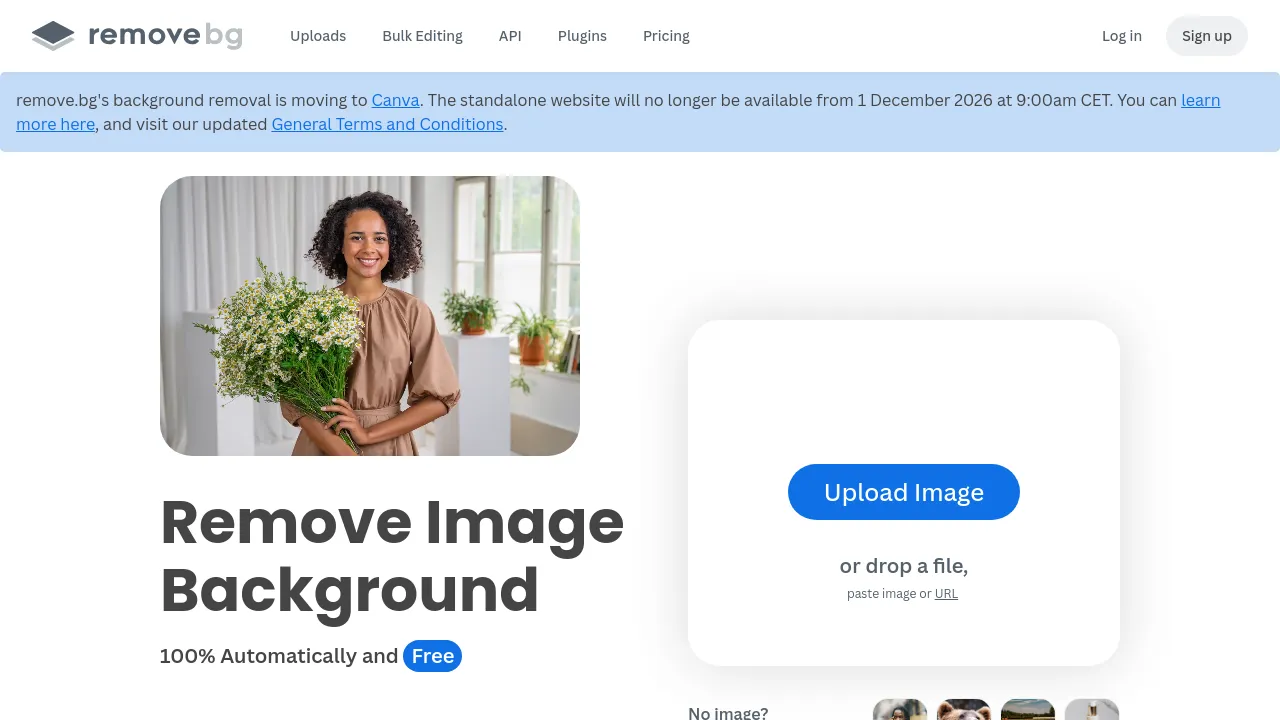
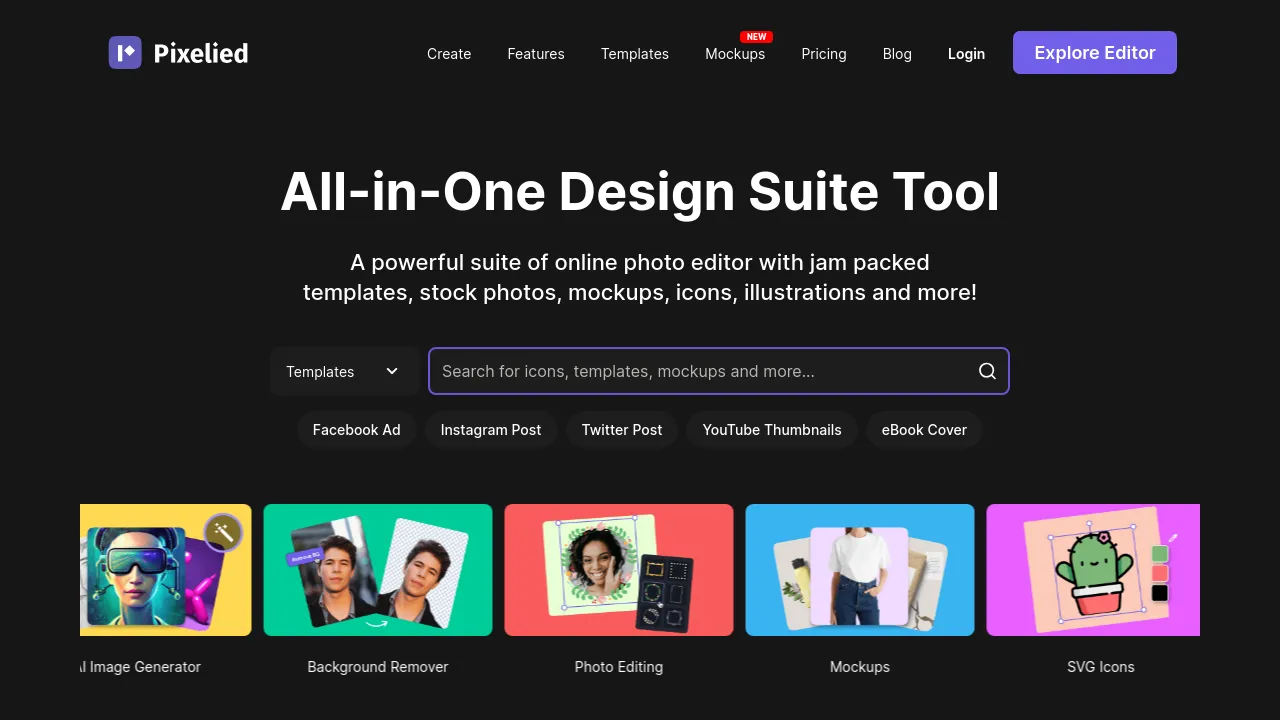
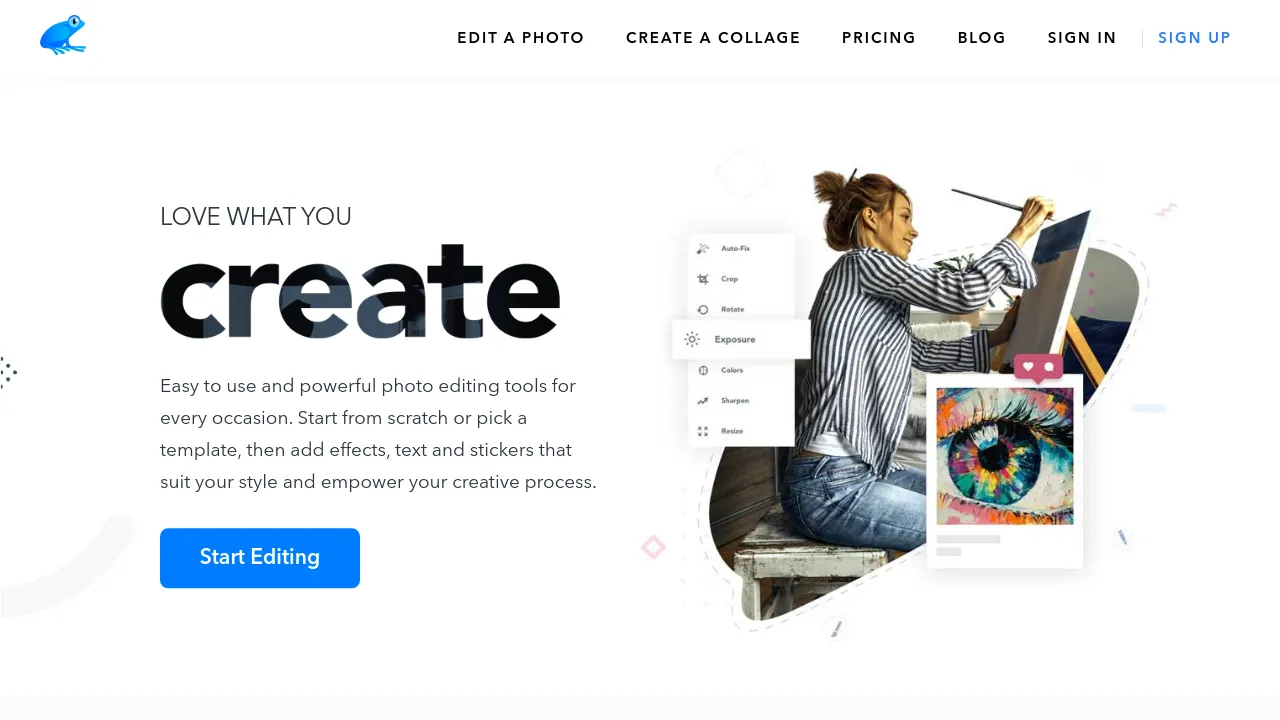
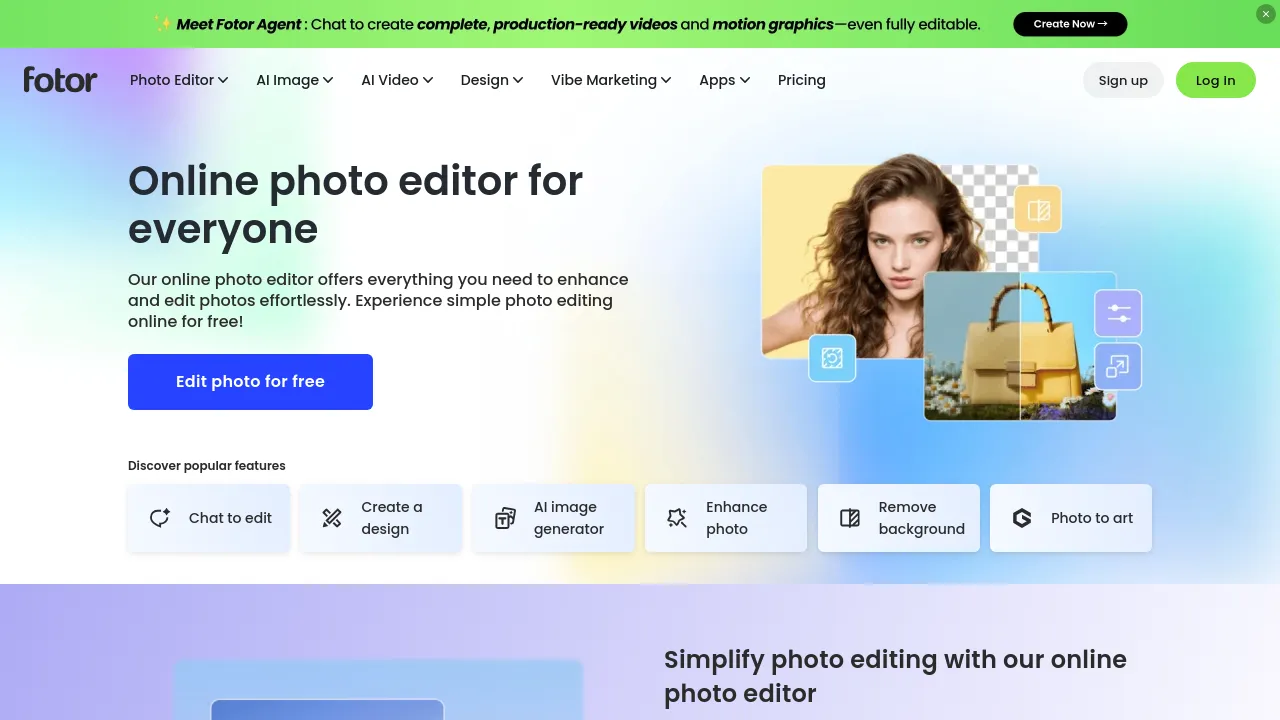

Photo editing tools cover everything from quick crops and filters to full retouching, compositing, and AI-assisted edits like background removal and upscaling. The category now runs from simple online editors to professional desktop applications, plus API-first services that process images in bulk.
The landscape shifted twice in recent years — first when capable editors moved into the browser, then when AI took over the tedious parts. Tasks that used to mean careful masking, like isolating a subject or extending a background, are now one click. The remaining skill ceiling is in color grading, print preparation, and detailed retouching.
When choosing, match the tool to the volume and destination of your images. Occasional marketing graphics need a different tool than a hundred product photos a week. Check export formats and quality controls, whether AI features need credits on top of the subscription, and whether it works where your files already live.
Frequently asked questions
- Can a browser-based editor replace Photoshop?
- For most web work — cropping, retouching, compositing, exports — yes, comfortably. Where desktop still wins is heavy raw workflows, very large files, and specialized plug-in ecosystems. Most people asking this question haven't opened the advanced Photoshop menus in years.
- Are AI background removers and upscalers good enough for production?
- For product photos, marketing images, and social content, yes — they've been production-grade for a while. Edges on hair and glass still occasionally need a manual pass, and upscalers invent detail that doesn't survive scrutiny at print sizes. Fine for the web, check before printing.
- What should I use for bulk-editing lots of photos?
- Batch-capable tools or ones with presets and API access. Applying the same crop, resize, and watermark to hundreds of images is an automation problem — some editors handle it natively, others pair with a script or an image-API service better than a GUI.
- Do I need a subscription for photo editing?
- Not anymore — several strong editors are one-time purchases or free. Subscriptions mainly buy you cloud features, stock libraries, and AI credits. If your usage is occasional or your workflow is local files, the perpetual-license options are genuinely competitive.
New tools, once a week.
One weekly email with curated tools and founder insights. Unsubscribe anytime. Check our privacy policy.