Categories / CMS
Cms
A curated collection of the best content management systems that writers and marketing teams use to build websites and publish pages without help from developers — 48 tools on Founderkit.
48 tools
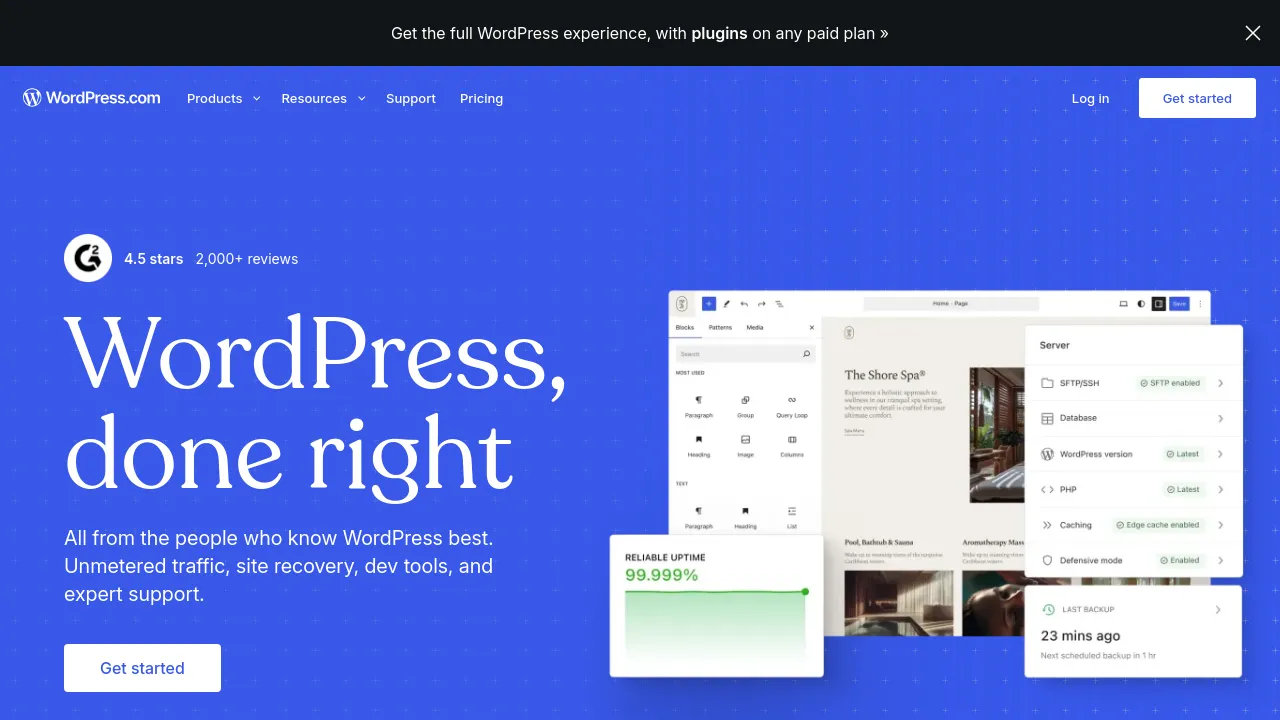

A CMS (content management system) stores your site's content and gives non-technical people a way to publish without touching code. The category ranges from traditional all-in-one platforms like WordPress to headless CMSs that serve content over an API to whatever frontend you build.
The real decision is coupled or headless. Coupled platforms handle content and presentation together — faster to launch, less flexible. Headless separates them — more work upfront, full control over the site, and one content source that can feed a website, an app, and anything else.
When comparing, look past the editor UI: check the content modeling (can it represent your content types cleanly), the API and asset handling, and pricing on the dimensions you'll hit — usually content items, API bandwidth, and editor seats.
Frequently asked questions
- Headless CMS or traditional CMS — what's the difference?
- A traditional CMS (like WordPress) stores content and renders the site. A headless CMS only stores content and exposes it over an API — you build the frontend yourself. Headless gives more control and speed; traditional is faster to launch and easier for non-developers.
- Is WordPress still a reasonable choice?
- For content-heavy sites, yes — it's mature, cheap to host, and every problem has a plugin. The trade-offs are real though: plugin maintenance, security patching, and a frontend you'll fight for speed. Developers tend to outgrow it; content teams rarely do.
- How much does a headless CMS cost to run?
- The CMS itself is often free or cheap at small scale — most have generous free tiers on content items and API calls. The real cost is the frontend: you're building and hosting it yourself, which means developer time.
- What should I check before migrating content between CMSs?
- Whether the new tool imports your format cleanly (posts, images, redirects for old URLs), and whether its content model fits how your content is actually structured. URL preservation matters most — losing your indexed URLs loses your search traffic.
New tools, once a week.
One weekly email with curated tools and founder insights. Unsubscribe anytime. Check our privacy policy.

