Tools / Videobolt
About Videobolt
Create high-quality videos in your browser using over 21,000 templates. Customize media, text, and music, and export in 4K without needing editing skills.
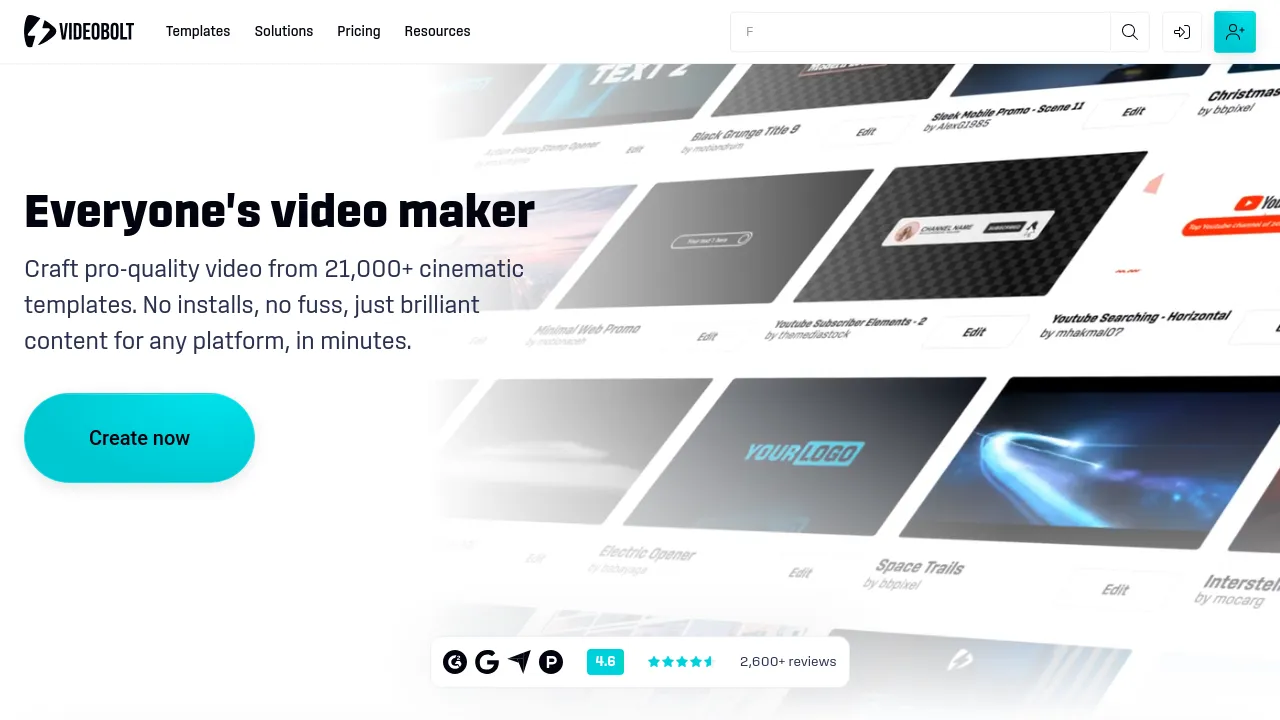
Videobolt is a browser-based video creation platform designed for users who need to produce professional-quality content quickly. It functions as an online video maker, allowing users to build videos through a three-step process: selecting a template, customizing it, and exporting the final file. The platform provides access to a library of over 21,100 professionally designed video templates, covering styles from digital glitch intros to cinematic slideshows.
The tool is built to remove the need for technical editing skills. Users can personalize every aspect of a video, including dropping in their own logo, swapping text, changing music, and matching brand colors. The platform includes an Asset Library and a Brand Kit, which allows users to save and apply specific fonts, colors, and logos across multiple projects to maintain brand consistency. All included music and assets are royalty-free.
Users can export finished videos in Full HD, 4K, or ProRes formats. The platform is suitable for various needs, from creating short social media ads to producing longer, branded promotional videos.
Best for
- Small Businesses: Generating slick video marketing content for social media or websites without hiring an editor.
- YouTube Creators: Creating custom intros, outros, and music visualizers to grow their channel.
- Marketing Teams: Producing branded video ads and product launches quickly and consistently.
- Freelancers: Delivering high-end animated intros and event recaps for clients.
- Musicians & DJs: Transforming tracks into dynamic music visualizers for promotional use.
Frequently asked questions
How do I create a video using Videobolt?
To create a video, you select a template from the library, customize the text and visuals with your own media, and then export the finished product. No software installation is required, as the entire process happens in the browser.
Do I need design skills to use this tool?
No. The platform is designed for beginners, and the editor is described as being as easy as filling out a form, allowing users to produce professional-level videos without prior experience.
What file formats can I export my videos in?
Videobolt allows users to export videos in Full HD, 4K, and ProRes formats, making them suitable for social media, web use, and YouTube.
Is the music included in the templates royalty-free?
Yes, all music, effects, and assets included in the Videobolt templates are royalty-free, meaning you can use the finished video without worrying about licensing.
How long does it take to make a custom video?
Most users report finishing a custom video in under 10 minutes, due to the use of ready-made templates and fast online rendering.
How customizable are the video designs?
Templates are fully customizable. You can swap logos, change colors, edit text, add audio, and tweak effects to achieve a specific look.
Alternatives
- If you need a platform that offers flexible editing options and powerful AI tools, consider CapCut.
- For a modern creation platform designed to help teams produce high-quality content, look at Kapwing.
- If your primary need is creating and animating Pixar-like 3D characters, check out CreateStudio.
- If you want to turn ideas into videos simply by describing them using advanced AI, try VideoExpress.ai.
- If you need a tool that generates scripts, scenes, and voiceovers based on a topic, examine invideo-ai.
- If you require a powerful teleprompter and captioning tool for quick video creation, consider BIGVU.
- For a video creation tool that requires no skills and allows instant generation of videos at scale, try Clipfly.
- If you are looking for a content platform with premium features to enhance video creation, review illusto.

Similar to Videobolt
New tools, once a week.
One weekly email with curated tools and founder insights. Unsubscribe anytime. Check our privacy policy.