Tools / MyArchitectAI
About MyArchitectAI
Generate photorealistic architectural renderings in under 10 seconds. Supports multiple CAD inputs, AI style transfer, and cinematic video animation.
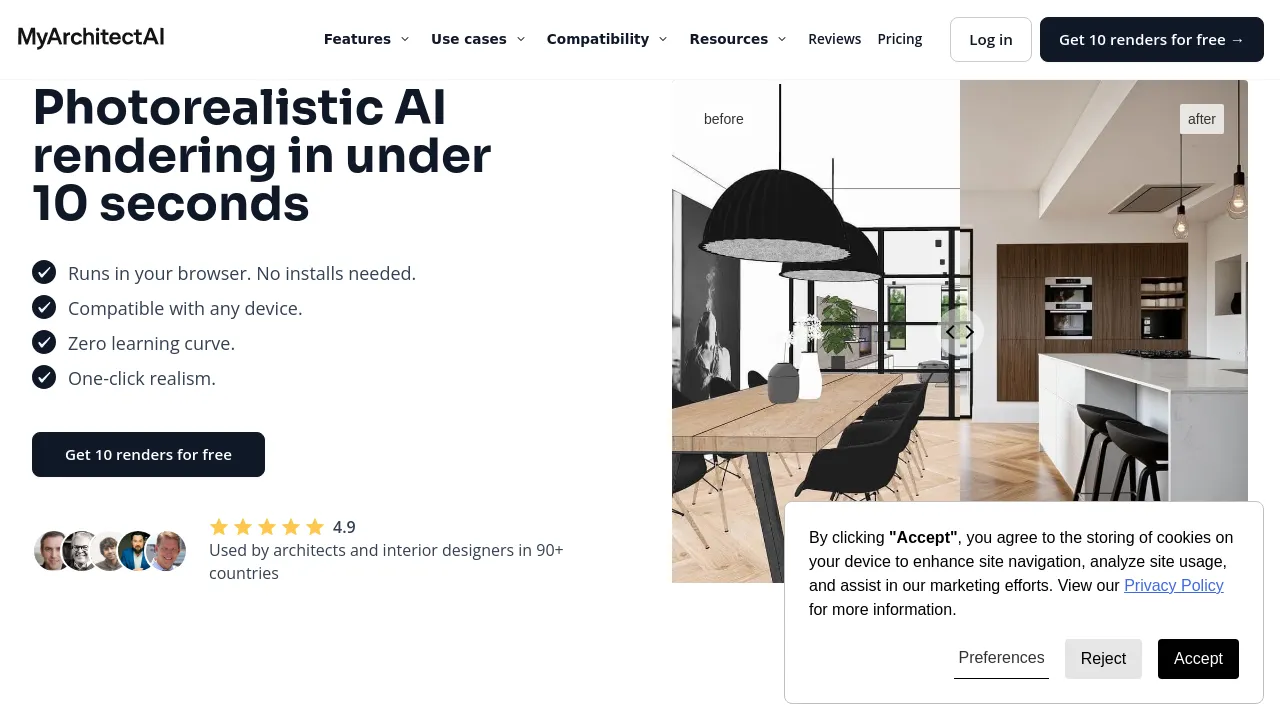
This tool is an AI rendering software designed for architectural and interior design professionals. It allows users to transform CAD and 3D models into photorealistic images and videos quickly. The platform operates in a web browser, requiring no software installation, and handles the complex tasks of modeling, lighting, and texturing automatically.
MyArchitectAI supports designs from various sources, including SketchUp, Revit, Archicad, Chief Architect, Vectorworks, and Rhino. While the software accepts designs from any CAD or 3D modeling program, currently, it supports JPG and PNG formats for uploads. The core rendering engine produces high-resolution images in under 10 seconds, keeping the original geometry and materials unchanged during the process.
Beyond standard rendering, the tool offers several specialized AI functions. Users can use the AI Sketch to Render feature to experiment with design variations by uploading rough concepts and applying styles from reference images. The AI Enhancer allows users to post-process low-resolution renders to reduce noise, improve textures, and increase realism. Furthermore, the AI Animator can convert still renders into cinematic videos using preset camera movements like orbit, dolly, or flythrough, producing an MP4 file in 90-120 seconds.
Best for:
- Architects needing rapid visualization for client presentations.
- Interior designers who need to quickly test material changes or lighting scenarios.
- Conceptual artists who want to apply styles to rough sketches using AI.
- Designers needing to enhance the quality of existing low-resolution renders.
- Professionals who need to convert static images into short, cinematic video clips.
Frequently asked questions
What file formats can I upload for rendering?
Currently, the tool supports JPG and PNG formats for uploading designs. It also accepts JPG, PNG, or WebP files for the animation feature.
Does the tool require heavy hardware or software installation?
No. The software runs in a web browser, meaning no heavy software installation or high-end workstation is required to use the platform.
Can I edit a render after it has been created?
Yes. The render editing mode allows users to describe changes, such as replacing materials or changing lighting, and the AI will regenerate only the selected area of the image.
How long does it take to generate an animation?
Once a render is uploaded and a camera preset is chosen, the animation is generated in 90 to 120 seconds.
What is the average rendering time?
According to the source material, the average rendering time is 9.3 seconds.
Alternatives
- Adobe Express if you need an all-in-one app for designing social posts, images, and videos.
- Artboard Studio if you require a graphic and motion design tool with extensive content libraries.
- Beautiful.ai if your primary need is creating professional-quality presentation slides using smart templates.
- Artistly if you are focused on creating visually stunning content for social media and commercial projects.

Similar to MyArchitectAI
New tools, once a week.
One weekly email with curated tools and founder insights. Unsubscribe anytime. Check our privacy policy.