Tools / AIVA
About AIVA
Create custom songs in seconds across 250+ styles. Upload audio or MIDI to influence tracks, and download in multiple formats.
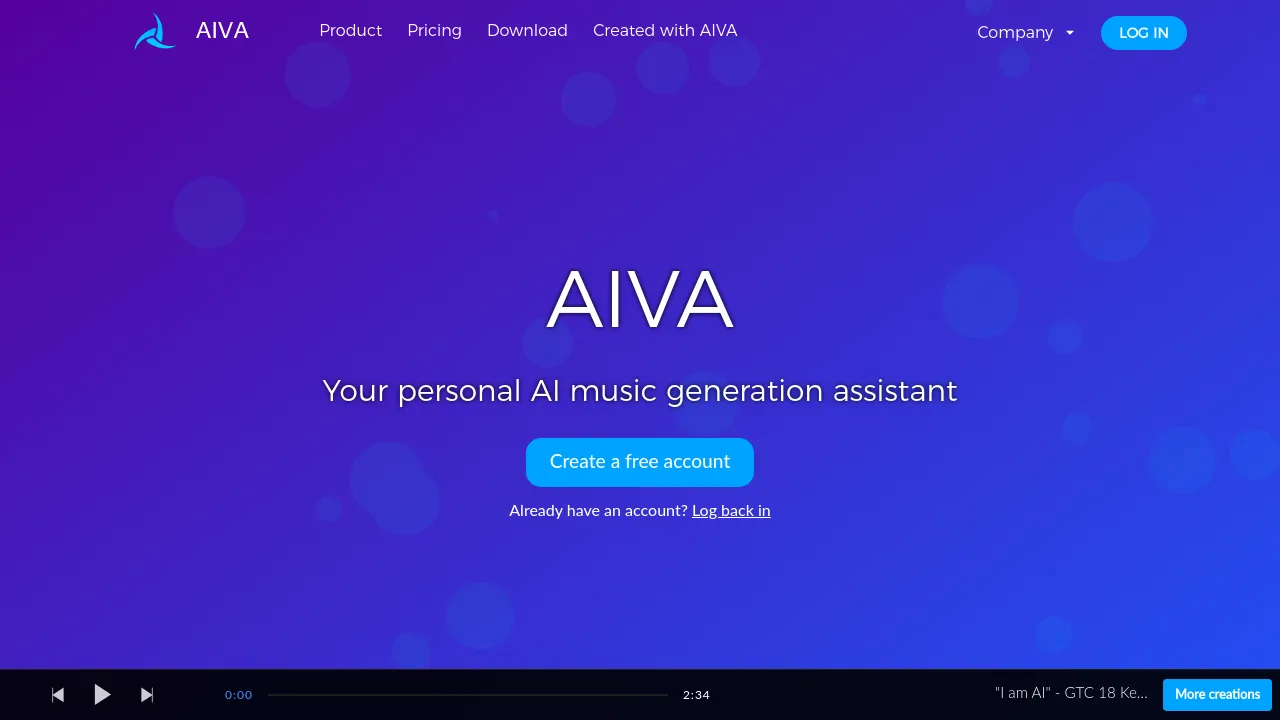
This tool is an AI music generation assistant that allows users to create new songs in over 250 different styles. It uses generative AI to produce original compositions quickly, making it accessible for both beginners and seasoned music professionals. Users can generate tracks in seconds, and the platform supports deep customization, allowing users to create their own style models by uploading an audio or MIDI influence.
Beyond generation, the platform supports a full creative workflow. Users can edit their generated tracks and download the final compositions in various file formats. Licensing is structured based on the subscription plan; while the free tier is available for non-commercial use, paid plans are required to own the full copyright and monetize the music.
The pricing structure offers tiers for different needs. The Free plan allows for non-commercial use, limited to 3 downloads per month and tracks up to 3 minutes. The Standard Annually plan (€11/month + VAT) is recommended for content creators who need limited monetization on platforms like YouTube and Twitch. The Pro Annually plan (€33/month + VAT) grants full copyright ownership, unrestricted monetization, and allows for up to 300 downloads per month with durations up to 5 minutes and 30 seconds, including high-quality WAV exports.
Best for
- Content creators needing background music for YouTube, Twitch, or TikTok.
- Filmmakers or game developers requiring unique, custom soundtracks.
- Beginners who want to experiment with AI music generation without cost.
- Professionals who need to own the full copyright of their compositions for commercial use.
- Users who need to influence the AI output by uploading specific audio or MIDI files.
Frequently asked questions
Can I monetize music created with the free plan?
No. The free plan is designated for non-commercial use, and the copyright of compositions created under this plan is owned by AIVA.
What is the difference between the Standard and Pro plans?
Standard allows for limited monetization on specific platforms, while the Pro plan grants full copyright ownership and allows for unrestricted monetization.
What file formats can I download?
The Free and Standard plans support MP3 and MIDI formats. The Pro plan supports all file formats, including high-quality WAV files.
How do I create my own style models?
Users can create custom style models by uploading an audio or MIDI influence to guide the generative AI in creating new music.
Alternatives
- Adobe Express: Use this if you need an all-in-one AI content creation app for designing social posts, images, and videos.
- Canva: Choose this if you are looking for a user-friendly design platform for creating professional graphics and designs.
- Artboard Studio: Consider this if your focus is on graphic and motion design with extensive content library automation.
- Artistly: Select this if you are a brand or social media influencer needing a platform to create visually stunning content for promotion.
- BannerBoo: Use this if your primary need is to quickly create ads for various social media and advertising platforms.
- Beautiful.ai: Pick this if you need an AI-powered tool specifically for creating professional-quality presentations.
- BrandBird: Use this if you need a tool that transforms existing screenshots into graphics for social media or landing pages.

Similar to AIVA
New tools, once a week.
One weekly email with curated tools and founder insights. Unsubscribe anytime. Check our privacy policy.