Tools / Duply
About Duply
Automate visual creation by turning one approved design into multiple personalized images using API, CSV, URL, or Zapier workflows.
Duply is a design automation tool that allows users to create a single branded template and automatically generate numerous personalized visual outputs from it. Instead of manually adjusting a design for every piece of content, Duply takes a content list—such as a CSV or data from an API—and fills dynamic fields within a template. It then generates finished visuals, such as social media posts, email offers, or product images, ready for distribution.
The platform is designed for workflows where a visual format repeats but the content changes. A single reusable template can be used to produce diverse outputs, including email campaigns, e-commerce product promotions, and blog images. The process begins with designing one branded template, which can then be adapted automatically using various data sources, including direct URLs, API calls, CSV spreadsheets, Zapier, or Make workflows.
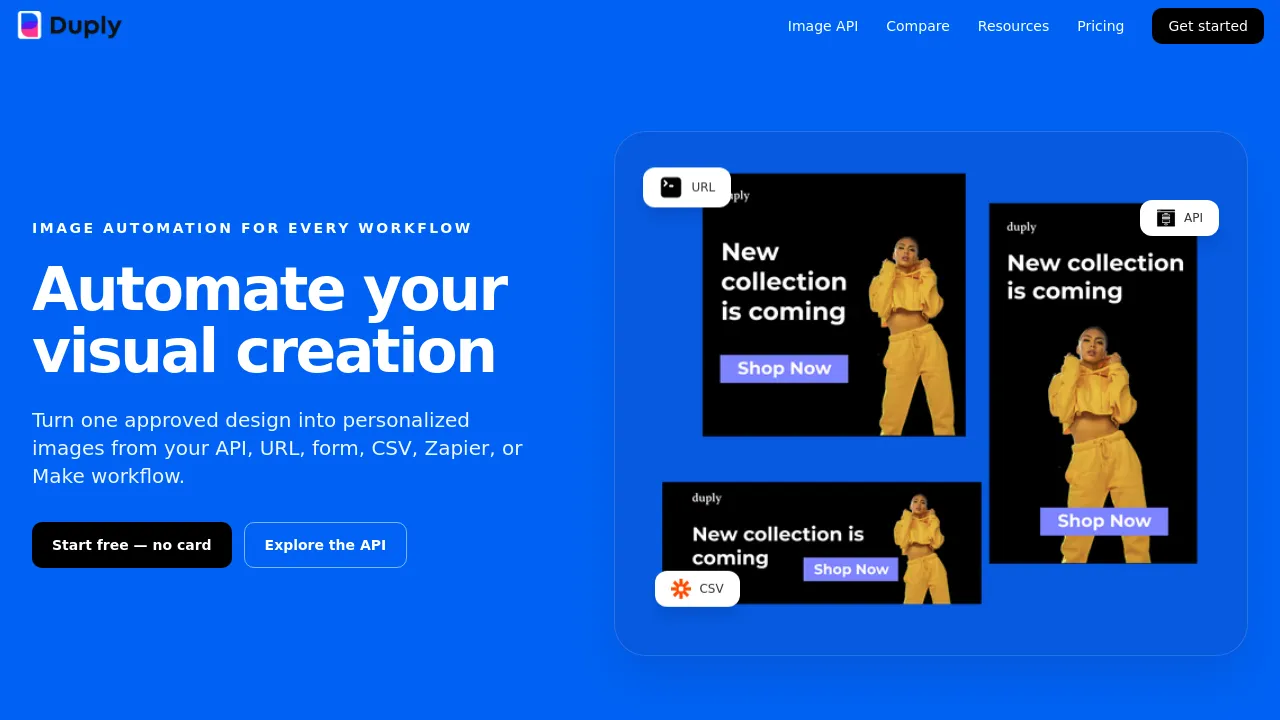
Duply supports a wide range of use cases, allowing businesses to maintain brand consistency while scaling their visual content production. Examples of generated content include social media campaigns, email offers, product promotions, event announcements, certificates, and watermarks. The tool allows users to see the preview change as the data is applied, moving from the reusable template to the final image.
Best for
- Marketing teams needing consistent social media content across multiple campaigns.
- E-commerce businesses requiring unique product images for every listing.
- Content creators who need to generate personalized blog images or certificates from a data list.
- Users integrating design into existing automation workflows via API or Zapier.
- Businesses that need to produce varied formats like email offers and promotions from one source design.
Frequently asked questions
How does Duply generate personalized images?
Duply takes a single design template and uses dynamic fields to populate it with data from external sources like a CSV, API, or URL. It then automatically renders a unique image for each row or data point.
What data sources can Duply connect to?
Users can connect Duply to data via API, URL, CSV, Zapier, or Make workflows.
Can I use Duply for non-image content?
While the tool is focused on generating visuals, the source material shows use cases for generating email offers, promotions, and certificates, which are visual formats.
Is there a free way to start using Duply?
Yes, the site provides an option to start free without needing to enter a card.
Alternatives
- Adobe Express: Use this if you need an all-in-one AI content creation app for social posts, images, and videos.
- Artboard Studio: Consider this if you need a graphic and motion design tool with extensive content library and automation features.
- Artistly: Choose this if you are a brand or influencer looking for a dynamic platform to create visually stunning content across various channels.
- BannerBoo: Select this if your primary need is to quickly create ads for various ad platforms without coding.
- Beautiful.ai: Pick this if your main focus is creating professional-quality presentations using smart templates and AI suggestions.

Similar to Duply
New tools, once a week.
One weekly email with curated tools and founder insights. Unsubscribe anytime. Check our privacy policy.