Tools / Beautiful.ai
About Beautiful.ai
Build work-ready decks faster using AI workflows and Smart Slides. Features auto-aligning layouts, data-linked charts, and secure sharing for teams.
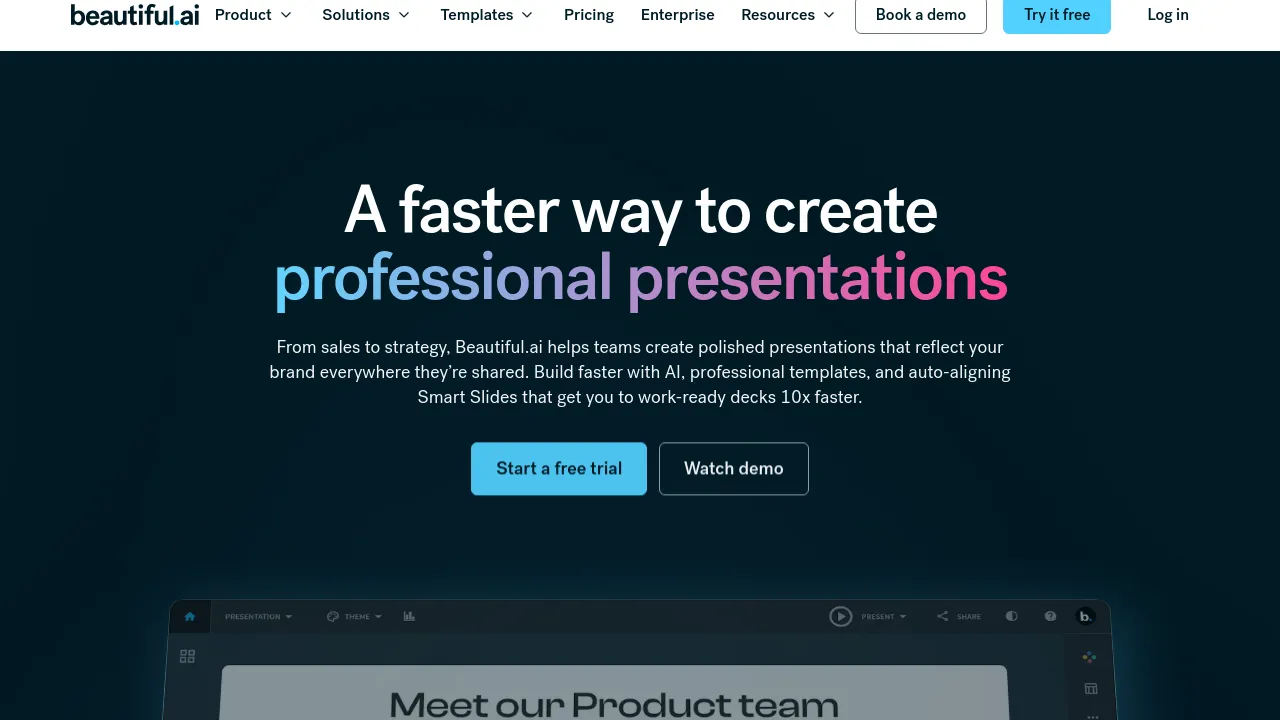
Beautiful.ai is a presentation platform that uses artificial intelligence to help teams create professional-quality slides quickly. It provides a workflow that moves from an outline or prompt to a finished, polished deck with minimal manual design work. The platform is designed to ensure that presentations reflect a brand consistently, whether they are shared internally or externally.
The core functionality relies on Smart Slides, which act as built-in designers. Instead of starting with a blank canvas, users select from hundreds of intelligent layouts. These Smart Slides automatically adjust spacing, alignment, and hierarchy as content is added or resized, ensuring the presentation always looks polished.
Beyond basic slide creation, the platform supports comprehensive team presentation needs. Users can utilize data-linked charts and graphs, add smooth slide animations, and record or upload voice-overs for context. Teams can also share presentations securely, track views, and export the final product to PDF or PPT.
Best for
- Sales teams needing polished pitch decks.
- Strategy teams building monthly review reports.
- Individuals creating business proposals or startup plans.
- Teams requiring consistent branding across all presentations.
- Presenters who need to record voice-overs for remote presentations.
Frequently asked questions
How does Beautiful.ai use AI?
Beautiful.ai offers an AI workflow that allows users to edit and refine an outline before generating a presentation. This process aims to deliver designer-quality slides that match the user's intended content with less rework.
What are Smart Slides?
Smart Slides are intelligent layouts that automatically realign, resize, and animate content. They ensure that spacing, alignment, and hierarchy remain perfect as you build the deck.
Can I share my presentations securely?
Yes, the platform allows users to share presentations securely with flexible permissions and protected links. It also provides tracking for views and slide engagement.
Does Beautiful.ai support data visualization?
Yes, the platform includes a complete library of data slides, including charts, graphs, timelines, and diagrams, to help structure a story.
Alternatives
- Adobe Express: Use this if you need an all-in-one AI content creation app for social posts, images, and videos, not just presentations.
- Canva: Choose this if you prefer a general-purpose, user-friendly design platform for creating various types of professional designs.
- Artboard Studio: Consider this if your primary need is a graphic and motion design tool with extensive content library features.
- Artistly: Select this if you are focused on creating visually stunning content for social media influencers and commercial projects.
- AI Logo Maker: Pick this if your immediate need is crafting unique logos using artificial intelligence.

Similar to Beautiful.ai
New tools, once a week.
One weekly email with curated tools and founder insights. Unsubscribe anytime. Check our privacy policy.