Categories / Code Editors
Code editors
A curated collection of the best text editors built for writing and editing code, with syntax highlighting and extensions, used daily by software developers — 17 tools on Founderkit.
17 tools
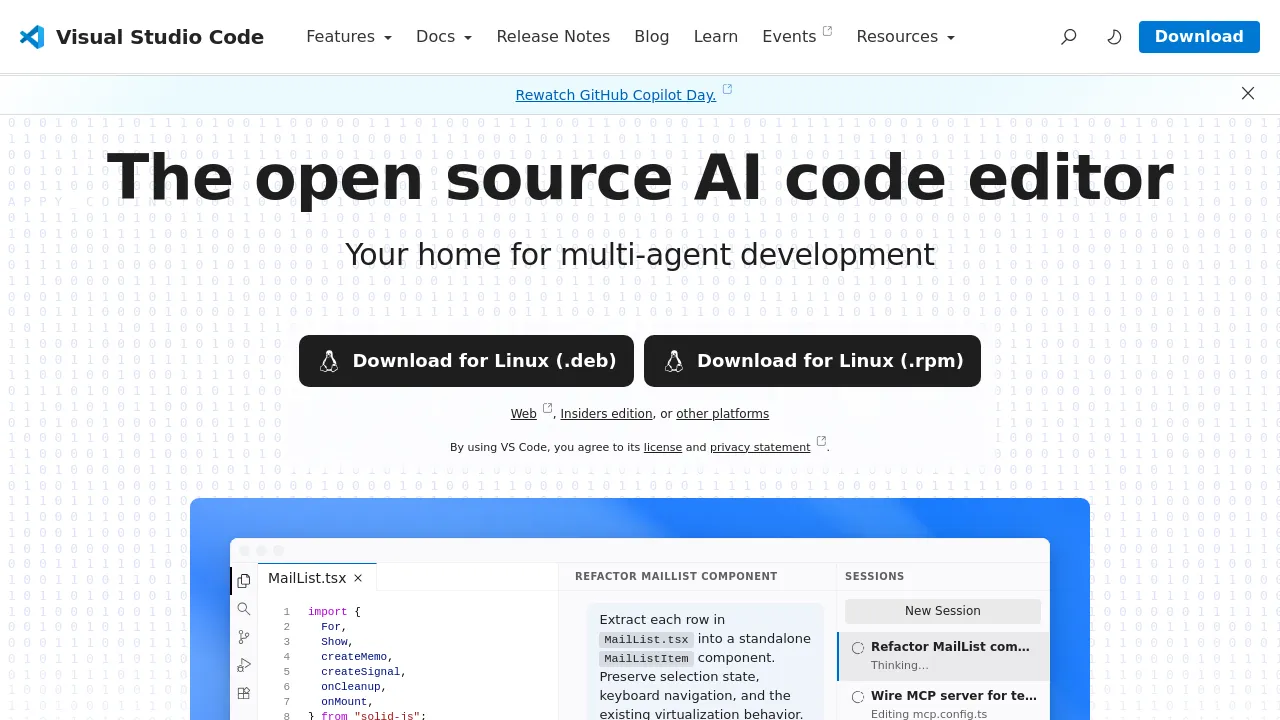
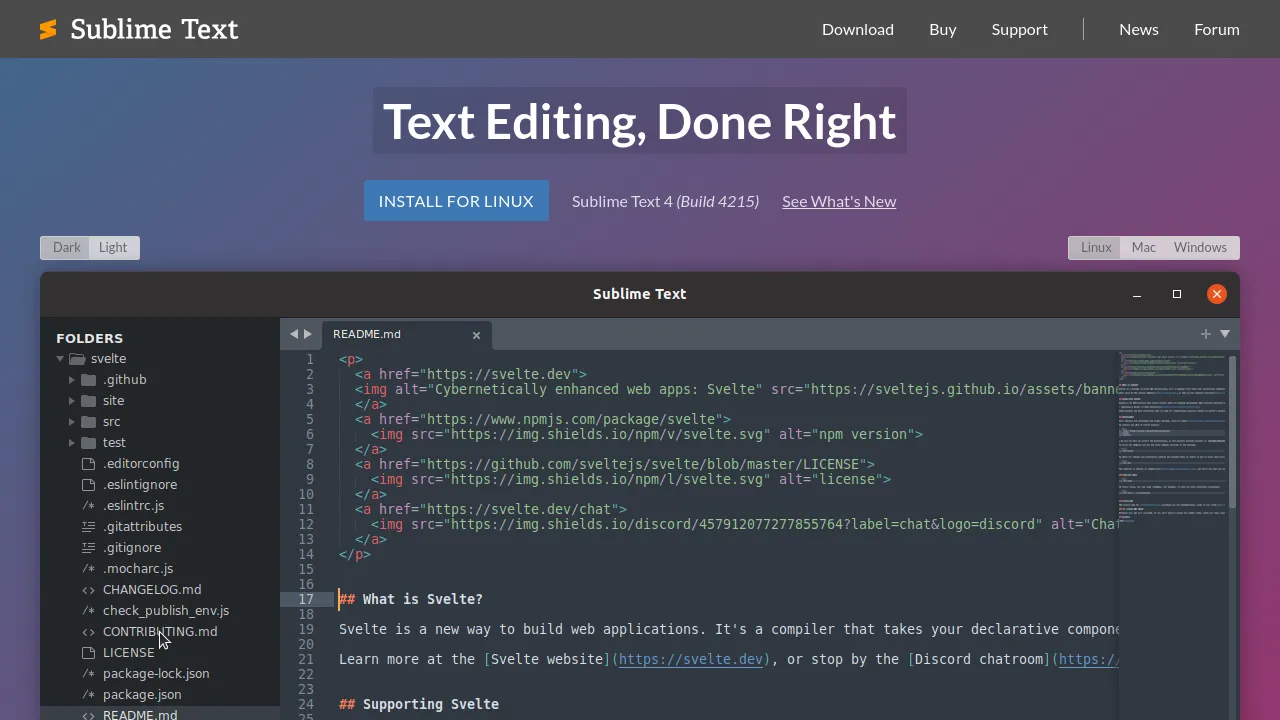

Code editors are where developers spend their day: writing, navigating, and debugging code. The category covers lightweight text editors, full IDEs with deep language intelligence, and the newer generation of AI-native editors that build model assistance into the core instead of bolting it on.
What separates them now is less about tabs and syntax highlighting — everyone has those — and more about what the editor understands. Language servers give editors real comprehension of your code's structure. AI integration adds a second layer: completions, chat against your codebase, and agents that make coordinated changes across files.
When choosing, test on your own codebase and your own languages. Check extension ecosystems for your stack, remote development support if you need it, and how the editor handles large files and monorepos — that's where lightweight tools strain. Price matters at the team level more than the individual one.
Frequently asked questions
- Is it worth switching editors for AI features?
- If your current editor's AI plugin does what you need, probably not — the gap has narrowed. AI-native editors pull ahead on multi-file edits and agent workflows because they own the whole environment. Try one on a real project for a week before deciding; editor switches are personal.
- What's the difference between an editor and an IDE?
- An editor is fast and general-purpose; an IDE comes with deep language support — refactoring, debugging, test runners, framework awareness. For large typed codebases the IDE's understanding pays off; for everything else a good editor with a language server gets you most of the way.
- Do I need a cloud development environment?
- When your local setup is the bottleneck — giant repos, heavy builds, onboarding that takes days — cloud dev environments give you a fast, identical machine on demand. For small projects a laptop is simpler. They're also handy for reviewing a PR without touching your working tree.
- How much should editor choice affect my productivity worry-list?
- Less than the internet suggests. After the basics — reliable language support, search, git integration — returns drop fast. Pick something actively maintained with the extensions you need, learn its shortcuts, and spend the saved deliberation time on the actual work.
New tools, once a week.
One weekly email with curated tools and founder insights. Unsubscribe anytime. Check our privacy policy.