Tools / Visual Studio Code
Visual Studio Code
Visual Studio Code is a free, open-source code editor that runs seamlessly across different platforms, providing developers with the flexibility they need to code anywhere.
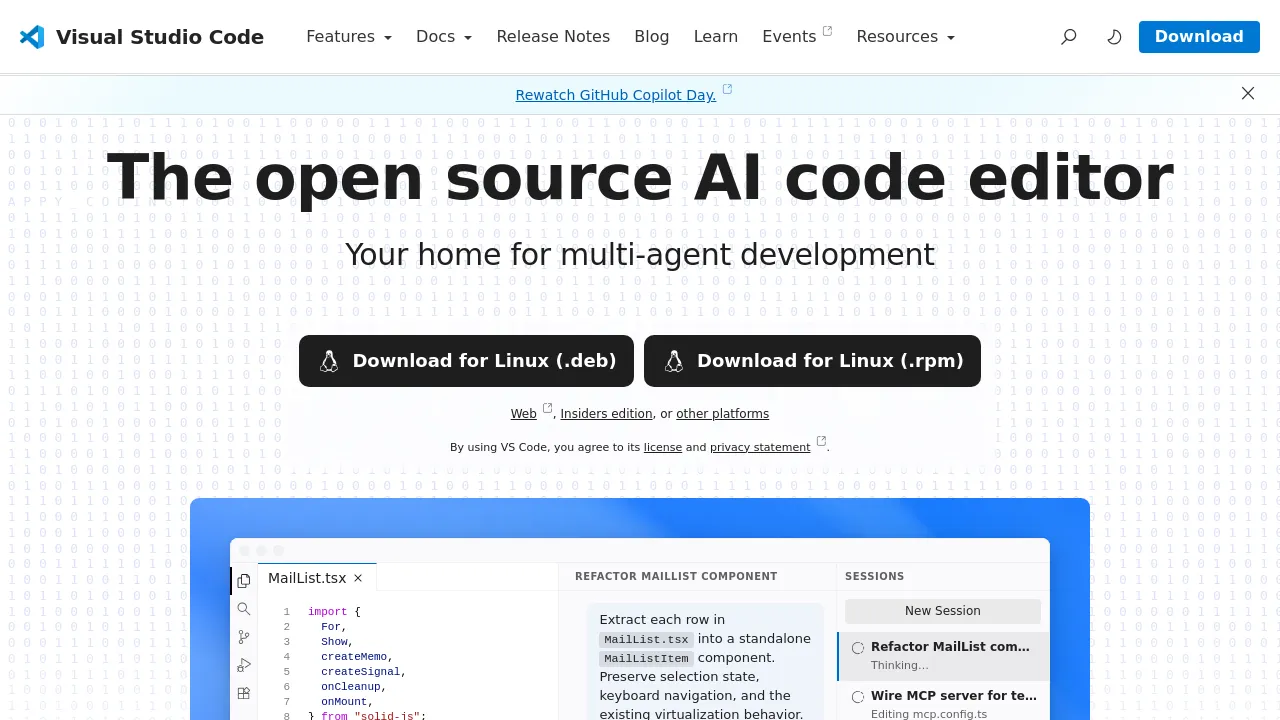
About Visual Studio Code
Free. Built on open source. Runs everywhere.
Unlock Your Coding Potential with Visual Studio Code
In the fast-paced world of software development, having the right tools can make all the difference. Enter Visual Studio Code (VS Code), the powerhouse code editor that combines simplicity with advanced functionality. Whether you're a seasoned developer or just starting out, VS Code is designed to enhance your coding experience, streamline your workflow, and help you build applications with confidence.
Why Choose Visual Studio Code?
Cross-Platform Compatibility
Visual Studio Code is available on multiple platforms—Linux, macOS, and Windows—ensuring that you can code wherever you are. Its flexibility makes it a go-to editor for developers around the world, bringing together teams regardless of their operating systems.
Smart Code Completion with IntelliSense
Forget the days of tedious syntax highlighting and basic autocomplete. VS Code's IntelliSense goes a leap further by offering dynamic code completions based on variable types, function definitions, and imported modules, significantly reducing the chances of errors. This insightful feature helps developers write code more efficiently, saving time and boosting productivity.
Built-In Debugging Capabilities
Visual Studio Code takes the pain out of debugging. With integrated debugging tools, you can start debugging right from the editor, attaching to running applications with breakpoints, call stacks, and an interactive console. This seamless experience eliminates the frustration of traditional print statement debugging, allowing you to troubleshoot and resolve issues quickly and effectively.
Seamless Integration with Git
Take control of your codebase with VS Code's built-in Git integration. Review diffs, stage files, and make commits—all directly from the editor. This streamlined process ensures that you can focus on coding without having to juggle between multiple tools. Plus, you can push and pull changes effortlessly from any hosted SCM service, making collaboration smooth and efficient.
Extensibility to Fit Your Needs
Customization is key with Visual Studio Code. Its rich ecosystem of extensions allows you to add new programming languages, themes, debuggers, and connect to additional services with ease. Each extension runs in separate processes, ensuring that your editor remains fast and responsive, no matter how many features you decide to implement.
Confident Deployment with Microsoft Azure
Deploying your applications has never been easier. With direct support for Microsoft Azure, you can host and manage your React, Angular, Vue, Node, Python (and more!) applications, store and query relational and document-based data, and scale your solutions with serverless computing—all within the VS Code environment. This integration means you can focus on coding and leave the tedious deployment tasks behind.
A Development Experience Redefined
With Visual Studio Code, you have access to a powerful and versatile tool that redefines modern development. Its array of features empowers you to build and debug projects seamlessly, helping you work smarter, not harder.
In summary, Visual Studio Code stands out as the best choice for developers looking to elevate their coding experience with intelligent features, effortless debugging, and customizable options. Why settle for anything less? Empower your coding journey with Visual Studio Code today!

Similar to Visual Studio Code
New tools, once a week.
One weekly email with curated tools and founder insights. Unsubscribe anytime. Check our privacy policy.