Tools / Aider
About Aider
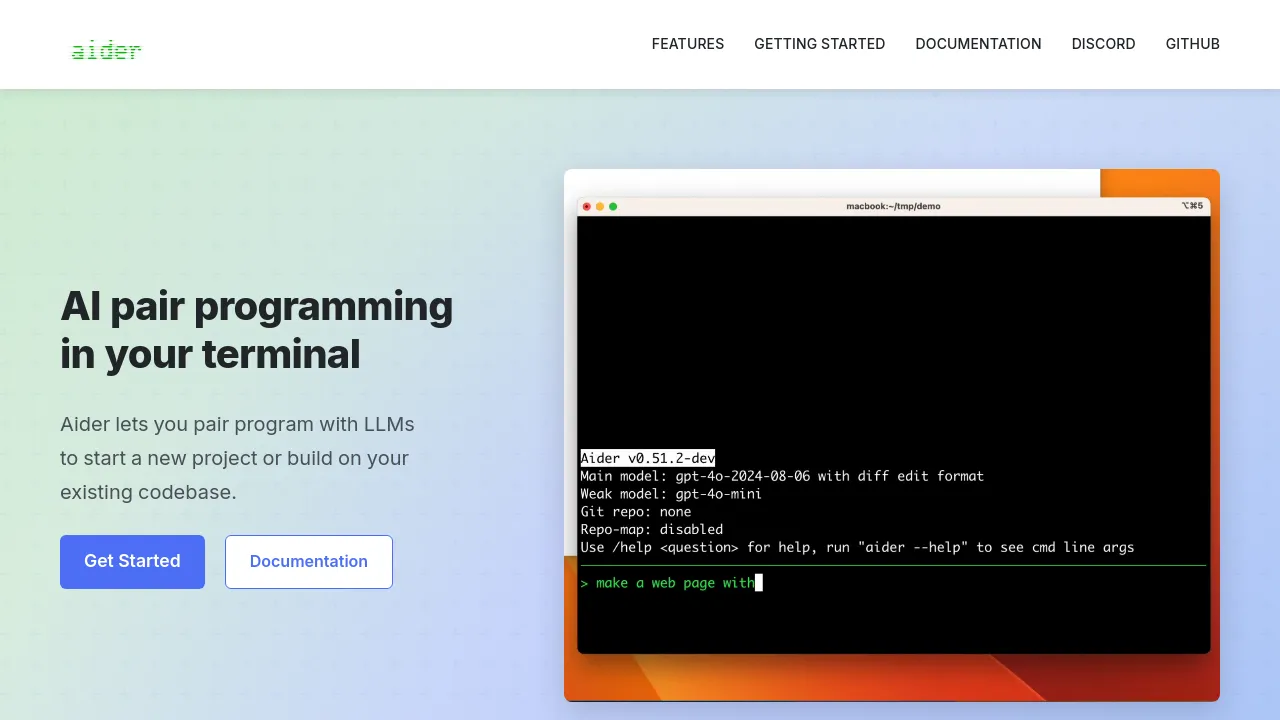
Aider enables AI pair programming directly in your terminal, allowing you to start new projects or build on existing codebases with large language models.
Aider is an AI pair programming tool that operates within your terminal. It allows developers to interact with large language models (LLMs) to assist with coding tasks, whether starting a new project or modifying an existing codebase. The tool supports various LLMs, including DeepSeek, Claude 3.7 Sonnet, and OpenAI's o3-mini, requiring an API key for each. Aider is installed via pip and then run from the command line within a project directory.
Users have described Aider as a precise tool for LLM code generation, capable of making surgical changes while keeping the developer in control. It is noted for its ability to help users quickly complete personal projects.
Best for
- Developers who prefer a terminal-based workflow for AI assistance.
- Programmers looking to integrate LLMs into their existing codebases.
- Individuals starting new coding projects and needing AI guidance.
- Users who want to make targeted, surgical changes to code with AI.
Frequently asked questions
What LLMs does Aider support?
Aider supports various large language models, including DeepSeek, Claude 3.7 Sonnet, and OpenAI's o3-mini. Users need to provide their own API keys for these models.
How do I install Aider?
Aider can be installed using pip by running python -m pip install aider-install followed by aider-install.
Can Aider work with my existing codebase?
Yes, Aider is designed to work with existing codebases. You can change into your project directory and then run Aider to start pair programming with LLMs.
Is Aider free to use?
The website does not specify pricing information for Aider itself. However, it requires API keys for various LLMs, which may incur costs depending on the model provider.
Alternatives
- Visual Studio Code: Pick this if you need a free, open-source code editor with extensive plugin support for various programming tasks, including AI assistance.
- PhpStorm: Choose this if you are a PHP developer looking for a powerful integrated development environment with advanced code completion and refactoring tools.
- Komodo Edit: Consider this if you need a robust and efficient code editor for general development tasks.
- GitLoop: Opt for this if you need an AI codebase chatbot and context-aware Git assistant to enhance repository management.
- CodeMate: Use this if you need a tool to accelerate coding by searching, navigating, and understanding complex codebases.

Similar to Aider
New tools, once a week.
One weekly email with curated tools and founder insights. Unsubscribe anytime. Check our privacy policy.