Tools / GitHub Copilot
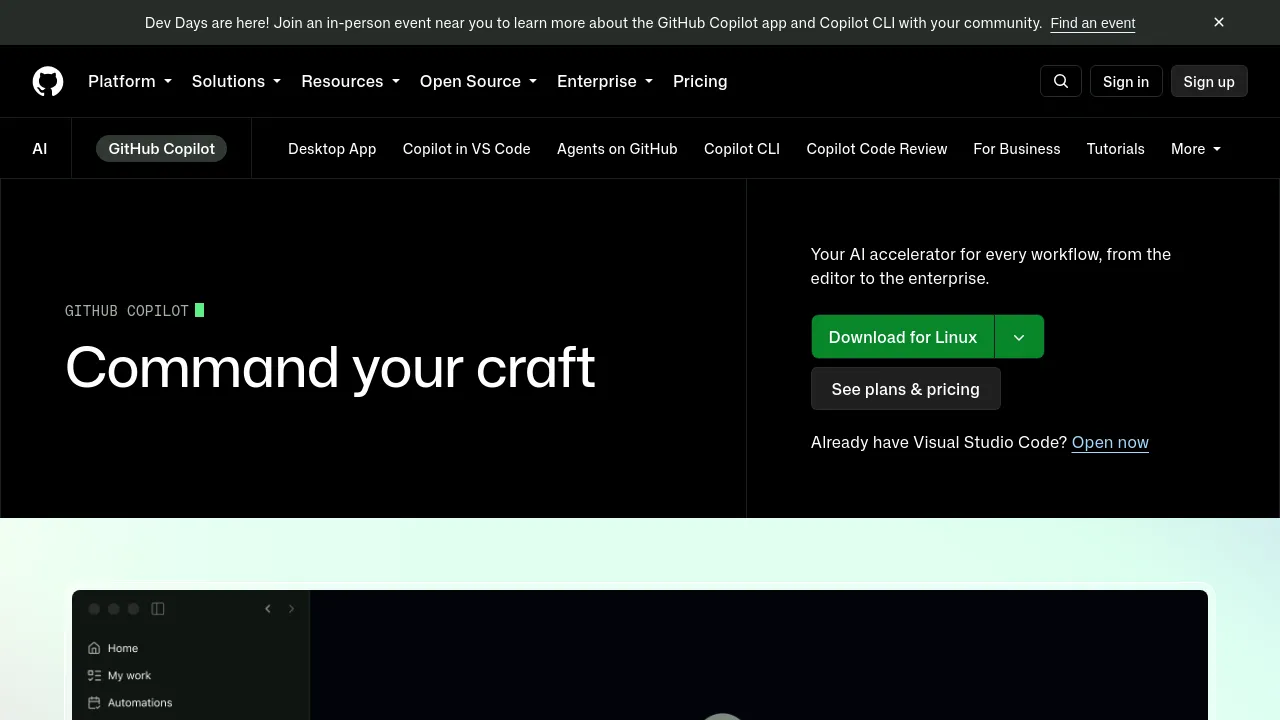
About GitHub Copilot
GitHub Copilot provides AI assistance for developers, offering code suggestions, explanations, and agent-driven workflows across various platforms.
GitHub Copilot is an AI coding assistant developed by GitHub. It integrates into various development environments, including popular IDEs, the command line, and directly within GitHub. The tool aims to accelerate development workflows by providing contextual assistance throughout the software development lifecycle, from initial coding to reviewing and merging pull requests.
Copilot offers features such as inline code suggestions, chat assistance within the IDE, code explanations, and the ability to answer questions based on documentation. It supports agent-driven work, allowing users to assign tasks to AI agents like Copilot, Claude by Anthropic, and OpenAI Codex, which can then plan, explore, and execute work autonomously. The platform allows for customization, enabling organizations to tailor Copilot's knowledge, behavior, and connections to their specific business needs, including integrating context from their documentation and repositories.
GitHub Copilot is available across multiple platforms, including Visual Studio Code, Visual Studio, JetBrains IDEs, Neovim, and Azure Data Studio. It also functions in terminals via GitHub CLI and as a chat integration in Windows Terminal Canary. For enterprise users, it integrates natively into GitHub.com and is supported on GitHub Mobile for all plans.
Best for
- Developers seeking AI-powered code completion and suggestions in their IDE.
- Teams looking to automate and manage agent-driven development tasks.
- Organizations needing to customize AI assistance with their internal knowledge bases.
- Individuals and businesses aiming to increase developer productivity and satisfaction.
- Users who want AI support across various development environments, including desktop, terminal, and web.
Frequently asked questions
What is GitHub Copilot?
GitHub Copilot is an AI tool that assists developers throughout the software development lifecycle. It provides contextual suggestions, chat assistance, code explanations, and agent-driven workflows, aiming to enhance productivity and job satisfaction.
What languages and IDEs does GitHub Copilot support?
GitHub Copilot is trained on all languages found in public repositories, with suggestion quality varying based on training data volume. It is available as an extension for Visual Studio Code, Visual Studio, Vim, Neovim, JetBrains IDEs, and Azure Data Studio. Chat functionality is available in Visual Studio Code, JetBrains, and Visual Studio.
Is there a free version of GitHub Copilot?
Yes, GitHub Copilot offers a "Free" plan with limited functionality, including 2,000 completions per month and access to specific models. Verified students also have access to a student plan.
Can GitHub Copilot be tailored for an organization's specific needs?
Yes, organizations can customize Copilot to their business needs. This includes scaling knowledge by providing context from internal documentation and repositories, tracking activity with audit logs, and enforcing governance by managing agents.
How does GitHub Copilot handle security and data privacy?
GitHub Copilot allows control over which MCP servers developers can access from their IDEs and uses allow lists to prevent unauthorized access. The platform also provides IP indemnity and data privacy features for business and enterprise plans.
Alternatives
- Visual Studio Code - Pick this if you need a free, open-source code editor that runs across different platforms.
- CodeMate - Pick this if you need a tool focused on searching, navigating, and understanding complex codebases to accelerate coding.
- GitLoop - Pick this if you need a personalized AI codebase chatbot and context-aware Git assistant for repository management.
- PhpStorm - Pick this if you are a PHP developer looking for a powerful IDE with advanced features like code completion and refactoring tools.
- Voqal - Pick this if you are interested in a natural speech programming assistant that offers intelligent voice coding capabilities.

Similar to GitHub Copilot
New tools, once a week.
One weekly email with curated tools and founder insights. Unsubscribe anytime. Check our privacy policy.