Tools / BoxHero
About BoxHero
Track stock levels, manage orders, and organize inventory across multiple locations using mobile and desktop tools.
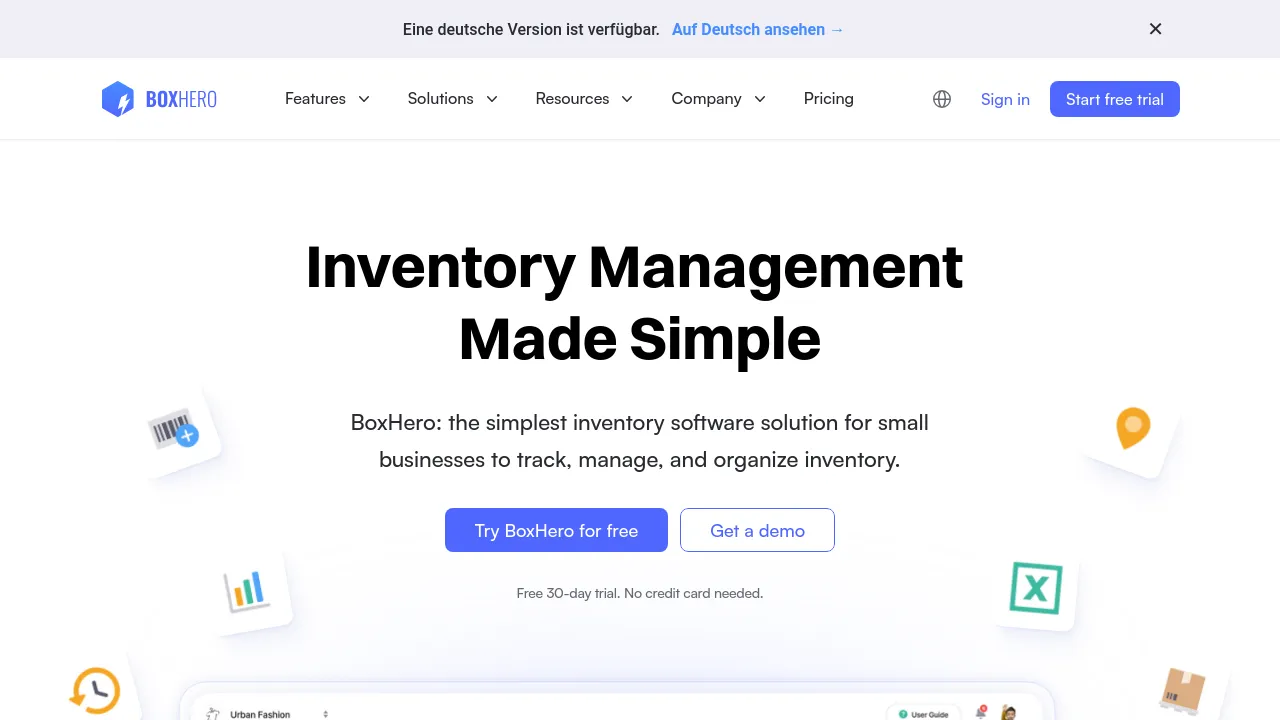
BoxHero is an inventory management solution designed for small businesses that need to track, manage, and organize their stock. The platform allows users to maintain real-time inventory counts by recording transactions, whether through manual entry or barcode scanning. It is structured to simplify stock control processes, allowing businesses to manage items, orders, and sales data from a single interface.
The system supports comprehensive inventory organization, enabling users to upload existing data from Excel, track custom item attributes (such as size, color, or brand), and group items by location or category. Users can generate custom barcodes and QR codes for products, which can then be scanned using a mobile device to register items and update stock counts instantly. The platform is accessible via a mobile app for iOS and Android, as well as through a desktop browser.
Beyond basic tracking, BoxHero includes tools for managing the entire supply chain. Users can manage purchase orders and generate custom invoices, while also tracking order status, processing returns, and issuing refunds. The system supports multiple locations, allowing businesses to track stock across various warehouses or stores and move inventory between sites with a full tracking history. For planning, the tool provides reports and insights, allowing users to analyze stock levels by date or location and set low stock alerts to prevent shortages.
Best for
- Small businesses needing to track stock across multiple physical locations.
- Retail operations requiring mobile barcode scanning for physical counts and sales.
- E-commerce sellers who need to manage purchase orders and generate invoices.
- Businesses that need to import and categorize large amounts of existing inventory data.
- Users who require real-time visibility into stock levels and sales trends.
Frequently asked questions
How do I use BoxHero?
BoxHero is used to track inventory levels, manage orders, and organize stock. Users can start by importing existing inventory data via Excel, then use the mobile app to scan items and record movements.
How does barcode scanning work?
Users can create custom barcodes and QR codes for their items. The system allows scanning these codes with a mobile device to register items, update stock counts, and manage inventory transactions.
Which barcode scanner can I use with BoxHero?
The source material states that the system is compatible with any printer and scanner, but does not specify required hardware models.
Do you support other languages?
This information is not provided in the source material.
Alternatives
If your needs extend beyond inventory management, several other tools may fit your workflow. For general documentation and project management, consider Notion. If you require a versatile form builder for data collection, FormNX is an option. For users focused on AI-driven document summarization and research, Afforai may be useful. If you are looking for a comprehensive productivity suite, Triplo AI offers an all-in-one AI assistant. For simple note-taking and document organization, Jot is available. If you are primarily seeking a macOS efficiency tool, Alfred is designed for hotkeys and text expansion. For writing assistance, Brevy helps craft posts and replies.

Similar to BoxHero
New tools, once a week.
One weekly email with curated tools and founder insights. Unsubscribe anytime. Check our privacy policy.