Tools / PineConnector
About PineConnector
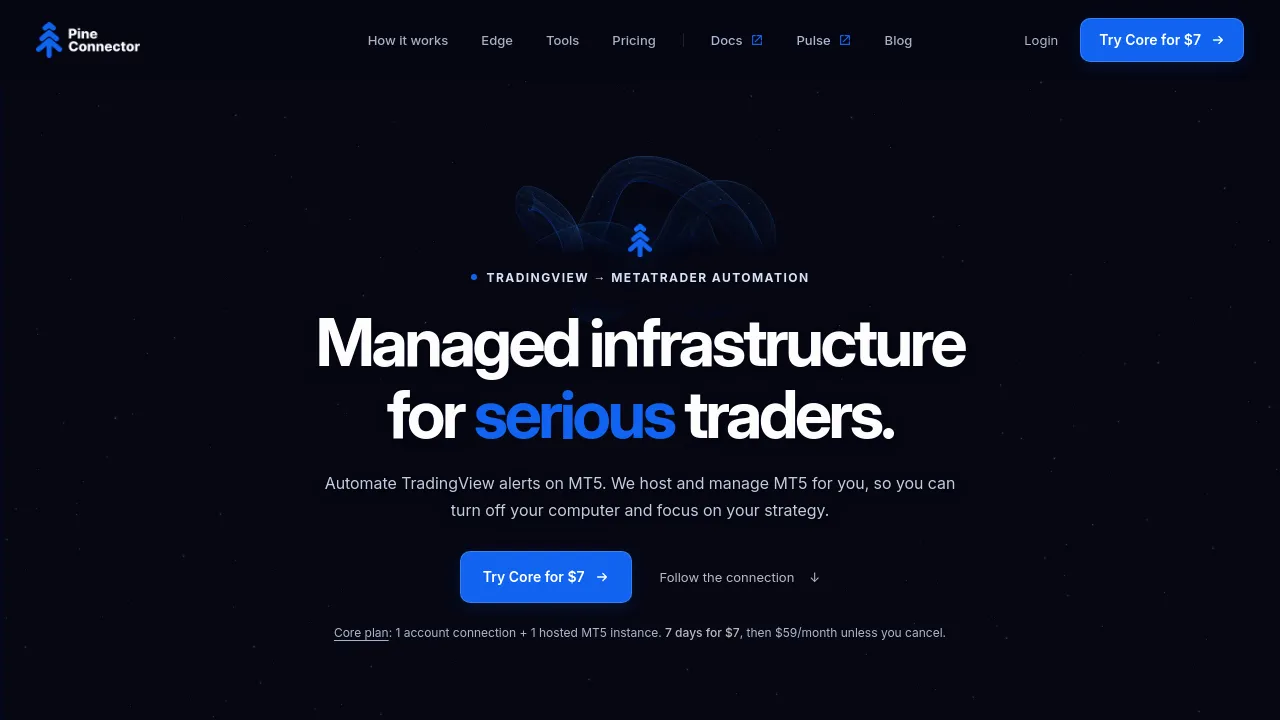
Execute TradingView alerts on your MetaTrader 5 accounts with an EA or managed cloud hosting.
PineConnector is a tool that connects TradingView alerts to MetaTrader 5 accounts, turning alert messages into live orders. You write a trade as a formatted alert message in TradingView — for example, 60123456789,buy,XAUUSD,vol_lots=1 means buy XAUUSD at 1 lot, where the number is your License ID — and PineConnector routes that signal to your MT5 account. The company claims over 200 million signals processed since 2021 and more than 66,000 traders, and it is part of Microsoft for Startups.
There are two ways to run it. You can install MT5 and the PineConnector EA yourself on your own PC or VPS, or use Edge, PineConnector's managed hosting, where the company runs your MT5 terminal and EA on its own infrastructure. Edge is included in every plan and is currently hosted in Virginia, US, with a London location listed as coming in November. Because the terminal runs on PineConnector's servers, alerts keep reaching your account even when your computer is off, and the company monitors the hosted terminal rather than leaving you to send test signals to check it.
The web portal at portal.pineconnector.com gives you a real-time view of hosted instances — balance, equity, margin, broker ping, and location — plus Experts and Journal logs, EA settings, and a symbol lookup for your broker. The site also mentions analytics and no-code tasks with notifications (email, or email plus Telegram on higher plans), though the exact detail available varies by plan. PineConnector says it works with the MT5 brokers and prop firms you already use, and its demo shows sample connections to a Pepperstone demo account and FTMO 100k Funded accounts, with one alert fanning out to multiple accounts at once. Typical latency from PineConnector to an Edge MT5 is stated as under one second.
Best for
- TradingView users who want their alerts to execute automatically on MT5 without manual order entry
- Prop firm traders (the site specifically shows FTMO examples) who need alerts routed to funded accounts
- Traders running multiple MT5 accounts who want one alert to reach all of them simultaneously
- Anyone who can't keep a PC or VPS running around the clock and wants a cloud-hosted MT5 terminal
- Traders who want to review signal logs, latency, and account metrics from a single portal
Frequently asked questions
Does PineConnector support MT4?
The homepage focuses on MT5 and Edge managed hosting for MetaTrader 5. The tagline mentions MT4, but the current site content describes MT5 workflows, so check with the company directly if you specifically need MT4.
Do I need to run my own computer or VPS?
Not necessarily. You can run MT5 and the PineConnector EA yourself on your PC or VPS, or use Edge, where PineConnector hosts and monitors the terminal for you on its cloud infrastructure.
How much does it cost?
Core is currently $59/month (listed as a launch price, going to $69/month after launch) for 1 account and 1 hosted Edge instance, with a 7-day trial for $7. Plus is $129/month for 3 accounts and Pro is $199/month for 5 accounts, both also marked as launch prices with higher regular prices stated.
How do alerts trigger trades?
You paste a formatted message into a TradingView alert, replacing the sample number with your License ID. The message specifies the action, symbol, and size, and can also include stop-loss and take-profit in pips, such as sl_pips=20,tp_pips=40.
Which brokers and prop firms are supported?
The site says it works with the MT5 brokers and prop firms you already use and shows FTMO and Pepperstone in its samples, but the full list of compatible brokers isn't shown on the homepage.
Alternatives
None of the alternatives below are trading-automation tools — they serve different purposes entirely:
- Blynk — if you're automating connected hardware devices rather than trading alerts.
- Wordware — if you want an AI assistant that learns your context instead of a trading bridge.
- Supermemory — if you need memory infrastructure for AI agents rather than MetaTrader automation.
- ArangoDB — if what you actually need is a unified database for graph, vector, and document data.

Similar to PineConnector
New tools, once a week.
One weekly email with curated tools and founder insights. Unsubscribe anytime. Check our privacy policy.