Tools / Searchable ChatGPT
About Searchable ChatGPT
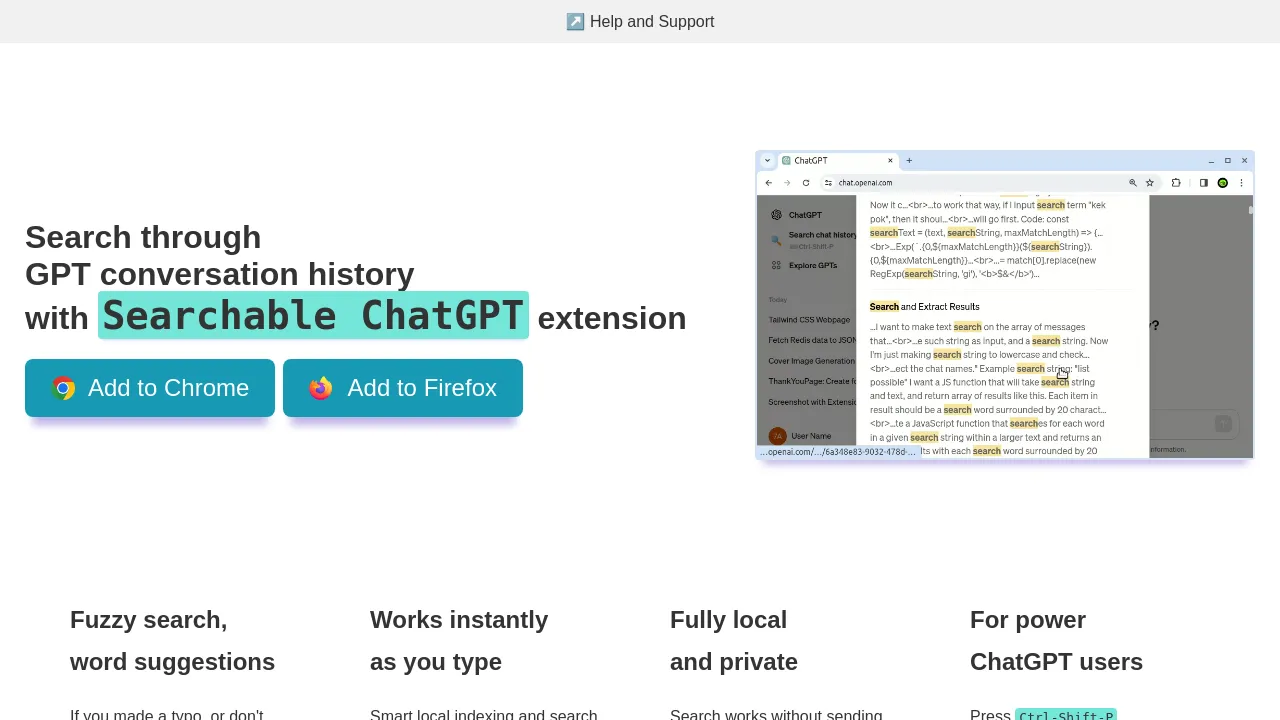
This browser extension indexes your ChatGPT chats locally and finds any word or phrase via a search box or Ctrl-Shift-P hotkey.
Searchable ChatGPT is a Chrome extension for searching your ChatGPT chat history. The ChatGPT web UI has no built-in way to search message contents, so if you have many conversations, finding an older chat means scrolling. This extension builds a searchable index of your chats and lets you query it from a search box.
How it works
- Install the extension and open the ChatGPT web UI.
- Press the sidebar button or use the hotkey Ctrl-Shift-P to open the search box.
- On first run, the extension fetches all your chats and messages and builds a local index. Chat names are retrieved immediately; message contents may take a few minutes depending on how many chats you have. Progress is shown in the extension popup and in the sidebar.
- After the initial indexing, the extension keeps the index up to date and searches return results instantly.
What it searches
The index covers both chat names and chat messages. You can search for any word or phrase that was ever mentioned in any of your chats, not just chat titles.
Free vs. paid
- Free version: search all your chats and messages, but each search shows only the first 3 results — the rest are blurred.
- Paid version: no result limits. It costs $10 for a lifetime license. After upgrading, reload the page and a 👑 appears in the extension popup title.
Who it's for
Anyone with a long ChatGPT history — particularly people juggling multiple topics or research threads who need to pull up specific past conversations quickly.
FAQ
Does it search the contents of chats, or just titles? Both. It indexes chat names and message contents, so you can search for any word or phrase from any chat.
How long does the initial indexing take? It may take a couple of minutes. Chat names appear immediately; messages take longer. You can watch progress in the extension popup and sidebar.
How do I open the search? Click the button in the ChatGPT sidebar or press Ctrl-Shift-P, then type keywords and press Enter.
What does the paid version add? Unlimited results per search. The free version caps each search at 3 visible results.
How much does it cost? $10 for a lifetime license.
Alternatives
If you're looking for tools in a similar space, Supermemory provides memory infrastructure for AI applications — a different approach to making AI conversation context searchable and reusable.

Similar to Searchable ChatGPT
New tools, once a week.
One weekly email with curated tools and founder insights. Unsubscribe anytime. Check our privacy policy.