Categories / To Do List
To do list
A curated collection of the best simple task apps for capturing and checking off tasks, used by individuals and small teams to organize daily work and personal errands — 16 tools on Founderkit.
16 tools
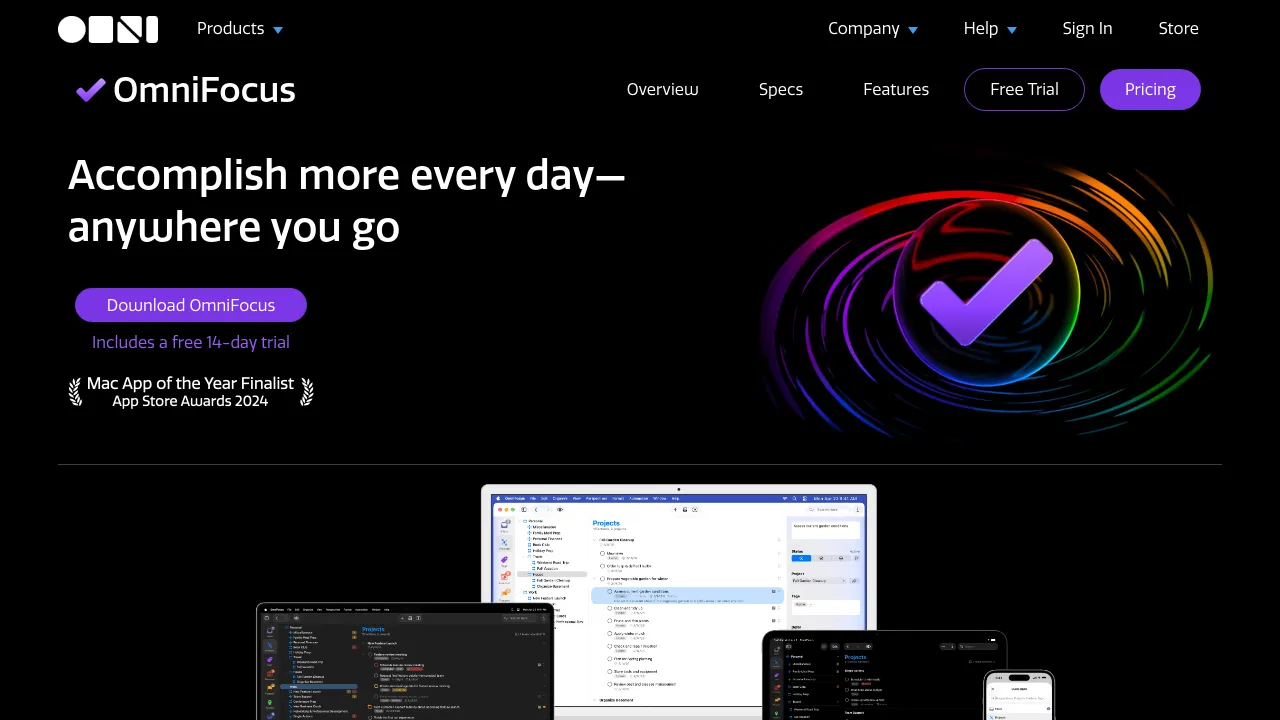
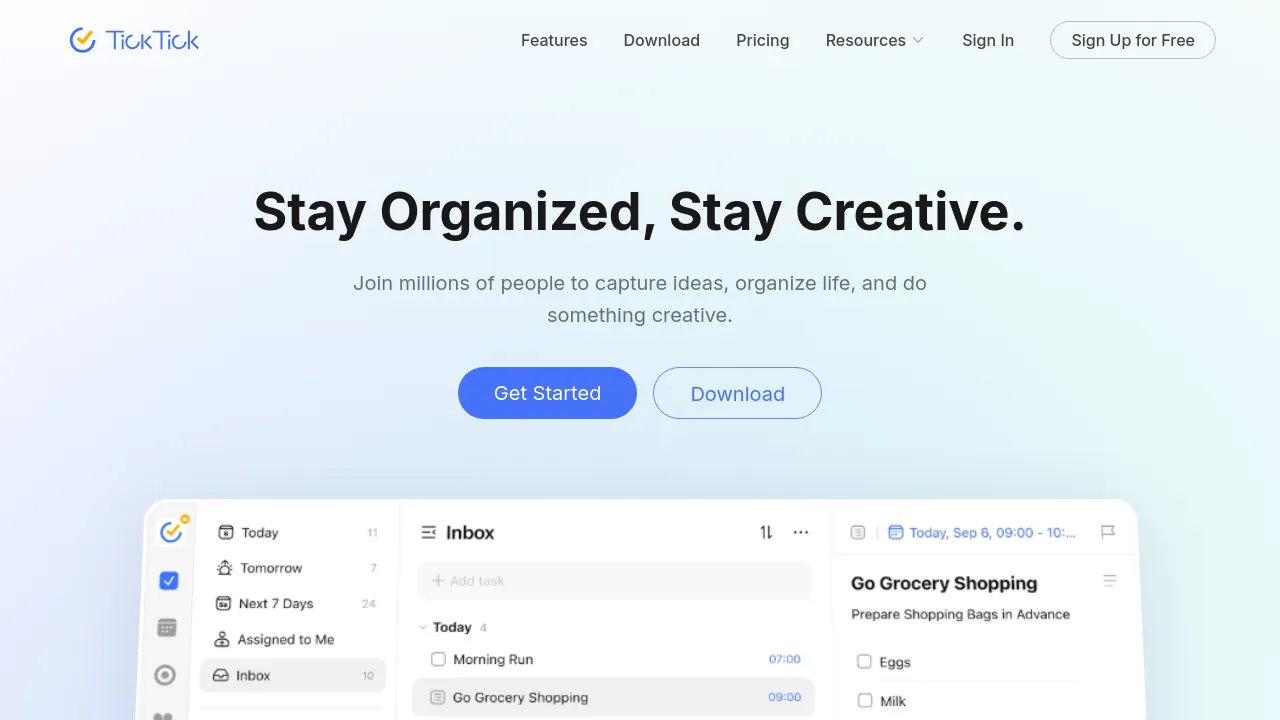
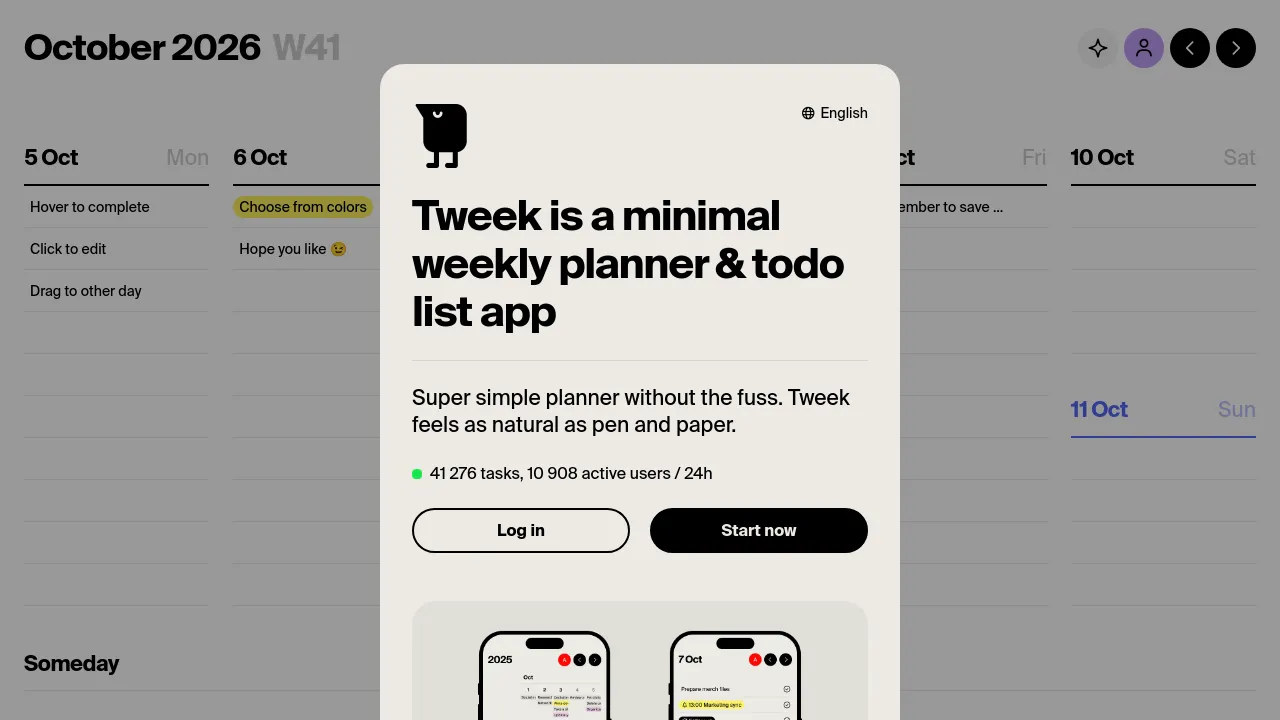

To-do list apps are personal task managers: capture what needs doing, organize it, and get it out of your head. The category ranges from minimal checklists to full systems with projects, recurring tasks, natural-language entry, calendar views, and habit tracking — some aimed at individuals, some at small teams sharing lists.
The design decisions that matter are usually about friction. How fast can you add a task from your phone or an email? Does it nudge you to plan your day, or does the backlog silently grow? Does it sync reliably across devices? Small differences in capture speed compound into whether the app actually gets used.
When choosing, pick the one whose daily view matches how you think — list people and calendar people are different species. Check the mobile app first, since that's where capture happens, and be skeptical of features you won't use: a simpler tool you open every day beats a powerful one you abandon.
Frequently asked questions
- What makes a good to-do app?
- Fast capture and honest scheduling. Adding a task should take seconds from anywhere, and the app should make it easy to see what today actually looks like. Everything else — tags, projects, filters — matters less than whether you'll still use it in a month.
- Should I use a to-do app or a project manager?
- A to-do app tracks what you personally need to do; a project manager coordinates what a team is doing together. If you're the only one who needs to see your list, keep it simple. When work involves handoffs, deadlines others depend on, or shared planning, that's the project manager's job.
- Do I need my tasks and calendar in one app?
- It helps if you actually time-block — seeing tasks next to meetings makes planning real instead of aspirational. If you mostly work from a list and don't schedule your day, a combined app adds complexity for nothing.
- How do I stop my task list from becoming a graveyard?
- Keep a short 'this week' view separate from the backlog, and be willing to delete. Tools that support weekly review rituals or natural-language scheduling make it easier to keep the active list small; the ones that encourage infinite tagging and nested projects make it worse.
New tools, once a week.
One weekly email with curated tools and founder insights. Unsubscribe anytime. Check our privacy policy.