Tools / Moxie
About Moxie
Run your freelance business from one place: clients, projects, invoicing, contracts, time tracking, and accounting in a single workspace.
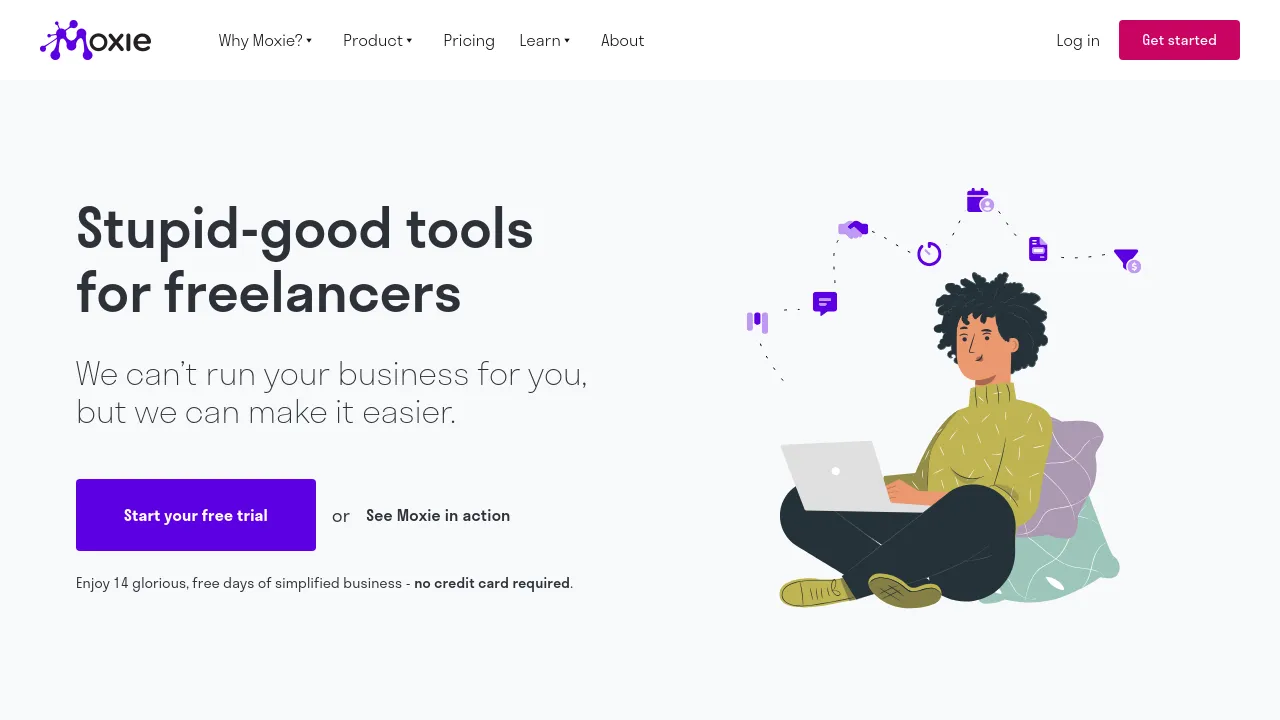
Moxie is an all-in-one business management tool for freelancers, solo operators, and small teams. It combines client management, project management, invoicing and payments, proposals, quotes, contracts, time tracking, and basic accounting in a single workspace. The company's own pitch is deliberately modest: it won't run your business for you, but it handles the administrative work around it.
The feature set covers the full client lifecycle. A sales pipeline tracks leads, a custom form builder collects intake information, and meeting schedulers book calls. Once work is won, projects, time tracking, and invoicing live in the same system, alongside a universal calendar and inbox and a built-in AI assistant.
Pricing scales with team size. Starter ($10/month billed annually, or $12 monthly) is aimed at freelancers just starting out. Pro ($20/month billed annually, or $25 monthly) targets solo freelancers and those who collaborate with others, adding a custom domain, a white-label client portal, support ticketing and client requests, workflow automation, a communicator phone line, API access, QuickBooks integration, and unlimited project collaborators. Teams ($32/month billed annually, or $40 monthly) supports up to five team members with additional collaborator and communication capacity, aimed at small agencies.
Integrations named on the pricing page include Zapier, Make, webhooks, a public API, and QuickBooks. The help center also references calendar and meeting integrations. Web access is confirmed; the site pages reviewed don't confirm native iOS, Android, or browser extension availability, so verify directly if mobile support matters to you.
Best for
- Freelancers who want client management, projects, and invoicing in one tool instead of several subscriptions
- Solo operators who regularly send proposals, quotes, and contracts
- Small agencies or freelance teams of up to five people sharing projects and communication
- Anyone billing by the hour who wants time tracking tied to invoices
- Businesses that need workflow automation, a client portal, or QuickBooks sync (Pro tier and up)
Frequently asked questions
How much does Moxie cost?
Starter is $10/month billed annually ($12 monthly), Pro is $20/month billed annually ($25 monthly), and Teams is $32/month billed annually ($40 monthly).
What does the Pro plan add over Starter?
Pro adds a custom domain, a white-label client portal, support ticketing and client requests, workflow automation, a communicator phone line, API integrations, QuickBooks integration, and unlimited project collaborators.
Is there a free plan?
The pricing information available lists three paid tiers and doesn't mention a free plan or trial. Check the site for current offers.
Who is each plan for?
Starter targets freelancers just starting out, Pro targets solo freelancers and freelancers collaborating with others, and Teams targets small agencies and freelancers working as a team.
Does Moxie have a mobile app?
The site pages reviewed confirm web access but don't confirm iOS, Android, or browser extension availability. Check the site directly if mobile support is important to you.
What integrations does Moxie support?
The pricing page lists Zapier, Make, webhooks, a public API, and QuickBooks, and the help center also references calendar and meeting integrations.

Similar to Moxie
New tools, once a week.
One weekly email with curated tools and founder insights. Unsubscribe anytime. Check our privacy policy.