Tools / Vrew
About Vrew
Create and edit videos quickly using AI transcription. The platform offers noise removal, voice cloning, and text-to-video generation in one hub.
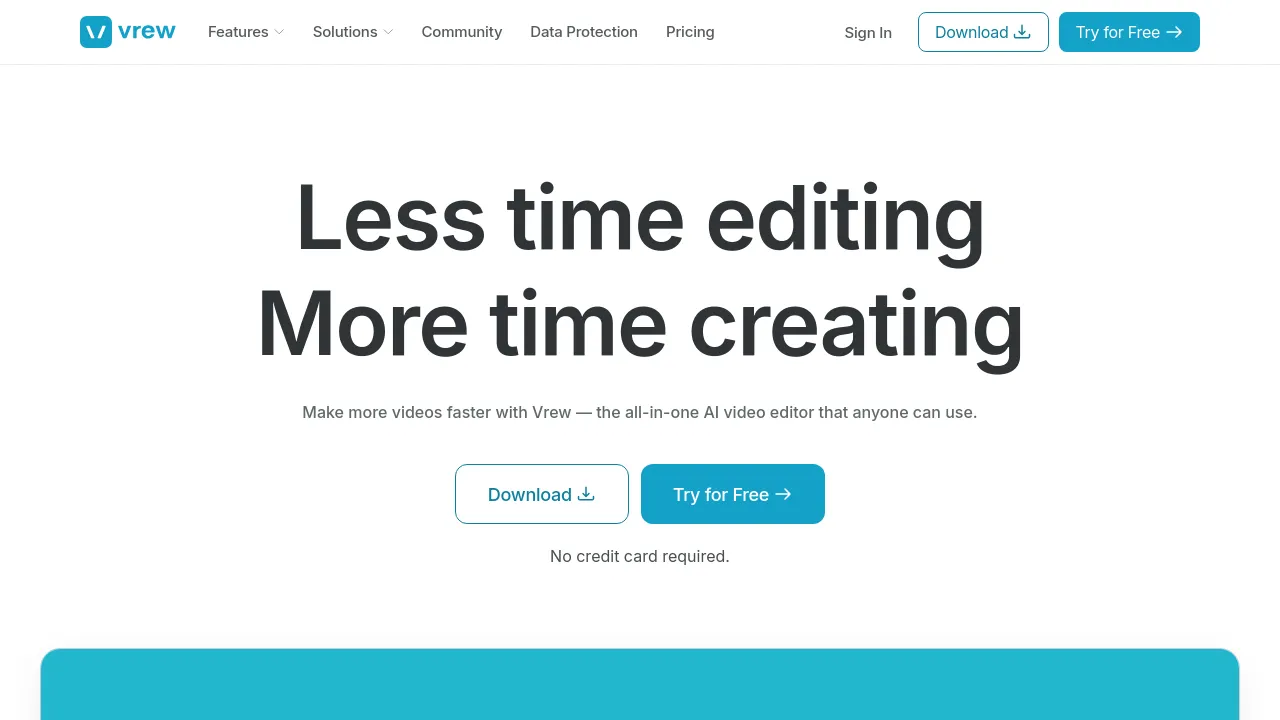
This AI-powered video editing platform is designed to simplify the video creation process by allowing users to edit videos based on their transcribed text. Instead of manually cutting video clips, users can edit the script, and the corresponding video segments are adjusted automatically. This approach makes the editing process function similarly to document editing, allowing users to focus on content rather than complex timeline manipulation.
The platform functions as an all-in-one hub, integrating various AI tools into a single interface. Features include automatic transcription, noise removal, AI voice generation, and translation. The service is built with a focus on data security, holding ISO/IEC 27001 and ISO/IEC 27701 certifications from SGS. The company states that user creative content is not used to train its AI models.
This tool offers a tiered pricing structure, including a Free plan, as well as paid options (Light, Standard, and Business) that provide increasing limits on credits, cloud storage, and advanced features like voice cloning and AI scriptwriting. The Free plan is available at no cost, while paid tiers offer features such as watermark-free videos and higher limits for transcription and AI generation.
Best for
- Podcasters needing quick transcriptions and noise reduction.
- Content creators who prefer text-based editing over traditional timeline editing.
- Small businesses requiring a secure, ISO-certified platform for video production.
- Users who need to generate video content directly from written scripts.
- Individuals looking for an all-in-one tool to manage transcription, translation, and AI image/video creation.
Frequently asked questions
How does the platform simplify the editing process?
The platform allows users to edit the video by editing the automatically generated transcript. When text is removed or modified, the corresponding video segments are adjusted, improving the editing workflow.
Is my data secure?
Yes, the platform is independently certified to ISO/IEC 27001 and ISO/IEC 27701. The company states that user content is never used to train its AI models.
What features are included in the Free plan?
The Free plan is available at US$0.00 and includes basic features such as transcription and noise removal, with specific limits on credit usage.
Does the platform support multiple languages?
Yes, the platform includes translation capabilities, with credit limits varying based on the subscription tier.
Can I create videos from text?
Yes, the platform includes a feature that allows users to create videos from text, with the character limit depending on the selected plan.
Alternatives
- <a href="/capcut">CapCut</a>: Pick this if you need a platform that offers flexible editing options and a vast library of stock assets.
- <a href="/kapwing">Kapwing</a>: Pick this if your team needs a modern platform for producing high-quality content quickly.
- <a href="/videoexpressai">VideoExpress.ai</a>: Pick this if you want to turn your ideas into videos simply by describing them using advanced AI.
- <a href="/invideo-ai">invideo-ai</a>: Pick this if you need a tool that generates scripts, adds voiceovers, and refines videos based on a chosen topic.
- <a href="/bigvu">BIGVU</a>: Pick this if you need a powerful teleprompter and captioning tool to create professional videos rapidly.

Similar to Vrew
New tools, once a week.
One weekly email with curated tools and founder insights. Unsubscribe anytime. Check our privacy policy.