Tools / Immersive Translate
About Immersive Translate
Translate web pages, PDFs, subtitles, ebooks, and images side by side with 20+ engines like DeepL and ChatGPT. Free tier available on desktop and mobile.
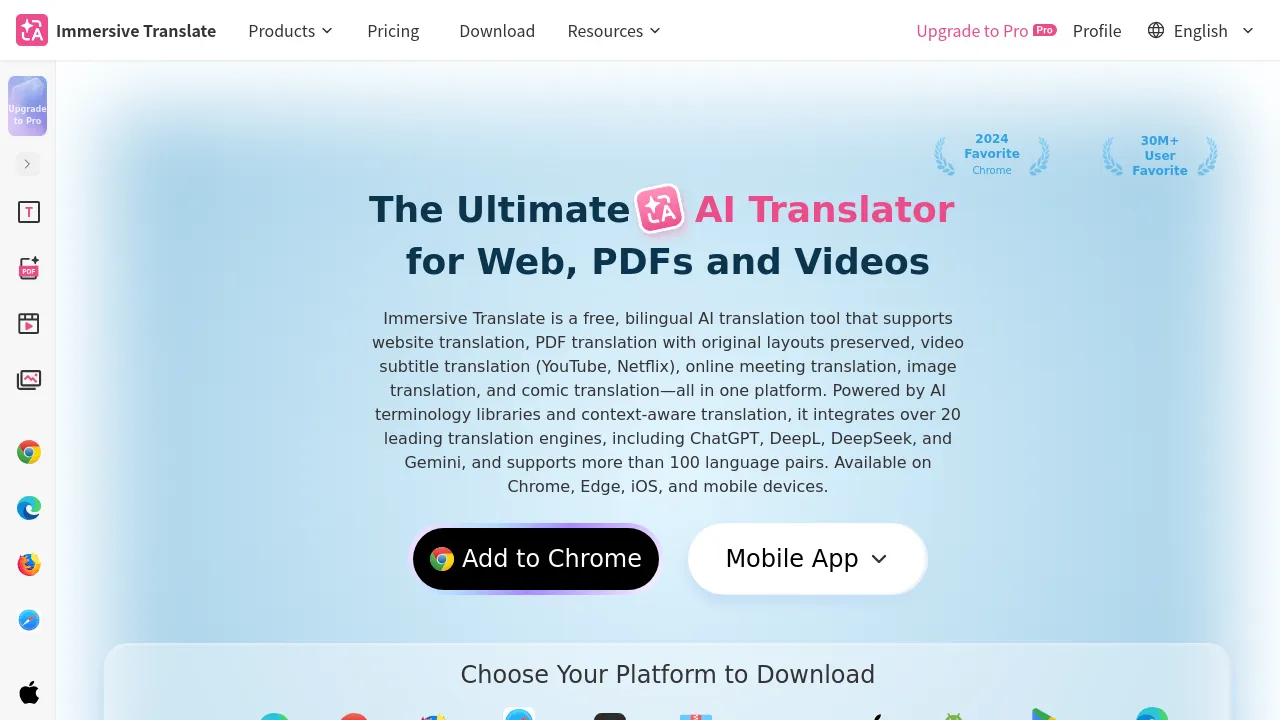
Immersive Translate is a bilingual AI translation tool that covers web pages, PDFs, videos, images, comics, ebooks, and office documents. Its defining feature is side-by-side translation: the original text and its translation appear together on the page, so you can compare them without losing the original layout. The tool runs as desktop browser extensions, on iOS Safari, on Android mobile browsers, and through web-based document translation pages.
Translation is handled by external engines, and the tool supports more than 10 services and 20 engines, including ChatGPT, DeepL, Gemini, DeepSeek, OpenAI, Microsoft, Google, Tencent, and Claude. You can choose which engine does the work, which matters because translation quality varies by language pair and content type. Beyond full-page translation, it offers hover translation for individual paragraphs, input-box translation for typing in another language, and subtitle translation for videos on more than 100 platforms. For documents, it handles EPUB ebooks, TXT, DOCX, Markdown, and subtitle files, and it applies OCR to scanned PDFs so image-only pages can be translated too. PDF translation preserves the original layout, and translating PDFs locally is free.
Pricing follows a freemium model. Free users get daily request limits, registering an account raises those quotas, and paid members get higher rate limits again. The site's visible premium pricing lists a 1-day trial at ¥0, a monthly plan at ¥69, and a yearly plan at ¥588, with extra PDF translation quota at 69 RMB per 1,000 pages. One account can be used on up to 8 devices. The site reports 30 million users, though that figure is the company's own claim.
Best for
- Reading foreign-language news, blogs, and documentation bilingually without leaving the page
- Translating academic papers and PDF reports while keeping charts, tables, and formatting intact
- Watching foreign-language videos with translated subtitles on supported platforms
- Reading manga, comics, and EPUB ebooks in translation
- Extracting and translating text from scanned PDFs via OCR
- Comparing output from engines like DeepL and ChatGPT on the same content
Frequently asked questions
Is Immersive Translate free to use?
Yes. Free use comes with reasonable daily request limits, and registering an account raises the quotas. Paid memberships add higher rate limits; the site lists a monthly plan at ¥69 and a yearly plan at ¥588, with a 1-day trial at ¥0.
Which translation engines can I use?
The tool connects to more than 10 translation services and 20 engines, including ChatGPT, DeepL, Gemini, DeepSeek, OpenAI, Microsoft, Google, Tencent, and Claude. You can switch between them.
Does PDF translation keep the original layout?
Yes, layout preservation is one of the tool's highlighted PDF features. Local PDF translation is free, scanned PDFs are handled through OCR, and heavy users can buy extra quota at 69 RMB per 1,000 pages.
What devices and platforms does it run on?
Desktop browser extensions, iOS Safari, Android mobile browsers, and web-based document translation pages. One account supports up to 8 devices.
Can it translate video subtitles?
Yes. It supports subtitle translation for videos on more than 100 platforms, and it also translates subtitle files directly.
Is Immersive Translate open source?
The site's visible content does not clearly state that the tool is open source, so that remains unconfirmed based on the available information.
Alternatives

Similar to Immersive Translate
New tools, once a week.
One weekly email with curated tools and founder insights. Unsubscribe anytime. Check our privacy policy.