Tools / ngrok
About ngrok
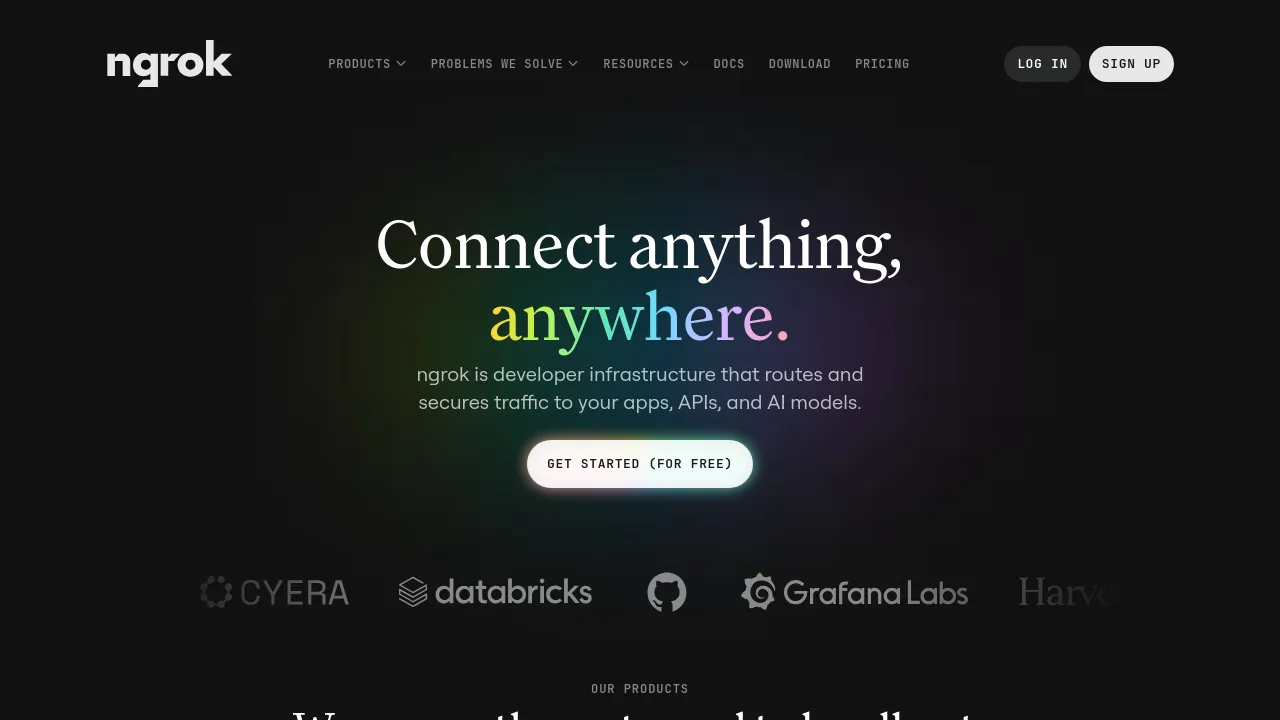
ngrok routes and secures traffic to your apps, APIs, and AI models, with public URLs for localhost, a global network, WAF, and Traffic Policy configuration.
ngrok is developer infrastructure that routes and secures traffic to your apps, APIs, and AI models. It is best known for putting a public URL on a service running on your local machine, but the company positions it as more than a localhost tunnel: a global network that handles routing, load balancing, and security for anything you put online.
Getting started is a one-line install via Homebrew, Scoop, or Docker, and you can share a local app publicly in minutes. Beyond tunneling, ngrok offers a Traffic Policy engine — a declarative rules language for things like rate limiting, WAF filtering (OWASP CRS), geo-blocking, header injection, and redirects. ngrok runs its own website traffic through this same system and publishes the policy publicly as a demonstration.
On the security and compliance side, ngrok lists SOC 2 Type II, HIPAA (with a BAA), GDPR, CCPA, EU-US Data Privacy Framework, RBAC, SSO and SCIM, audit logs, data residency, and white-labeling. The company also notes that it serves its own production traffic on its network.
Best for
- Developers who need to expose locally running apps, APIs, or AI models to the internet via public URLs
- Teams testing webhooks and integrations against services running on their own machines
- Engineering teams that want declarative traffic control — rate limiting, WAF filtering, geo-blocking — without operating their own gateway infrastructure
- Organizations with compliance requirements such as SOC 2, HIPAA, or GDPR
- Sharing work-in-progress demos with teammates or stakeholders
Frequently asked questions
What is ngrok used for?
Exposing locally running apps, APIs, and AI models to the internet via public URLs, plus routing and securing production traffic through its global network.
How do I install ngrok?
Install via Homebrew (brew install ngrok), Scoop (scoop install ngrok), or Docker (docker pull ngrok/ngrok). Setup instructions are available at ngrok.com/download.
Is ngrok only for localhost tunneling?
No. While localhost tunneling is its best-known feature, ngrok is built as a global network that also handles routing, load balancing, and security for production traffic.
What is the Traffic Policy engine?
A declarative rules language for controlling traffic, covering rate limiting, WAF filtering (OWASP CRS), geo-blocking, header injection, and redirects. ngrok runs its own website traffic through a publicly published policy as a demonstration.
What security and compliance features does ngrok offer?
ngrok lists SOC 2 Type II, HIPAA (with a BAA), GDPR, CCPA, and the EU-US Data Privacy Framework. It also provides RBAC, SSO and SCIM, audit logs, data residency, and white-labeling.
Alternatives

Similar to ngrok
New tools, once a week.
One weekly email with curated tools and founder insights. Unsubscribe anytime. Check our privacy policy.