Tools / LaunchPage
About LaunchPage
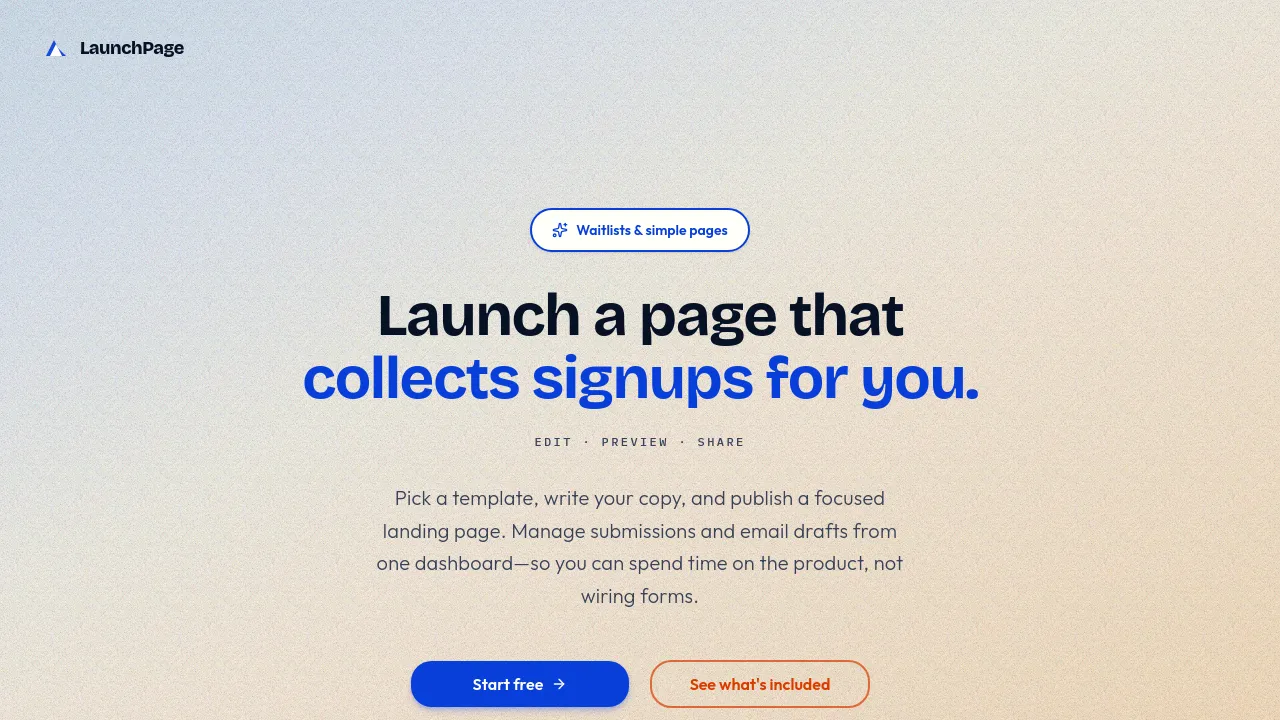
Build focused landing pages and waitlists quickly. Manage signups, preview emails, and track submissions all from one dashboard.
LaunchPage is a tool designed for makers and developers who need a simple way to validate ideas or collect early user interest without building complex infrastructure. It provides a dashboard for managing signups, editing content, and previewing pages, allowing users to focus on their product rather than form wiring.
The platform supports a dual deployment model. Users can start with the Starter plan, which runs the full editor and dashboard locally at no cost. When the project is ready for public use, the 'Your deployment' option allows users to connect their own hosting and database, maintaining full control over their data and infrastructure.
It functions primarily as a landing page and waitlist builder. Users can select from various templates, customize the copy, and publish a clean, shareable URL. The dashboard centralizes management, allowing users to view signups, track basic statistics, and sanity-check email drafts before sending them to subscribers.
Best for
- Validating a new product idea by collecting early interest.
- Creating a simple waitlist for a future launch.
- Onboarding initial users without setting up a full backend.
- Building a focused landing page for a specific campaign.
- Testing page layouts and copy before committing to production hosting.
Frequently asked questions
Is there a free way to use the tool?
Yes. The Starter plan allows users to run the application locally with the full dashboard and editor at no cost, without requiring a credit card.
Can I host my page on my own server?
Yes. The production deployment option allows users to connect their own hosting and database when they are ready to go live.
What features are included in the basic local plan?
The Starter plan includes all templates, the page editor and preview functionality, and basic submission and statistics tracking.
How does the tool handle email communication?
Users can draft and preview welcome and launch emails within the dashboard. For production, the platform allows users to use their own infrastructure and database.
Alternatives
If you are looking for other ways to manage content, forms, or productivity, these tools may be useful. The best alternative depends on whether you need a simple form, a comprehensive workspace, or a dedicated writing assistant.
- FormNX — Use this if your primary need is building simple or complex forms.
- Notion — Consider this if you need a connected workspace for wikis, documents, and projects.
- Jot — This is suitable if you require a unified workspace for docs, spreadsheets, and chat.
- Triplo AI — Choose this if you are looking for an all-in-one AI assistant to maximize productivity.
- Xnapper — Select this if your focus is on creating high-quality visuals quickly without design skills.
- Brevy — This is a good option if your main requirement is enhancing writing speed and quality for posts and replies.

Similar to LaunchPage
New tools, once a week.
One weekly email with curated tools and founder insights. Unsubscribe anytime. Check our privacy policy.