Tools / Focusmate
About Focusmate
Book 25-, 50-, or 75-minute virtual coworking sessions with a live partner and get focused work done in your browser.
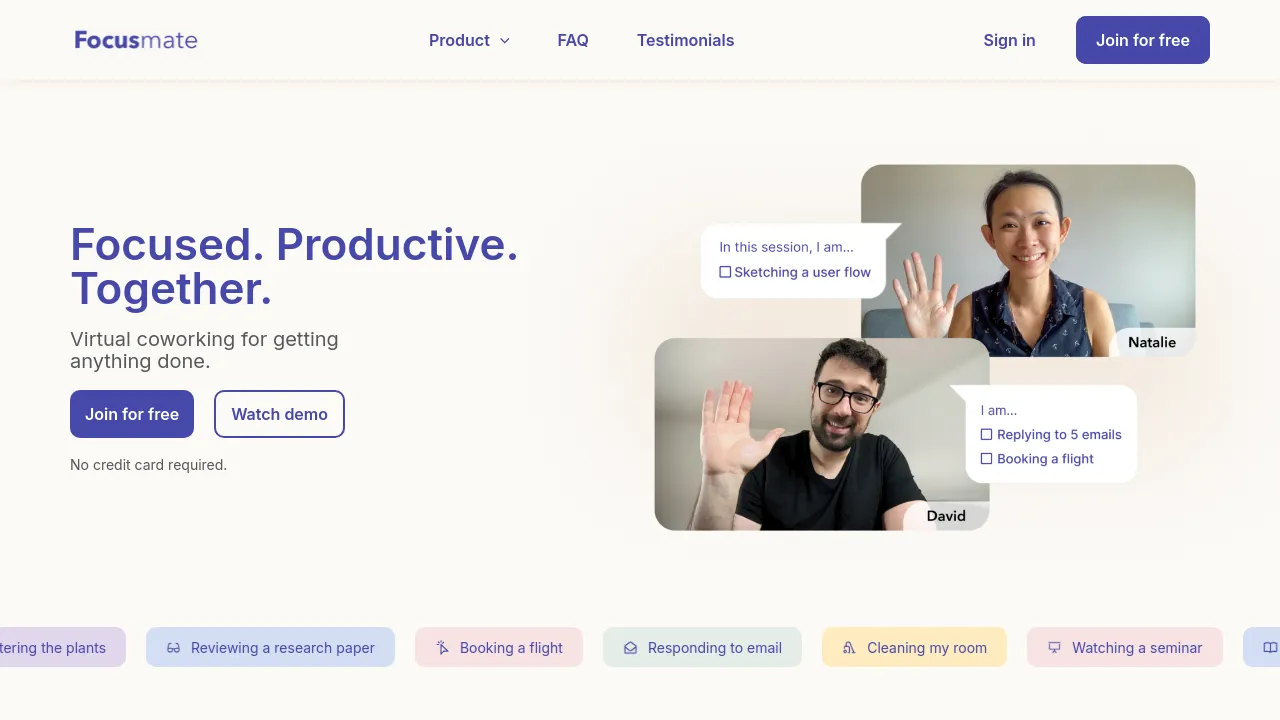
Focusmate pairs you with a real person for scheduled, timed work sessions. You book a slot, join at the start, briefly say what you plan to work on, then work on your own task while your partner works on theirs. When the timer runs out, you check out. The format is usually called body doubling: having another person visibly working beside you makes it easier to start and harder to wander off into other tabs.
Sessions run 25, 50, or 75 minutes, so you can match the block to the task — a quick email sweep or a long stretch of writing. Everything runs in the browser with no download required. Beyond the core pairing, the product includes Quiet Mode, the option to mark favorite partners, and calendar notifications with Google Calendar support. There are also integrations with Beeminder and Focusalarm, plus an API.
Pricing has three tiers. The free plan includes 3 sessions per week and requires no credit card. Plus removes the cap with unlimited sessions for $8 per month billed annually or $12 billed monthly. A Business plan targets enterprises, small businesses, and learning communities; its pricing isn't published, so you would need to contact the company for a quote.
Best for
- Remote workers who miss having other people around a desk
- Students who need to actually sit down and study
- Freelancers and solopreneurs who answer to no one
- Office workers protecting a deep-work block
- Homemakers pushing through household or admin tasks they keep postponing
Frequently asked questions
How much does Focusmate cost?
The free plan gives you 3 sessions per week with no credit card required. Plus costs $8 per month billed annually or $12 billed monthly for unlimited sessions. Business pricing isn't listed publicly.
How long are the sessions?
Sessions come in 25-, 50-, and 75-minute lengths, so you can pick based on what you're working on.
Do I need to install anything?
No. Focusmate runs in the browser, so you can join a session from a computer without downloading anything.
What happens during a session?
You join at the scheduled time, connect briefly with your partner, then work on your own task until the timer ends. Quiet Mode is available if you'd rather skip the conversation.
Is there a mobile app?
The site materials reviewed don't mention iOS or Android apps. The product is described as web-based and used in the browser.
Can it connect to my calendar?
Yes. Google Calendar integration and calendar notifications are supported, along with Beeminder, Focusalarm, and an API.
Alternatives
None of these offer live focus-session pairing, but they cover nearby productivity needs:
- Alfred — a macOS efficiency app with hotkeys, keywords, and text expansion; pick it if you want to speed up tasks on your Mac rather than add accountability.
- Muddy — team collaboration with real-time messaging and shared app management; pick it if you want to work alongside teammates rather than a matched partner.
- Voilà — a writing and research assistant; pick it if the work itself is the bottleneck, not the sitting down to do it.

Similar to Focusmate
New tools, once a week.
One weekly email with curated tools and founder insights. Unsubscribe anytime. Check our privacy policy.