Tools / Wise
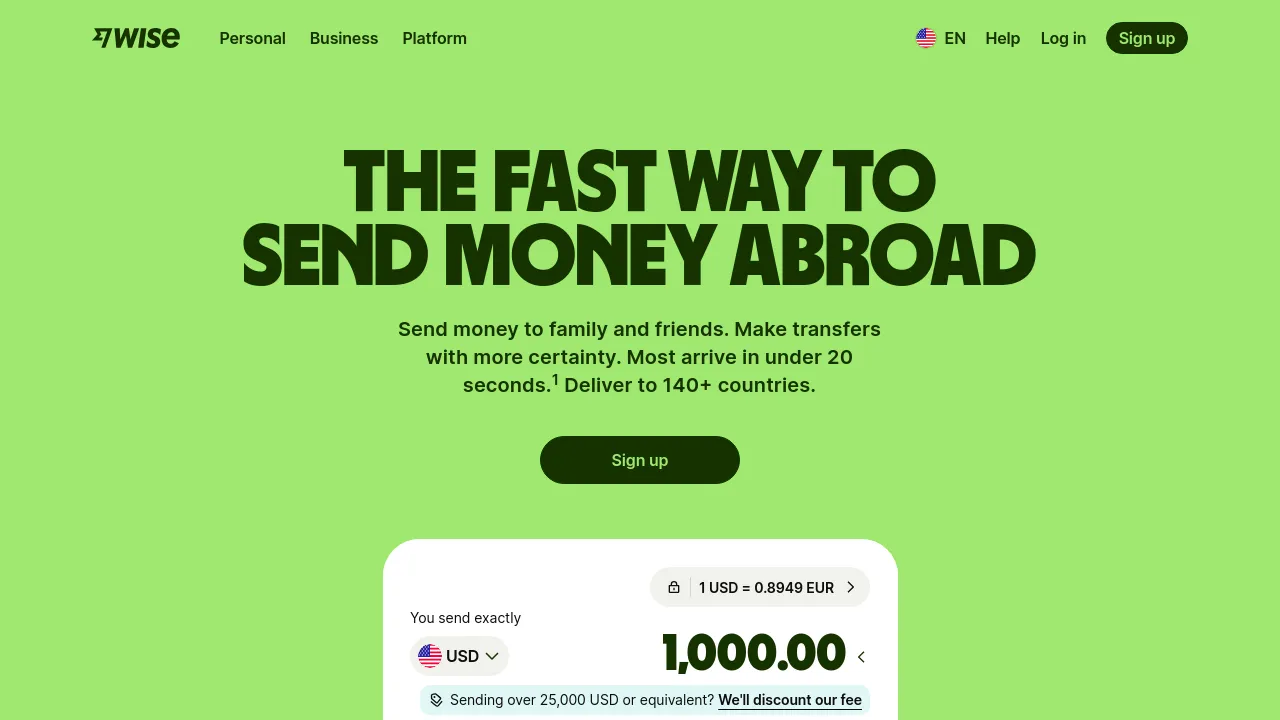
About Wise
Send money internationally, hold 40+ currencies, and get local account details for receiving payments, with pay-as-you-go fees and no monthly plan.
Wise is an international money-transfer service built around a multi-currency money account. You can send money to bank accounts abroad, hold balances in more than 40 currencies, convert between them, and spend with a debit card that works across currencies. Fees are shown before you confirm a transfer, and personal pricing is pay-as-you-go: sending fees start at 0.23%, with no subscription or monthly plan.
The multi-currency account is the core of the product. After identity verification, you get local account details in multiple currencies, so clients or employers can pay you like a local and you can receive, hold, and convert without opening a bank account in each country. The Wise Multi-Currency Card, listed with a 9 USD issue fee, covers everyday spending and ATM withdrawals, converting at the rate shown in the app. Wise runs as a web service with apps for iPhone, iPad, and Android, and supports Apple Pay on iOS and Google Pay on Android.
For businesses, Wise adds tools for paying and getting paid across borders. U.S. business pages list a one-time 31 USD setup fee for account details. BatchTransfer lets a business pay many recipients in one go, accounting-tool integrations connect payments to bookkeeping, and API workflows let teams automate payouts from their own systems.
Best for
- People sending money to family or accounts in other countries
- Freelancers and remote workers who invoice clients abroad and need local receiving details
- Travelers who want one card for spending and ATM withdrawals in multiple currencies
- Small businesses and startups paying international contractors or suppliers in batches
- Teams automating cross-border payouts through an API
- Anyone holding and converting balances in several currencies
Frequently asked questions
How much does it cost to send money?
Personal pricing is pay-as-you-go with no subscription. Sending fees start at 0.23%, though the exact fee depends on the currency route and payment method. The card carries a 9 USD issue fee.
How many currencies can I hold?
The site cites 40+ currencies on some pages and 50+ on others. Either way, you can hold, convert, and receive in dozens of currencies, with local account details for incoming payments.
Is there a monthly fee?
No. There are no subscriptions or monthly plans; you pay per transfer or conversion. U.S. business pages show a one-time 31 USD setup fee for business account details.
What platforms is it available on?
Wise runs in the browser and has apps for iPhone, iPad, and Android. Apple Pay is supported on iOS and Google Pay on Android. The site doesn't list a browser extension.
Can businesses use it?
Yes. Business accounts include local account details, BatchTransfer for paying many recipients at once, accounting-tool integrations, and API workflows for automated payments.
Does it work offline or is it open source?
The site doesn't indicate an offline mode, and nothing suggests the service is open source. It's an online service that needs a connection.
Alternatives
- Fiskl — if you need multi-currency accounting and bookkeeping rather than transfers and balance holding.
- Tyms — for AI-driven financial operations and analysis on top of your existing finance stack.
- SparkReceipt — for receipt scanning and expense tracking alongside a money account.
- Finmei — for invoicing clients, which pairs with receiving payments in multiple currencies.

Similar to Wise
New tools, once a week.
One weekly email with curated tools and founder insights. Unsubscribe anytime. Check our privacy policy.