Tools / Tines
About Tines
Build, run, and monitor automated workflows that connect to any API or MCP. Free tier includes 3 live workflows and unlimited users.
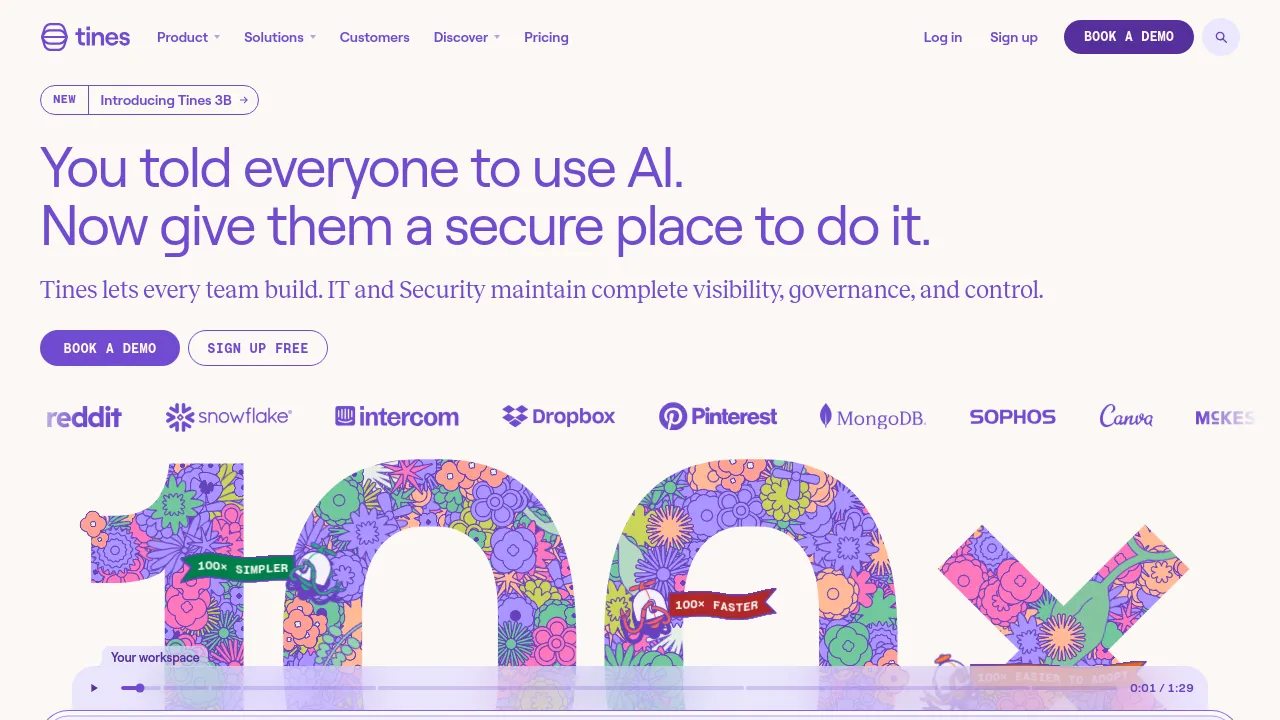
Tines is a workflow automation platform built for security and operations teams. It lets you build, run, and monitor workflows that connect to APIs and MCP, so it can plug into whatever tools already sit in your stack. The company describes the product as AI-native: workflows can include an AI Agent action, and teams can bring their own AI model rather than being tied to one provider.
The platform is sold under a licensing model, meaning one platform license covers the product rather than separate licenses for individual features. Accounts include unlimited users, spaces, and connectors. Features named on the site include an AI Agent action, Workbench, Notifications, Resources, and Credentials. Deployment options are described as flexible, though the public pages don't specify which deployment methods are supported.
Pricing starts with a free tier aimed at individuals and small teams. It includes unlimited users, spaces, and connectors, up to 3 live workflows, and a one-time $50 allowance for AI usage. Paid plans cover organization-wide use with unlimited workflows, but the public pages don't list exact prices — larger tiers are quoted by contacting Tines directly.
Best for
- Security teams automating repetitive manual steps in day-to-day operations
- Ops teams that need to connect internal tools through APIs without heavy custom code
- Individuals or small teams experimenting with workflow automation on a free tier
- Organizations that want a single platform license covering the whole company
- Teams that want to run their own AI model inside automated workflows
- Teams evaluating MCP-based integrations with their existing stack
Frequently asked questions
Is there a free plan?
Yes. The free tier includes unlimited users, spaces, and connectors, up to 3 live workflows, and a one-time $50 AI allowance. Paid tiers remove the workflow limit.
How much do paid plans cost?
The public site doesn't list exact prices for paid tiers. It indicates platform licensing and asks larger organizations to contact Tines for a quote.
Can I use my own AI model?
Yes. The platform supports bringing your own AI model, and workflows can include a dedicated AI Agent action.
Does Tines connect to any API?
The site describes the platform as vendor-agnostic, able to talk to any API or MCP and integrate securely with tools in your stack.
Is there a mobile app or offline mode?
The site information reviewed doesn't mention iOS, Android, or offline support. Web access is what's documented.
Is Tines open source?
No open-source claim appears on the site information reviewed. It's a commercial platform with a free entry tier.
Alternatives
- SmartSuite — when you want to manage business workflows and day-to-day work in one unified place rather than API-driven automation.
- SharpAPI — when you need automation delivered as an API across e-commerce, marketing, HR, and travel tasks.
- Folderr — when you want AI assistants and workflow automation built around your own data.
- Transcend — when the priority is privacy compliance and data protection rather than general workflow automation.

Similar to Tines
New tools, once a week.
One weekly email with curated tools and founder insights. Unsubscribe anytime. Check our privacy policy.