Tools / SmartSuite
About SmartSuite
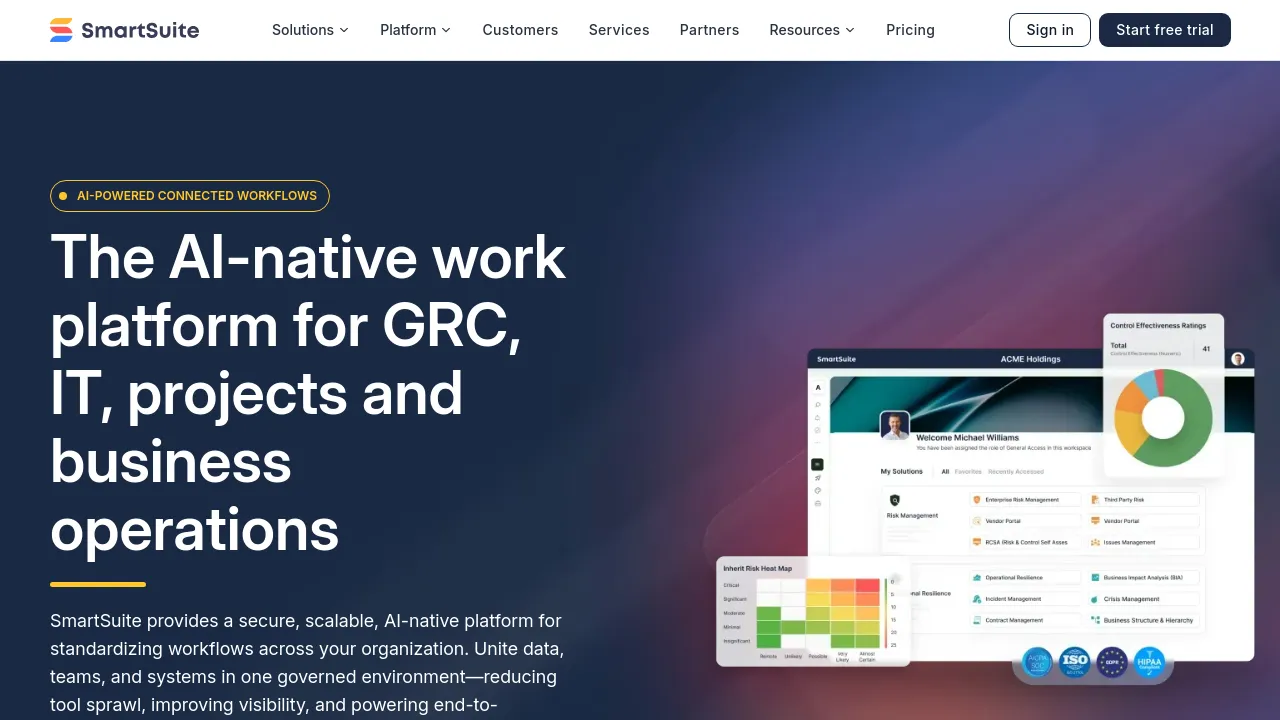
Build business workflows with records, multiple views, dashboards, automations, and integrations, all on one web-based platform for teams and enterprises.
SmartSuite is a connected work management and GRC platform aimed at both small teams and large enterprises. The core idea is that you build solutions out of records: each solution is a database of items with configurable fields, and you decide how to view and act on them. Every solution can be displayed as a Grid, Card, Kanban, Calendar, Timeline, Map, Chart, or Form view, so the same data can serve a project board, a content calendar, or a sales pipeline without being rebuilt.
Beyond views, records support more than 40 field types, and every record can carry comments, mentions, and notifications for collaboration. Dashboards and reporting tools sit on top of the data, and an automation engine plus REST API and webhooks handle movement of information between solutions and external services. Native integrations are available, and SmartSuite lists iPaaS connectors including Zapier, Make, Workato, Relay, and Microsoft Power Automate, with one integration page claiming connections to over 1,050 apps.
Getting started does not require building from scratch. SmartSuite advertises more than 200 solution templates covering common workflows, and the company positions the product for everything from department-level team management to enterprise governance, risk, and compliance work. Pricing runs from a $15 per seat monthly rate on the entry tier up to custom-priced enterprise and per-solution licensing plans.
Best for
- Teams replacing scattered spreadsheets and point tools with a single record-based system
- Operations managers who need Kanban, Calendar, Timeline, and Map views over the same data
- Enterprises running GRC or compliance workflows that require role-based governance and audit-friendly reporting
- Teams that rely on automation tools like Zapier, Make, or Microsoft Power Automate to connect their stack
- Organizations with regulated-industry requirements that need a vendor with enterprise and custom licensing options
Frequently asked questions
How much does SmartSuite cost?
The Team plan costs $15 per seat per month billed annually ($20 monthly) with a minimum of 3 billable users. Professional is $32 per seat per month billed annually ($36 monthly) with a minimum of 5. Enterprise is custom priced with a minimum of 25 billable users on annual plans, and Signature is custom priced per solution.
Is there a free plan?
The pricing information available from the site lists Team, Professional, Enterprise, and Signature tiers. It does not mention a free plan in the material reviewed, so check smartsuite.com for current availability.
What views does SmartSuite support?
Grid, Card, Kanban, Calendar, Timeline, Map, Chart, Form, and Dashboard views are all listed as available, so you can switch how a solution's records are displayed without duplicating data.
Does SmartSuite have an API?
Yes. The site documents a REST API and webhooks alongside native connectors and iPaaS integrations with Zapier, Make, Workato, Relay, and Microsoft Power Automate.
Is there a mobile app or offline mode?
The site content reviewed confirms a web-based product accessed through a browser. It does not confirm iOS or Android apps, a browser extension, or an offline mode, so those details are unverified here.
Is SmartSuite open source?
No indication of open source licensing appears anywhere on the site materials reviewed. It is a commercial SaaS product.
Alternatives
- Otto — better if you mainly want to define tables once and automate thousands of tasks across them rather than run a full work management platform.
- SureTriggers — a fit when your workflows center on WordPress and connecting external services rather than managing records and reporting inside one tool.
- Folderr — worth considering if your automation needs involve custom AI assistants trained on your own data, not just structured workflows.
- SharpAPI — pick it when you want an API-first automation layer for e-commerce, HR, or content tasks instead of a visual work management platform.

Similar to SmartSuite
New tools, once a week.
One weekly email with curated tools and founder insights. Unsubscribe anytime. Check our privacy policy.