Tools / Suno AI
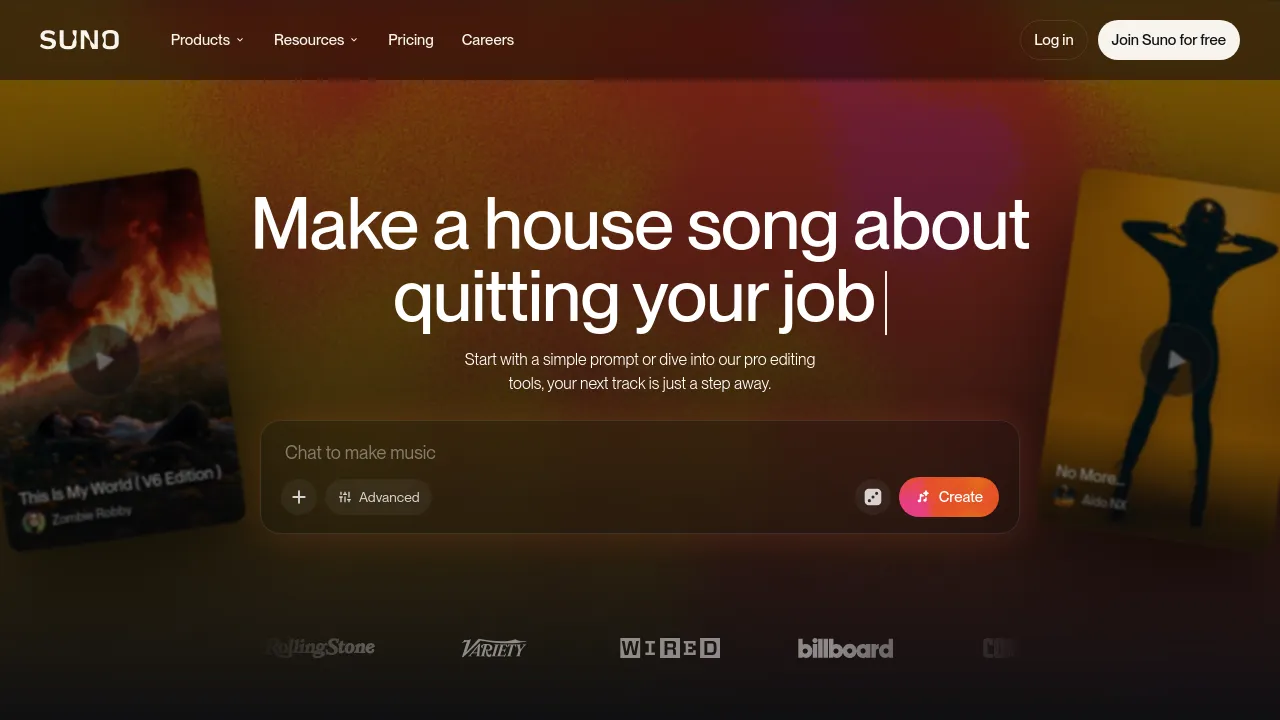
About Suno AI
Create songs from text prompts, then edit, remix, and separate stems in a browser-based studio. Free plan available; paid plans add commercial use rights.
Suno is a browser-based AI music tool that generates complete songs from text prompts. You describe what you want — a genre, a mood, or your own lyrics — and it produces a finished track. Generation is only the starting point: the app also handles editing, remixing, stem separation, and audio uploads, so a song can be reworked after it's generated rather than just downloaded and left alone.
For deeper production work, Suno Studio is a browser-based, DAW-style environment. It includes a Song Editor, multitrack editing, effects, automation, MIDI export, and the option to design your own plugins. Suno also generates speech with matching background music. The site positions Studio and its multitrack tools at the top of the product line, describing Premier — the plan that includes them — as built for serious creators and producers.
Pricing runs on three tiers: Free at $0/month, Pro at $8/month billed yearly, and Premier at $24/month billed yearly. The free plan gets 50 credits per day and up to 7 lifetime trial downloads, restricted to personal, non-commercial use, and supports audio uploads up to 8 minutes. Pro raises that to 2,500 credits and 20 song downloads per month, adds commercial use rights, a priority generation queue, and the ability to buy extra credits. Premier goes to 10,000 credits and 60 downloads per month and adds Suno Studio, the multitrack editor, MIDI export, and persona voices. The main experience runs in the browser, and there is also an Android app on Google Play; no iOS app appears in the site's own content.
Best for
- Songwriters sketching full demos from lyrics or a prompt without playing an instrument
- Producers who want stems from a generated track to rearrange in their own DAW
- Content creators who need background music with commercial use rights on a paid plan
- Hobbyists experimenting with AI-generated songs on the free daily credits
- Musicians who want to upload their own recordings and remix them with AI tools
Frequently asked questions
Is Suno free to use?
Yes. The free plan includes 50 credits per day and up to 7 lifetime trial downloads, limited to personal, non-commercial use. Paid plans start at $8/month billed yearly.
Can I use songs made in Suno commercially?
Only on a paid plan. Pro and Premier both include commercial use rights, while the free plan is restricted to personal, non-commercial use.
What is Suno Studio?
It's a browser-based, DAW-style production environment with multitrack editing, MIDI export, effects, automation, and design-your-own plugins. Access comes with the Premier plan.
Does Suno have a mobile app?
There's an Android app listed on Google Play, and the core experience is browser-based. The site content reviewed doesn't mention an iOS app.
How many songs can I generate?
The free plan gives 50 credits daily. Pro includes 2,500 credits per month with 20 song downloads, and Premier includes 10,000 credits per month with 60 downloads.
Can I upload my own audio?
Yes. Audio uploads are part of the workflow, and the free plan allows up to 8 minutes of uploaded audio.

Similar to Suno AI
New tools, once a week.
One weekly email with curated tools and founder insights. Unsubscribe anytime. Check our privacy policy.