Tools / Radix
About Radix
An open source React component library with unstyled accessible primitives, pre-styled themes, icons, and a color system for building interfaces.
Radix UI is an open source component library for React, made by WorkOS. It ships four main pieces: Primitives (unstyled, accessible building-block components), Themes (a pre-styled component library), Icons, and Colors. The homepage positions it for fast development with no configuration required—you install the package, import a Theme and components, and render them directly.
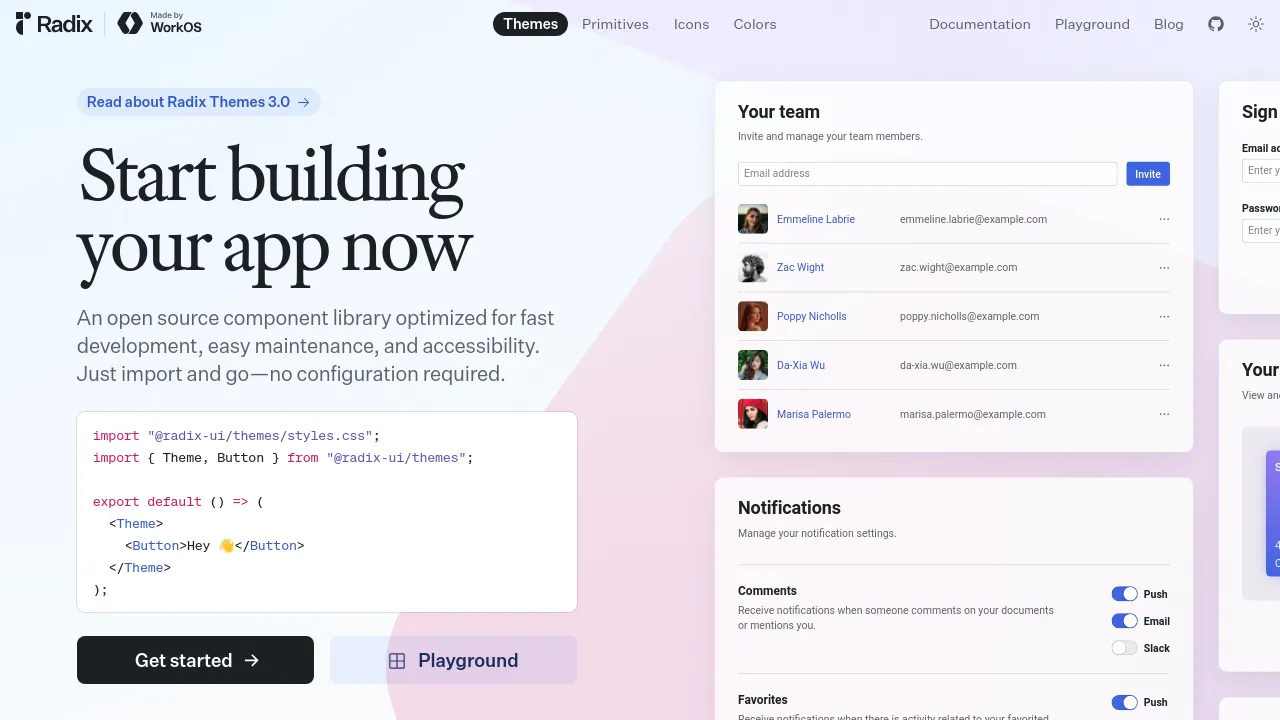
The library covers the interactive parts of an interface that are tedious to build correctly: dialogs, dropdown menus, tooltips, tabs, popovers, form controls, and similar. The Primitives package handles behavior, keyboard interaction, and accessibility while leaving styling entirely to you, which is why it's commonly paired with custom CSS or styling libraries. The Themes package takes the opposite approach: it wraps Primitives in a designed, themeable style system so you can build a polished interface without writing component styles from scratch. A code sample on the homepage shows the Themes setup—import the stylesheet, wrap your app in a Theme component, and drop in components like Button.
Radix also publishes its own color system and icon set, both usable independently of the components. The project maintains a documentation site, an interactive playground for trying Themes, and a blog; a recent post covers Radix Themes 3.0. Source code is hosted on GitHub under the radix-ui organization.
Best for
- React developers building a custom design system who want accessible, unstyled primitives to style themselves
- Teams that want a working, pre-styled component library out of the box via Radix Themes
- Developers who need dialogs, dropdowns, tooltips, and other interactive components that handle keyboard navigation and screen reader behavior correctly
- Designers and engineers looking for a consistent color palette and icon set to use across a product
- Projects where setup time matters—the Themes package works with a single import and no configuration
Frequently asked questions
Is Radix UI free?
Yes. The homepage describes it as an open source component library, and the source code is available on GitHub. The site doesn't mention any paid plans.
What's the difference between Radix Primitives and Radix Themes?
Primitives are unstyled components that handle behavior and accessibility but leave all visual styling to you. Themes are built on top of Primitives and come pre-styled with a themeable design system, so you can use them without writing your own component styles.
Who makes Radix UI?
The site states it is made by WorkOS. It's developed as an open source project with a public GitHub repository.
Does Radix require configuration to use?
For Radix Themes, no—the homepage says "just import and go—no configuration required." You import the stylesheet, wrap your app in a Theme component, and start using components. Primitives are imported individually per component.
Is Radix accessible?
Accessibility is a stated focus of the library; the homepage describes it as optimized for accessibility, and the unstyled Primitives are built to handle keyboard interaction and assistive technology behavior for complex components.
Can I try Radix before installing it?
Yes. The site includes a playground where you can experiment with Radix Themes in the browser before adding it to a project.
Alternatives
- Jitter — if you're designing animated interface content visually rather than building components in code

Similar to Radix
New tools, once a week.
One weekly email with curated tools and founder insights. Unsubscribe anytime. Check our privacy policy.