Tools / Stacks
About Stacks
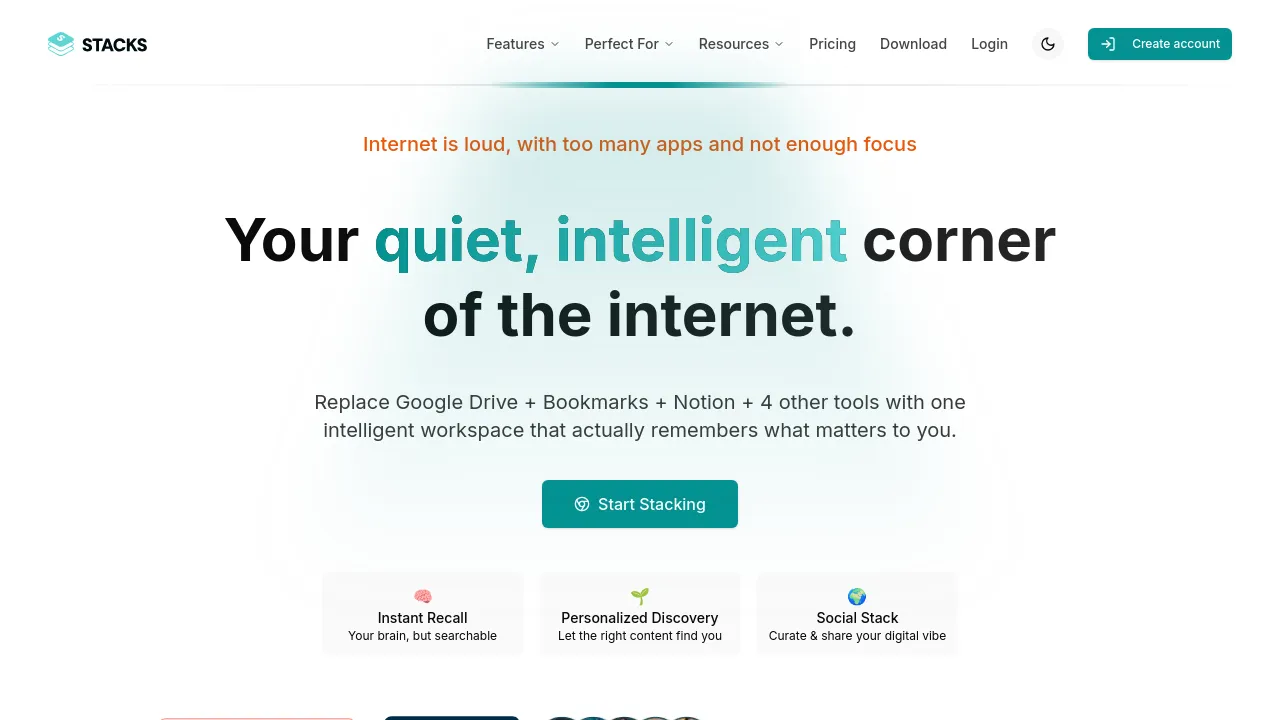
Save links, notes, files, and media into searchable collections, with AI summaries, meaning-based search, and shared workspaces for teams.
Stacks is a personal AI workspace for capturing and organizing the things you find online. It saves links, articles, videos, notes, screenshots, files, and images into collections called stacks, then uses AI to summarize content, suggest tags, and help you search by meaning rather than just keywords. It's built for individuals and teams who want a searchable knowledge base tied to a browser-based capture workflow.
Capture is designed to be quick: a browser extension and one-click saving let you stash content from the web, X, LinkedIn, and YouTube without leaving the page. X and LinkedIn sync pull in your saved posts automatically. Once saved, the AI side takes over — you can ask questions about your saved content, generate summaries, and search by meaning, not just exact keywords. A notable touch is "From your Stacks" results on Google: when you search the web, relevant items from your own saves appear alongside regular results, and the free tier includes Stacks in ChatGPT and Claude with 20 asks per month.
For teams, the Be Collaborative plan adds shared workspaces, unlimited users, roles and permissions, and 500 GB of file storage. The site also mentions connections to Gmail, Slack, Notion, Google Drive, and Zapier. Stacks is available as a web app, a browser extension, and mobile apps for iOS and Android.
Best for
- Individuals building a personal library of articles, videos, and social posts they want to actually find later
- Researchers and writers who need AI summaries and question-answering over their saved sources
- Creators syncing saves from X and LinkedIn into one organized place
- Teams sharing project research, feedback, and reference material in a common workspace
- People who want their own saves resurfaced in Google and ChatGPT/Claude while searching
Frequently asked questions
Is there a free plan?
Yes. The free plan includes unlimited saves from the web, X, LinkedIn, and YouTube, collections, the browser extension, keyword search, and 20 asks per month in Stacks, ChatGPT, and Claude.
How much does Stacks cost?
The site lists three tiers: Free at $0, Be Productive at $36/year, and Be Collaborative at $119/year. The paid plans add meaning-based search, unlimited AI asks, smart tags, drafts and reminders, and — on the collaborative tier — shared workspaces and 500 GB of storage.
What does the AI actually do?
It summarizes saved content, suggests smart tags, supports searching by meaning instead of keywords, and answers questions based on your saved items. It also works inside ChatGPT and Claude, and surfaces your saves as "From your Stacks" results on Google.
Does Stacks work offline?
The materials available don't mention offline mode, so that isn't something we can confirm. Stacks is primarily a web app with browser extension and mobile apps for iOS and Android.
Can I share my stacks with a team?
Yes, on the Be Collaborative plan. That tier includes shared workspaces, unlimited users, roles and permissions, and 500 GB of storage for files.
Is Stacks open source?
No mention of open source licensing appears in the available materials.
Alternatives
- Notion — pick it if you want a full docs, wiki, and database workspace rather than a capture-first knowledge base.
- Multicollab — better if your collaboration is editorial commenting on WordPress content rather than saving and organizing web resources.
- Wylo — suited to running a branded community with courses and events, which is a different job from personal knowledge capture.

Similar to Stacks
New tools, once a week.
One weekly email with curated tools and founder insights. Unsubscribe anytime. Check our privacy policy.