Tools / Stack
About Stack
A spatial browser that replaces tabs with cards, offers keyboard navigation via Fly Mode, multiple profiles, and a built-in ad-blocker.
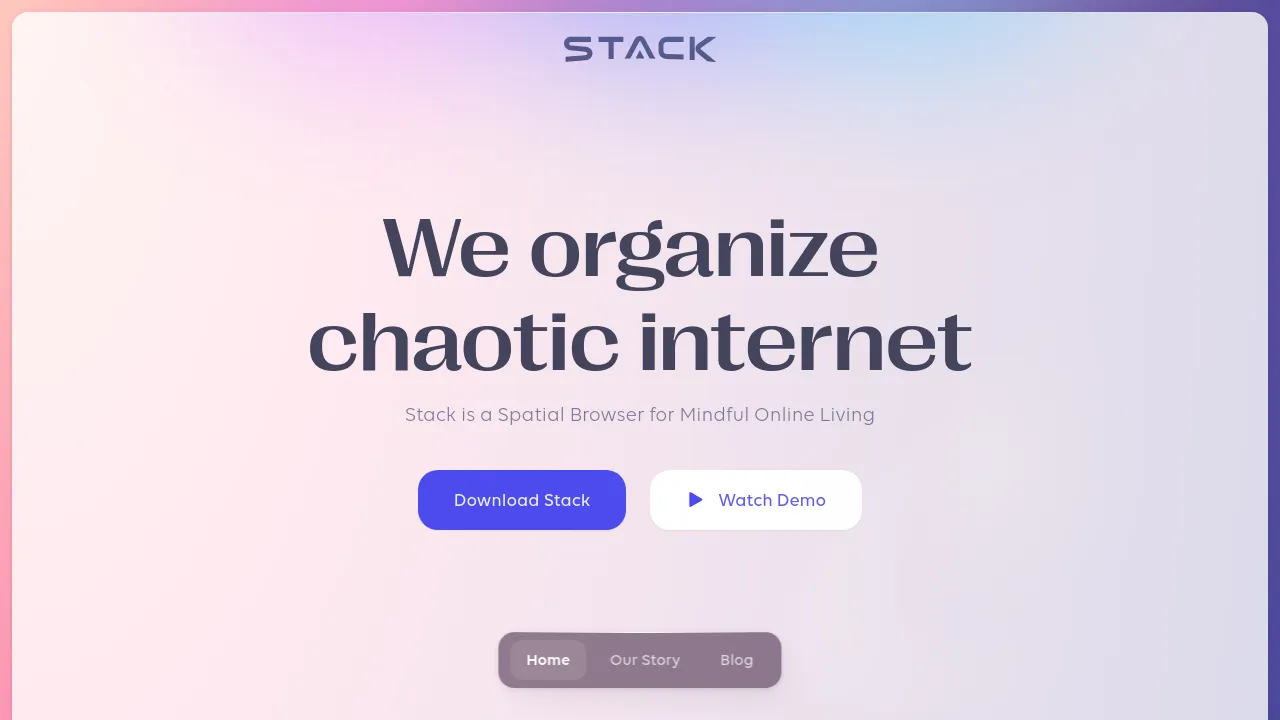
Stack is a web browser built around a spatial idea: instead of lining pages up in a tab strip, it turns them into cards you can move around and arrange in a shared space. The site frames this as "mindful online living" — the argument being that physically placing pages where they belong makes browsing more deliberate than scrolling through a row of forty open tabs. Navigation is keyboard-driven through a feature called Fly Mode, and the browser supports multiple profiles, so work, personal, and side-project sessions can stay separated.
Beyond the spatial layout, Stack ships with a built-in ad-blocker that the site says also disables data trackers, backing up its pitch of browsing "without being followed." Collaboration is part of the picture too: the site lists multiplayer and shared building, along with sending files, messages, and links to other people. Chrome extension support is explicitly marked as coming soon, which is worth knowing if your workflow depends on extensions.
Pricing has three tiers. Starter is free forever and includes unlimited profiles, five flows, and three color themes. PRO costs $144 per year or $15 billed monthly, adding unlimited flows, eleven color themes, and browsing essentials. PRO Lifetime is a one-time $199 that includes everything in PRO plus two exclusive cursors, a license linked to an NFT, "Stackers" status and perks, and access to a Stacker's Share program. Live collaboration is listed as coming soon on the paid plans.
As for where it runs, the product site is live and actively maintained, but it doesn't clearly advertise mobile apps for iOS or Android, and there's no visible mention of an offline mode or open-source licensing. The use case the site speaks to is desktop browsing with a different way of organizing it.
Best for
- People with tab overload who want to arrange pages on a spatial canvas instead of a tab strip
- Users who split browsing across separate work, personal, and project profiles
- Keyboard-first users who prefer navigating with Fly Mode over constant mouse clicks
- Privacy-minded users who want an ad-blocker and tracker blocking built into the browser
- Anyone looking for a calmer, more deliberate browsing setup
- Teams interested in shared browsing spaces, once live collaboration ships
Frequently asked questions
What is a spatial browser?
It's a browser where pages appear as cards laid out in a space you can move through and arrange, rather than as tabs in a strip. Stack replaces the tab bar with this card-based canvas.
How much does Stack cost?
Starter is free forever with unlimited profiles, five flows, and three color themes. PRO is $144 per year or $15 billed monthly, and PRO Lifetime is a one-time $199 with an NFT-linked license and extra perks.
Does Stack support Chrome extensions?
The site lists Chrome extension support as coming soon, so it isn't available yet according to the visible information.
Is Stack available on mobile?
The site doesn't show any evidence of iOS or Android apps, so a mobile version isn't clearly offered.
What are flows?
Flows appear as a plan limit — five on the free plan, unlimited on paid — but the visible site content doesn't clearly define what a flow is.
Does Stack block ads and trackers?
Yes. It includes a built-in ad-blocker that the site says also disables data trackers, supporting its "browsing without being followed" pitch.
Alternatives
- Alfred — a macOS productivity app with hotkeys, keywords, and text expansion, if you want keyboard-driven speed without leaving your current browser.
- Muddy — an AI-driven collaboration platform with app management and messaging, if your goal is team workspace organization rather than a new browser.
- Voilà — a content creation and research platform, if you want writing and research help inside the browser you already use.

Similar to Stack
New tools, once a week.
One weekly email with curated tools and founder insights. Unsubscribe anytime. Check our privacy policy.