Tools / Fyxer AI
About Fyxer AI
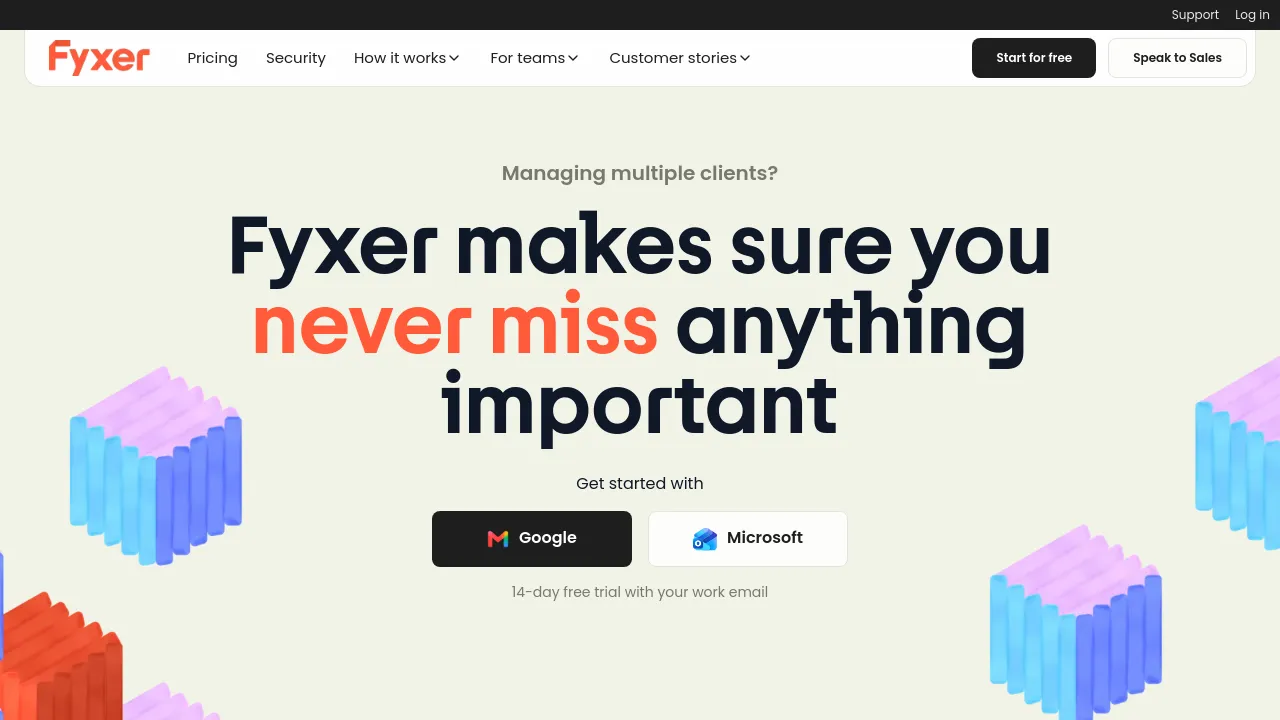
Sort your inbox, draft replies in your own tone, and get meeting notes and follow-ups automatically. Works with Gmail, Outlook, Zoom, Meet, and Teams.
Fyxer AI is an AI assistant built around the two tasks that eat much of a workday: email and meetings. Connect it to Gmail or Outlook and it organizes your inbox and drafts replies in your tone. On the meeting side, it records calls and produces notes and follow-ups, working alongside Google Calendar and meeting tools such as Zoom, Google Meet, and Microsoft Teams.
The product isn't aimed only at individuals. Alongside the personal inbox features, it offers shared spaces, a company context layer the assistant can draw on, team reporting, and automation flows. The site positions it at solo operators and creators on one end and teams and enterprises with shared email and meeting workflows on the other.
Pricing is published on the site: a Free tier at $0, Pro at $37 per user per month billed annually ($49 billed monthly), Team at $64 per user per month billed annually ($99 monthly), and Enterprise pricing by contract. No offline mode or open-source version is shown; it runs as a web integration with the email and meeting tools you already use.
Best for
- Gmail or Outlook users who want their inbox sorted and replies drafted for them
- Frequent video meeting attendees who want notes and follow-ups without manual note-taking
- Creators and solo operators managing their own correspondence end to end
- Teams that need shared spaces, company context, and reporting across members
- Organizations already on Google or Microsoft tooling (Calendar, Zoom, Meet, Teams)
Frequently asked questions
How much does Fyxer AI cost?
There's a Free tier at $0. Pro costs $37 per user per month billed annually ($49 monthly), Team costs $64 per user per month billed annually ($99 monthly), and Enterprise is priced by contract.
Which email and meeting tools does it work with?
It integrates with Gmail and Outlook for email, Google Calendar for scheduling, and Zoom, Google Meet, and Microsoft Teams for meetings.
Does it write emails for me?
It drafts replies in your tone. The site describes drafting rather than automatic sending, so replies are written for you to review and send.
Can my team use it together?
Yes. The Team plan adds shared spaces, company context, team reporting, and automation flows for shared email and meeting workflows.
Is there a free plan?
Yes, the site lists a Free tier at $0. The material reviewed doesn't specify what limits it has.
Does it work offline or offer an open-source version?
The site doesn't show either. It runs as a web integration with Gmail and Outlook, with no offline mode or open-source option visible.
Alternatives
- Brevy — a fit if you mainly want help writing posts, replies, and DMs rather than full inbox and meeting automation.
- Voilà — a fit if you want a broader AI assistant covering writing, brainstorming, and research beyond email.
- Muddy — a fit if team collaboration and app management matter more to you than email and meeting automation.

Similar to Fyxer AI
New tools, once a week.
One weekly email with curated tools and founder insights. Unsubscribe anytime. Check our privacy policy.