Tools / Gemini
About Gemini
Get help with writing, planning, and research from Google's AI assistant, with image generation, voice chat, and apps for web, Android, and iOS.
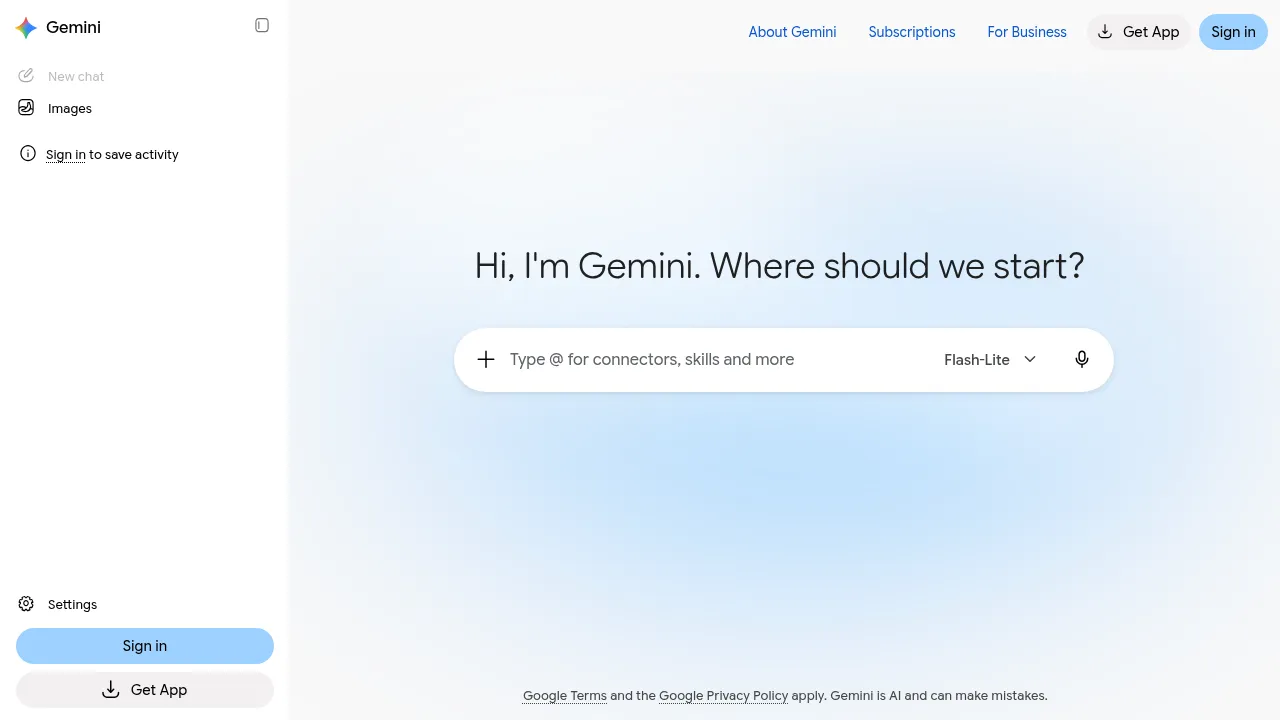
Gemini is Google's AI assistant for everyday help at work, school, or home. You interact with it through a chat interface on the web or via mobile apps on Android and iOS, and it accepts text, voice, images, and camera input. Alongside standard chat, the product includes image generation and editing, a Deep Research mode for longer multi-source investigations, Gemini Live for spoken conversations, Canvas for drafting documents, and Gems, which are saved custom versions of the assistant set up for tasks you repeat.
Google positions Gemini as a general-purpose assistant rather than a single-purpose tool, so the same interface covers writing drafts, planning projects, answering questions, and generating images. Connected apps listed on the site include Google Workspace and YouTube Music, which let the assistant work with services you already use. Business plans are marketed toward teams that want deployment without IT involvement.
Pricing is tiered. A free plan costs $0 per month. Paid consumer plans run $4.99 and $19.99 per month, and two higher tiers at $99.99 and $199.99 per month offer higher usage limits than the AI Pro plan. Business plans start at $21 USD per seat per month. The site does not mention an offline mode or open-source licensing, so treat it as a hosted, online-only service.
Best for
- Students and self-learners who want explanations, summaries, and study plans
- Writers and marketers drafting copy, brainstorming ideas, and editing text
- Researchers who need multi-source reports assembled through Deep Research
- People who prefer voice interaction on the go through Gemini Live and the mobile apps
- Small businesses that want an AI assistant rolled out without IT setup
- Creators who need quick image generation and editing
Frequently asked questions
Is Gemini free to use?
Yes. There is a free tier at $0 per month. Paid plans start at $4.99 per month, with higher tiers at $19.99, $99.99, and $199.99 per month that raise usage limits.
What can Gemini do besides answer questions?
The site lists image generation and editing, Deep Research for longer investigations, Gemini Live voice conversations, Canvas, and Gems for saved custom setups.
Is there a mobile app?
Yes. Gemini is available as apps on Android and iOS in addition to the web version, and the mobile apps can take voice, image, and camera input.
Does Gemini connect to other Google services?
The site lists connected apps including Google Workspace and YouTube Music. It does not publish a full integration catalog, so check the site for the current list.
Is there a plan for businesses?
Yes. Business plans start at $21 USD per seat per month, and Google markets them to teams that want to deploy the assistant without IT setup.
Does Gemini work offline or is it open source?
The site does not mention either. It is presented as a hosted service accessed through the web and mobile apps.
Alternatives
- Wordware — an AI assistant that learns your context and anticipates tasks; consider it if you want proactive help rather than a chat you start yourself.
- Supermemory — memory infrastructure for AI agents; pick it if you are building your own agents instead of using a ready-made assistant.

Similar to Gemini
New tools, once a week.
One weekly email with curated tools and founder insights. Unsubscribe anytime. Check our privacy policy.