Tools / Sketch
About Sketch
Design interfaces, build interactive prototypes, and hand off to developers with a native Mac app that also works offline.
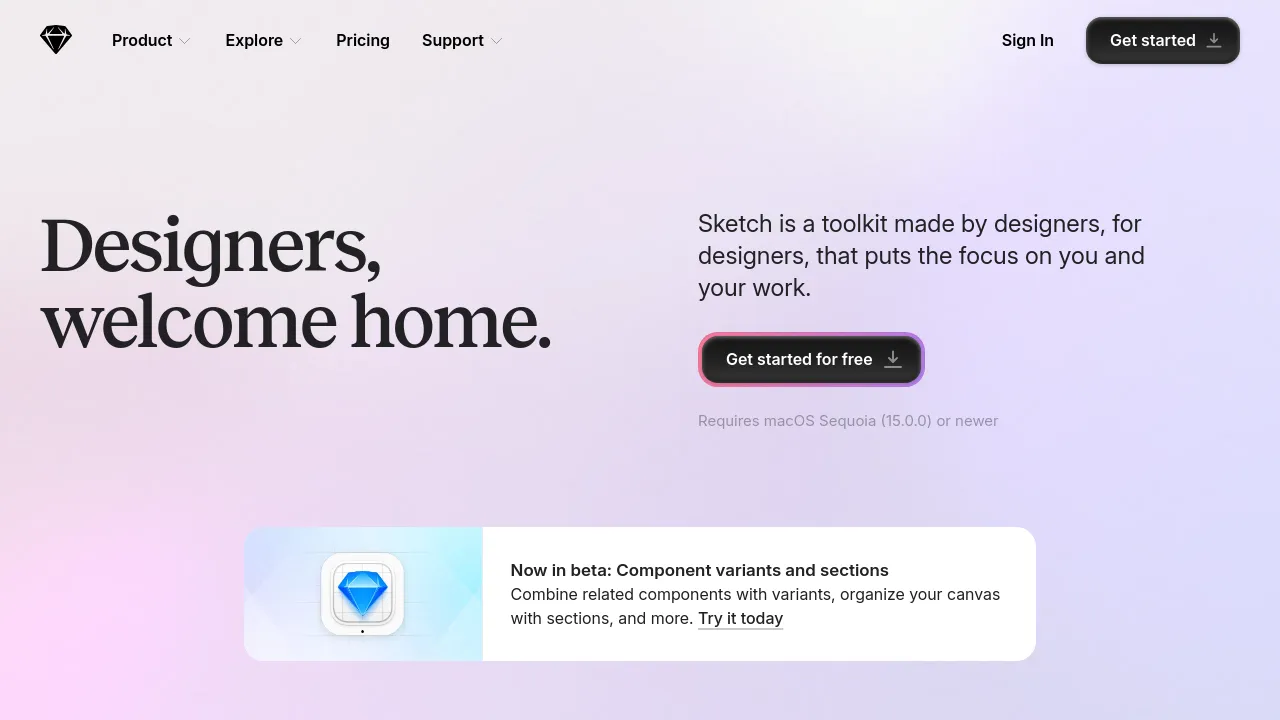
Sketch is a design toolkit for macOS that covers interface design, prototyping, collaboration, and developer handoff. It runs as a native Mac app — the site notes it requires macOS Sequoia (15.0.0) or newer — and you can get started for free from the downloads page.
The company describes itself as independent and designer-focused, and the app reflects that in a few concrete ways. Documents work locally, so you can disconnect and design offline without compromises. When you do want to collaborate, Sketch supports real-time co-editing, a shared Workspace for team files, libraries, and drafts, and pinned comments with threaded replies you can resolve when done. Guest editors who already pay for Sketch can be invited at no extra cost.
On the design side, Sketch offers a vector editor aimed at everything from icons to full app screens, along with stack layouts and nestable frames for flexible layouts. There are hundreds of free templates, frame presets, and component Libraries to start from. Prototyping is built in: the site claims a working prototype takes fewer than ten clicks, with Smart Animate for motion, Overlays for modals and menus, and interactions beyond tapping, including hover, press, drag, and swipe. Prototypes can be tested in any web browser or on an iPhone or iPad.
A newer addition is AI integration via MCP. You can connect Claude, Cursor, or any MCP client to your designs — pointing an AI client at a frame to build it out in code with, per the site, 1:1 visual fidelity. Handoff tools for developers, including file inspection, asset downloads, and design token exports, are free. Sharing supports full documents or password-protected Previews of specific pages and prototypes.
Best for
- Mac-based product and UI designers who want a native app that works offline
- Teams that need real-time co-editing, shared libraries, and a central Workspace
- Designers building interactive prototypes with animations, overlays, and multi-touch gestures
- Developers who need free tools to inspect files, grab assets, and export design tokens
- Teams exploring AI-assisted workflows through MCP clients like Claude or Cursor
- Independent designers who want private work with the option to collaborate later
Frequently asked questions
What platforms does Sketch run on?
Sketch is a Mac app. The site states it requires macOS Sequoia (15.0.0) or newer.
Is Sketch free?
You can get started for free via the Mac download. The homepage doesn't list specific paid plan prices, so check sketch.com for current pricing details.
Can I use Sketch offline?
Yes. Sketch works locally without an internet connection, and you can reconnect to collaborate when you're back online.
How does the AI integration work?
Sketch supports MCP, so you can connect clients like Claude or Cursor to your designs — for example, pointing an AI client at a frame to generate code from it.
Can developers use Sketch for free?
Yes. Developer handoff tools — inspecting files, downloading assets, and exporting tokens — are free, and guest editors who already pay for Sketch cost you nothing extra.
Can I test prototypes on real devices?
Yes. Prototypes can be run in any web browser or on an iPhone or iPad.
Alternatives
- Canva — a browser-based design platform better suited to quick social graphics, presentations, and print materials than deep interface work.
- Jitter — pick it if your main goal is animated content and motion graphics for interfaces rather than full UI design.
- BrandBird — a lighter option for turning screenshots into polished graphics for social media and landing pages.
- Shots — use it if you're crafting presentation-style visual content for social media and websites instead of app interfaces.

Similar to Sketch
New tools, once a week.
One weekly email with curated tools and founder insights. Unsubscribe anytime. Check our privacy policy.